
Shader Pack // by ara_mat
Vanilletix Shaders
A community-focused rework of Super Duper Vanilla that balances professional cinematic effects with high performance for survival players
- Latest
- Minecraft 1.21.11
- Updated
- May 11, 2026
- Style
- Cinematic
Overview
Vanilletix Shaders is a community-driven project designed to refine the visual identity of Minecraft without abandoning its blocky heritage. Built as a direct expansion of the foundational vanilla">Super Duper Vanilla project by Eldeston, this rework by developer ara_mat focuses on modernizing the rendering pipeline while maintaining a lightweight footprint. It bridges the gap between the default game and high-end cinematic shaders, offering a more polished aesthetic that feels right at home in a standard survival world. Since its inception, the pack has grown into a versatile tool for players who want a graphical upgrade that respects the original color palette and vibe of the Java Edition.
Lighting and Color Preservation in Vanilletix Shaders
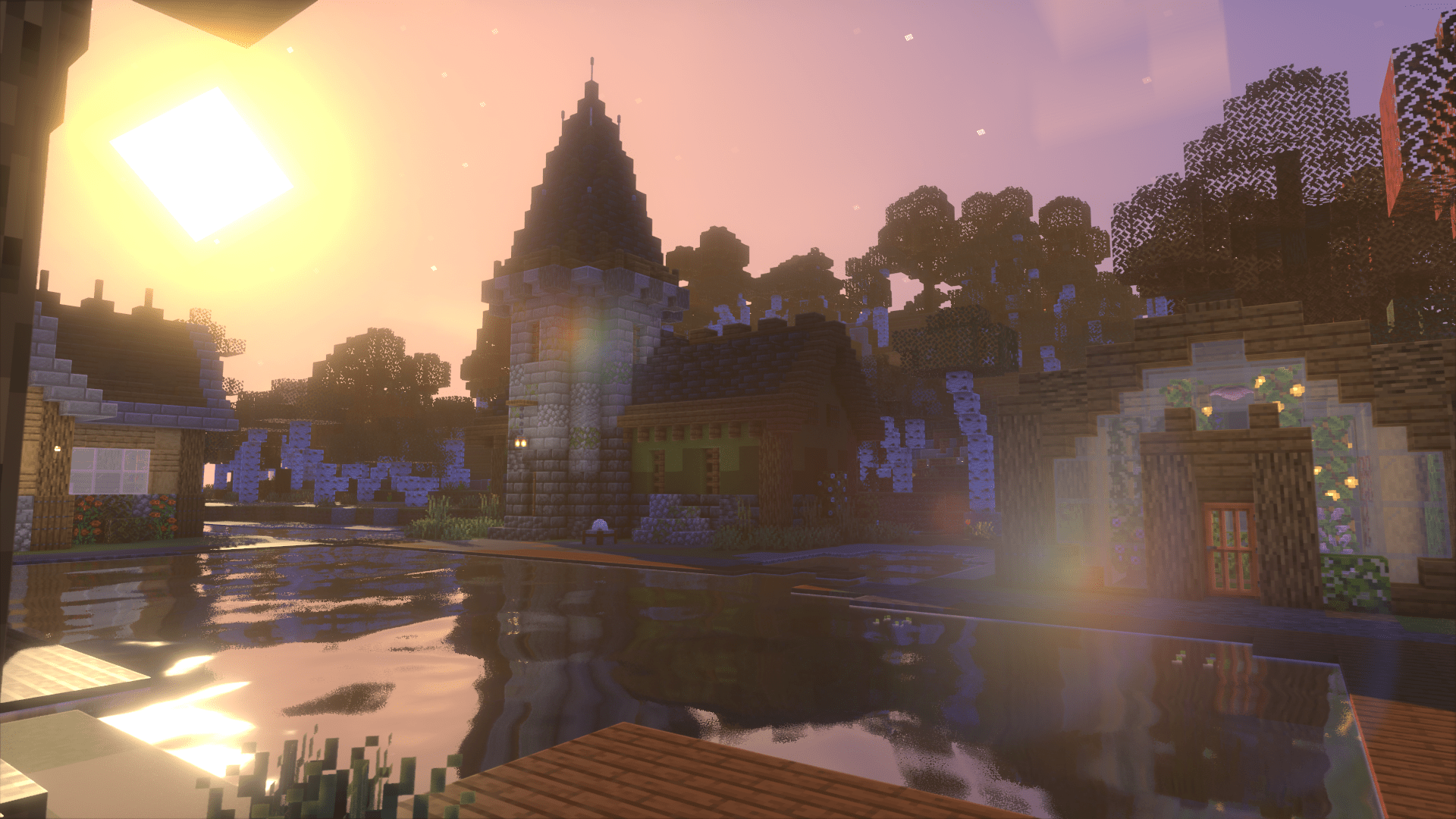
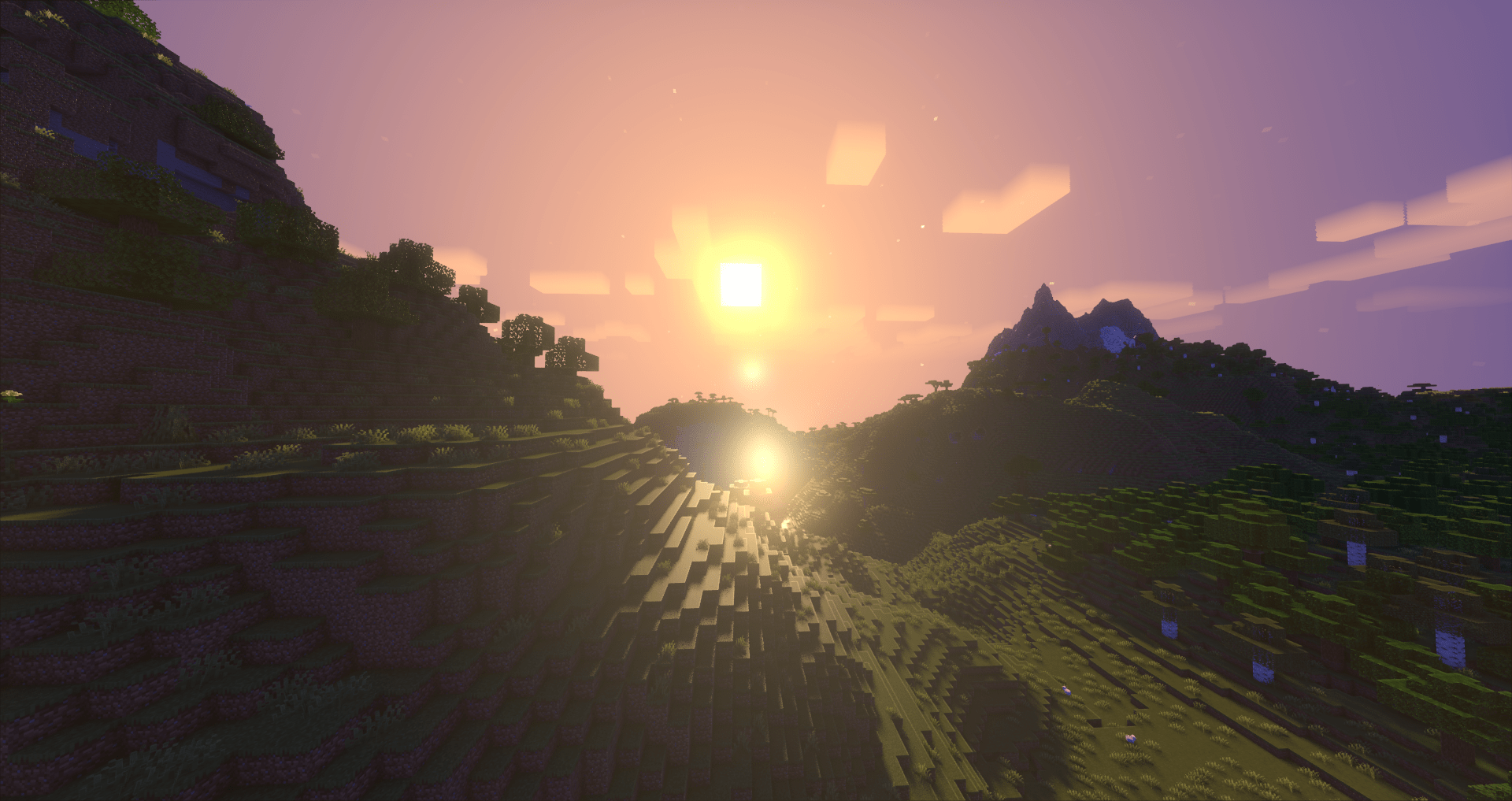
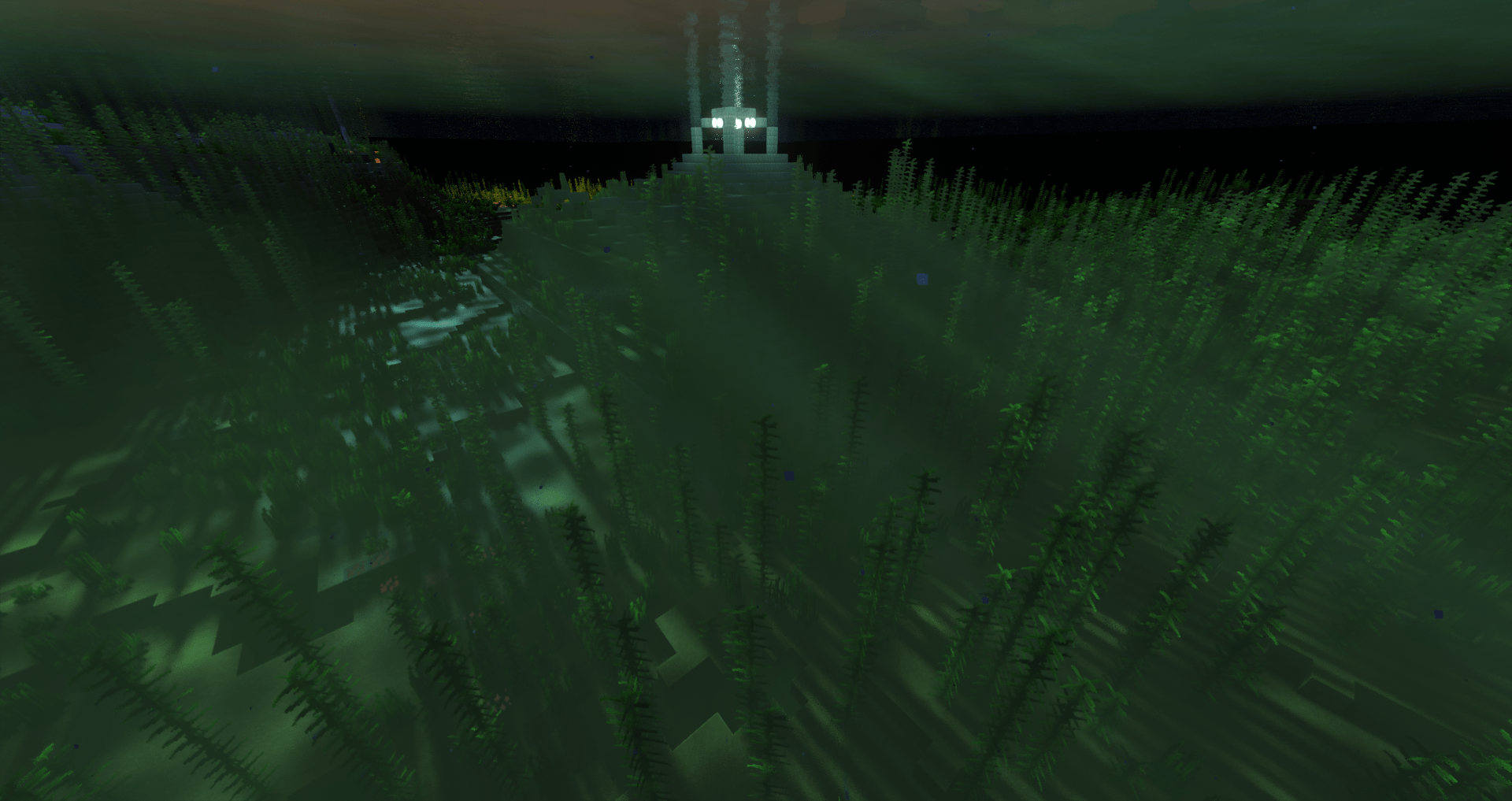
The most striking aspect of Vanilletix Shaders is how it handles light without oversaturating the world. Unlike many shader packs that apply a heavy yellow or blue tint to the atmosphere, this pack keeps the native colors of your favorite biomes intact. The shadows are soft and realistic, reacting dynamically to the time of day, yet they never become so dark that they hinder visibility during building or cave exploration. This balance makes it highly practical for long-term survival gameplay where clarity is just as important as beauty. Bloom effects are subtle, providing a gentle glow to emissive blocks like glowstone and sea lanterns without washing out the surrounding textures.
Technical Optimization and Customization Features
Under the hood, Vanilletix Shaders introduces significant flexibility over its predecessor. The configuration menu is remarkably detailed, allowing users to toggle specific features like volumetric fog, waving foliage, and water reflections to suit their hardware. It performs exceptionally well across a wide range of systems, making it a reliable choice for mid-range PCs or even laptops that might struggle with more intensive ray-tracing alternatives. The water rendering is another standout, featuring clean transparency and delicate ripples that feel significantly more advanced than the default textures while staying grounded in the vanilla art style.
Broad Compatibility for Modern Minecraft Versions
Compatibility remains a core priority for this project, with robust support for both Iris and OptiFine across a vast range of game versions from 1.13 up to the latest releases. This makes it an excellent choice for players who frequently switch between different modpacks or legacy technical servers. Because it builds upon a proven codebase, it avoids many of the visual artifacts and flickering common in more experimental projects. For those who want the look of the legendary cancelled Super Duper Graphics Pack but with the performance and tweaks of a community-run project, this pack delivers a consistent and refined experience that enhances every block without changing the soul of the game.
Installation
Install Vanilletix Shaders as a cinematic shader pack for Minecraft 1.21.11 using Iris or Optifine.
- 01Install Iris or Optifine for Minecraft 1.21.11 and launch the game once.
- 02Download the ZIP that matches Minecraft 1.21.11 from the versions below.
- 03In Minecraft go to Options → Video Settings → Shader Packs → Open Shaders Folder.
- 04Drop the .zip inside without extracting, click Vanilletix Shaders in the list, then press Done.
Downloads
All versions of Vanilletix Shaders