Shader Pack // by RRe36
Vanilla Plus Shader
A faithful enhancement that brings modern lighting and soft shadows to the classic Minecraft look
- Latest
- Minecraft 1.21.4
- Updated
- Feb 28, 2025
- Style
- Semi-Realistic
Overview
Vanilla Plus Shader is a sophisticated visual enhancement designed by RRe36 to bridge the gap between Mojang's original art style and the capabilities of modern rendering techniques. Unlike heavy cinematic packs that overhaul every texture beyond recognition, this project maintains the blocky charm of the base game while introducing professional-grade lighting and depth. It functions as a lightweight polish that feels like a natural evolution of the standard game engine, making it an excellent choice for players who enjoy survival gameplay without the visual clutter often found in high-end Minecraft shaders.
Technical Fidelity and Visual Design
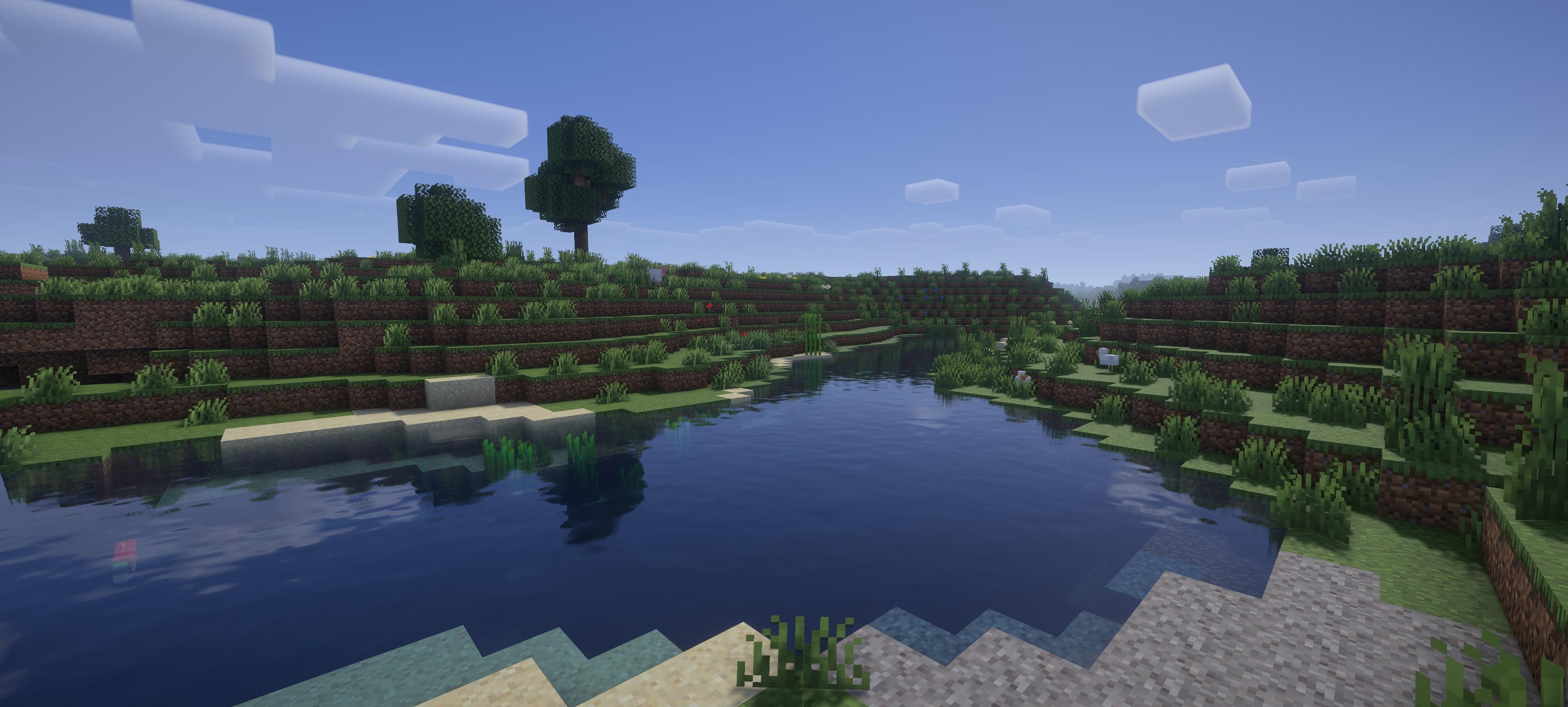
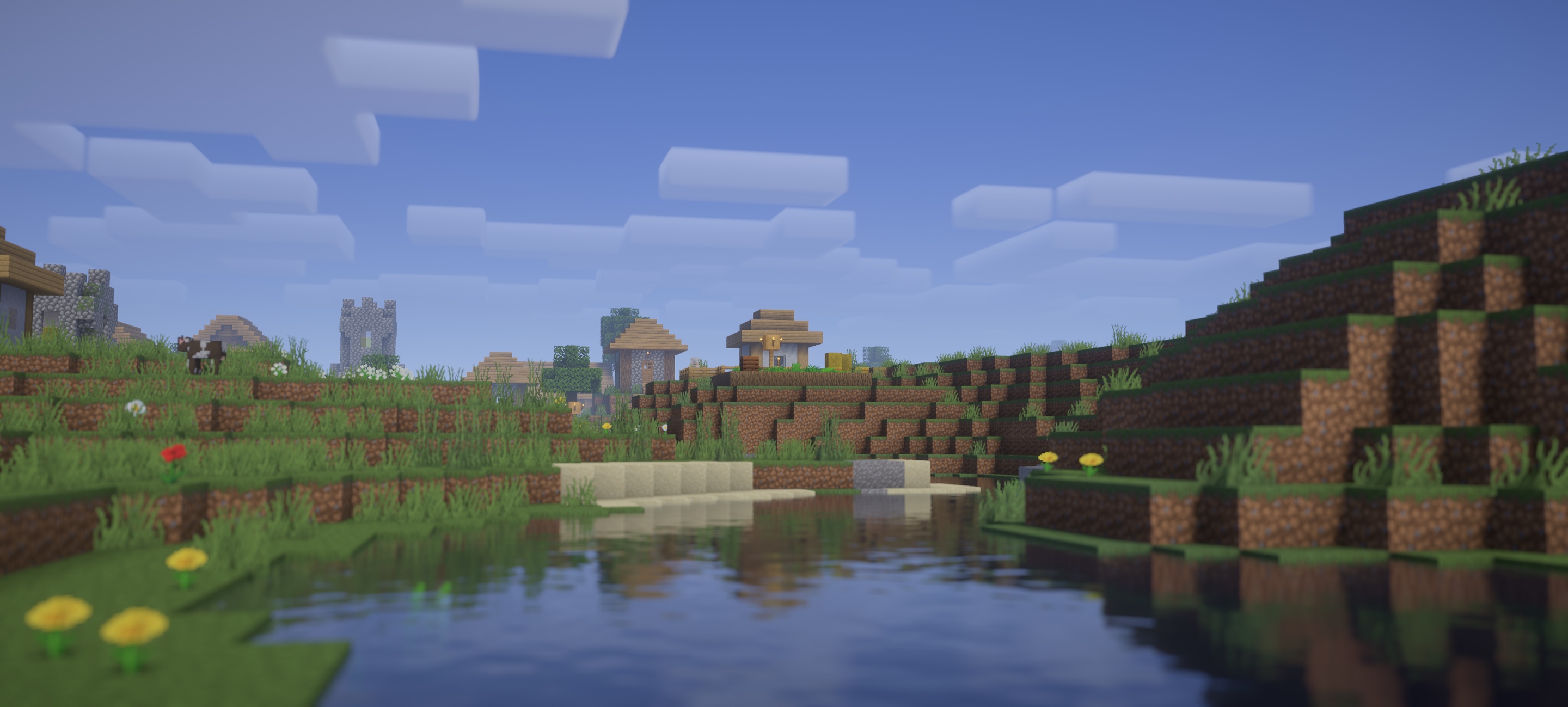
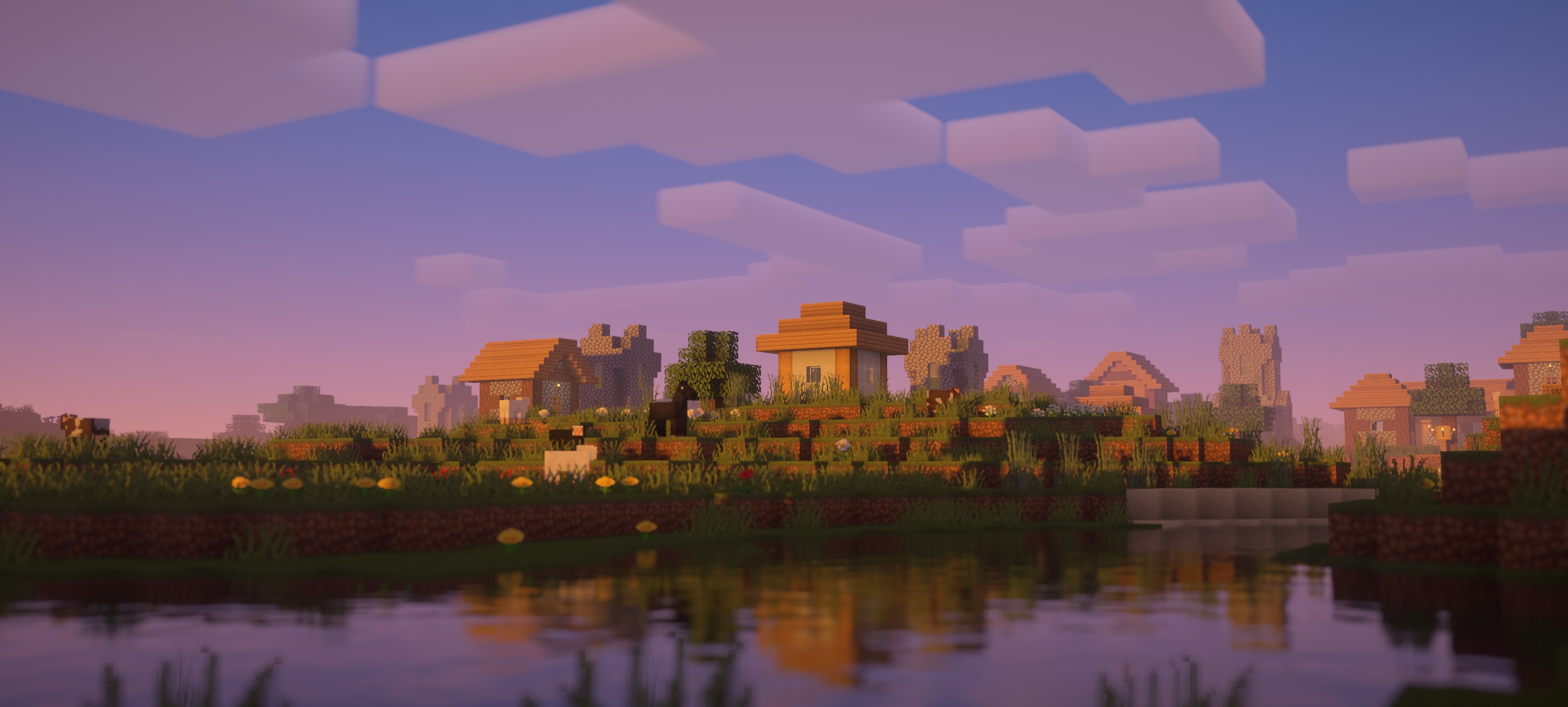
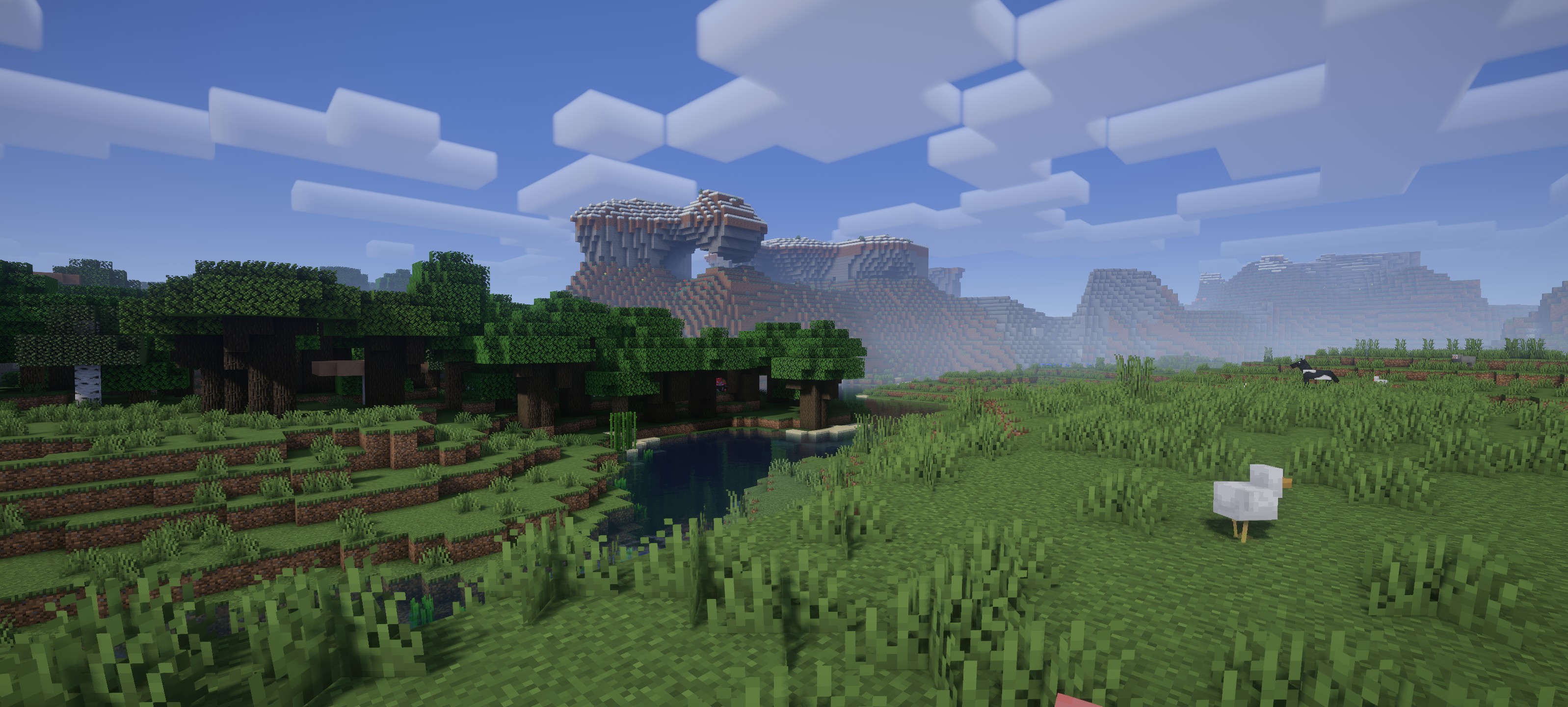
The most striking aspect of this project is its commitment to legacy aesthetics through a modern lens. It features dynamic soft shadows that react naturally to the sun's position, providing a sense of grounding to the terrain that the default engine lacks. The clouds are particularly noteworthy as they retain a volumetric, pixelated appearance that respects the game's geometry, yet they benefit from improved shading and light scattering. For those who prefer a specific look, the inclusion of various color profiles allows players to emulate the feel of older, legacy semi-realistic shaders that may no longer function correctly on current game versions.
Water rendering is handled with similar care, offering screenspace reflections and godrays that add life to oceans and rivers without breaking the established color palette. The technical implementation includes Temporal Anti-Aliasing (TAA) to eliminate shimmering edges, alongside support for the labPBR standard, which allows resource packs with height maps and metallic properties to shine during exploration. Optional lens effects like depth of field and subtle vignetting are available for those who want a bit more flair for screenshots.
From a performance perspective, it is built to be efficient. Because it leverages OpenGL 4.3 features, it runs exceptionally well on mid-range hardware and is fully compatible with both Iris and OptiFine. It avoids the heavy performance taxation of path-tracing while still providing essential features like ambient occlusion and dynamic colors. This makes it a reliable daily-driver for general play, offering a consistent frame rate across various biomes and structures. For builders and technical players who want clarity alongside beauty, it strikes a rare balance that few other packs achieve.
Installation
Install Vanilla Plus Shader as a semi-realistic shader pack for Minecraft 1.21.4 using Iris or Optifine.
- 01Install Iris or Optifine for Minecraft 1.21.4 and launch the game once.
- 02Download the ZIP that matches Minecraft 1.21.4 from the versions below.
- 03In Minecraft go to Options → Video Settings → Shader Packs → Open Shaders Folder.
- 04Drop the .zip inside without extracting, click Vanilla Plus Shader in the list, then press Done.
Downloads
All versions of Vanilla Plus Shader