Shader Pack // by timetravelbeard
Just Colored Lighting
Performance-tuned colored lighting and dynamic glow for builds and low-end hardware
- Latest
- Minecraft 26.1.2
- Updated
- Jun 3, 2026
- Loader
- Iris
- Style
- Vanilla-like
Overview
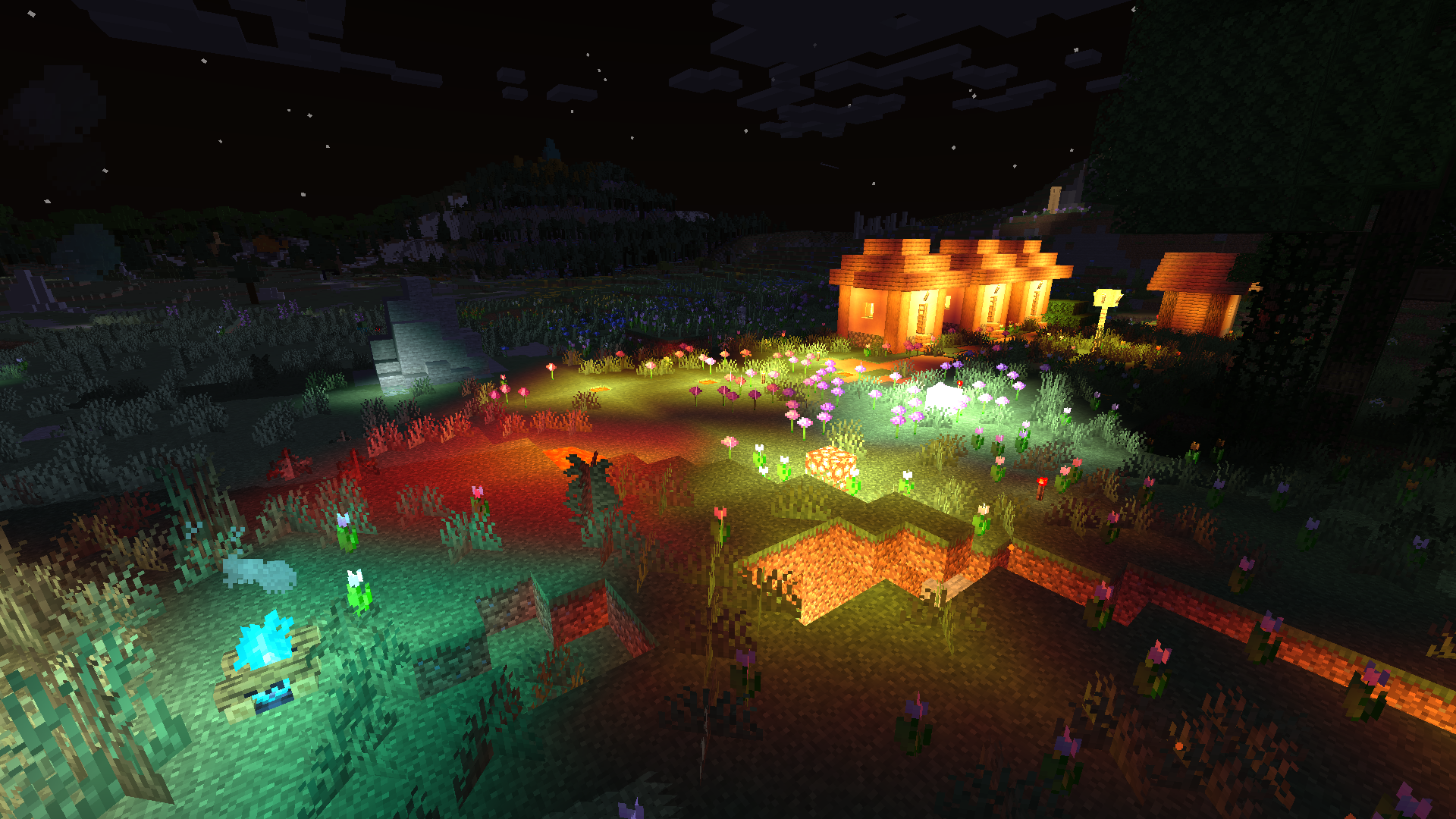
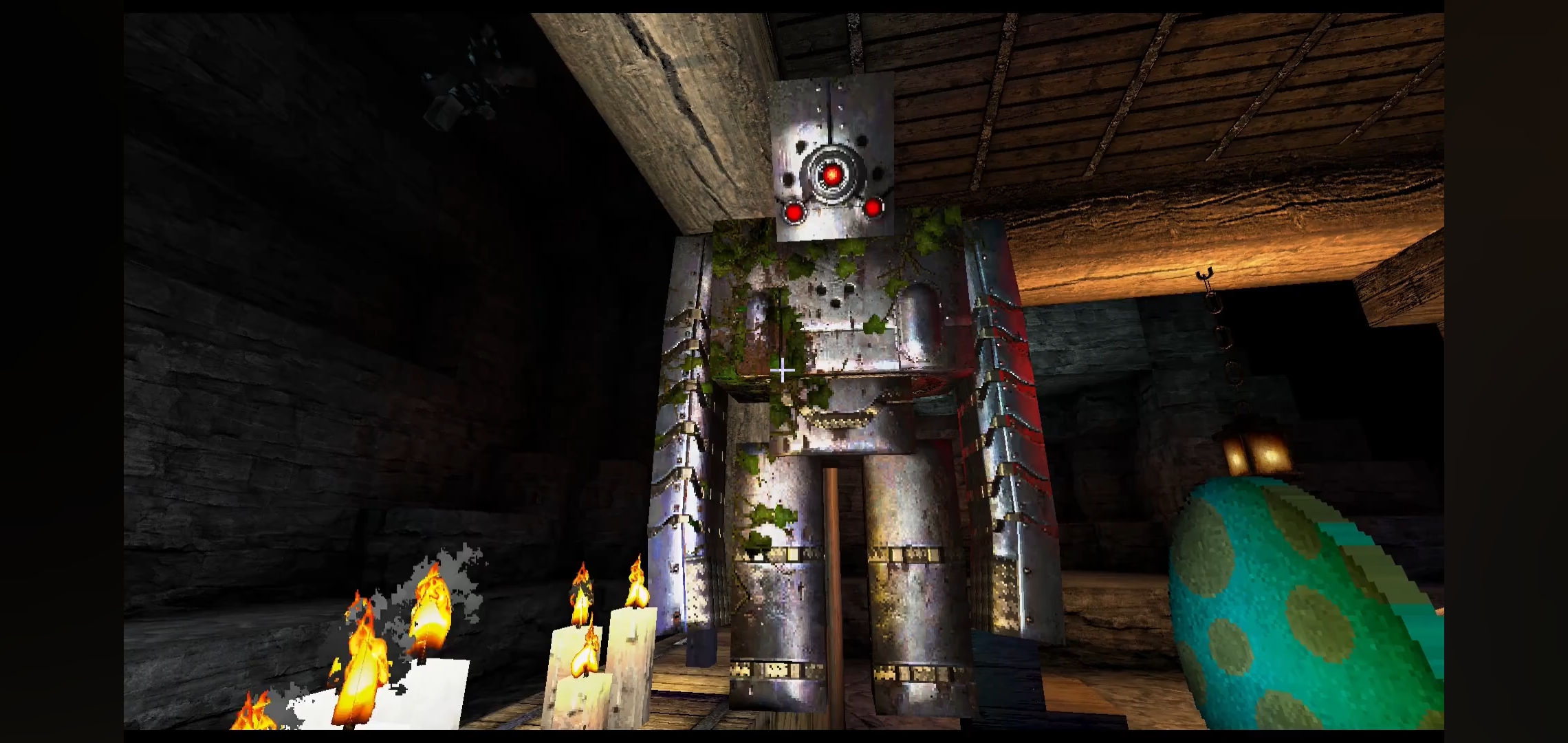
Just Colored Lighting offers one of the most efficient ways to overhaul the lighting engine of Minecraft without sacrificing the high framerates required for smooth gameplay. Developer timetravelbeard focuses on a specific void in the shader community: providing high-end features like dynamic lights and colored illumination for users with potato computers. While many shader packs prioritize heavy post-processing that taxes the GPU, this project strips away the unnecessary weight to focus on how light interacting with colored blocks can fundamentally change the mood of a build.
Performance Optimization and Potato Computer Compatibility
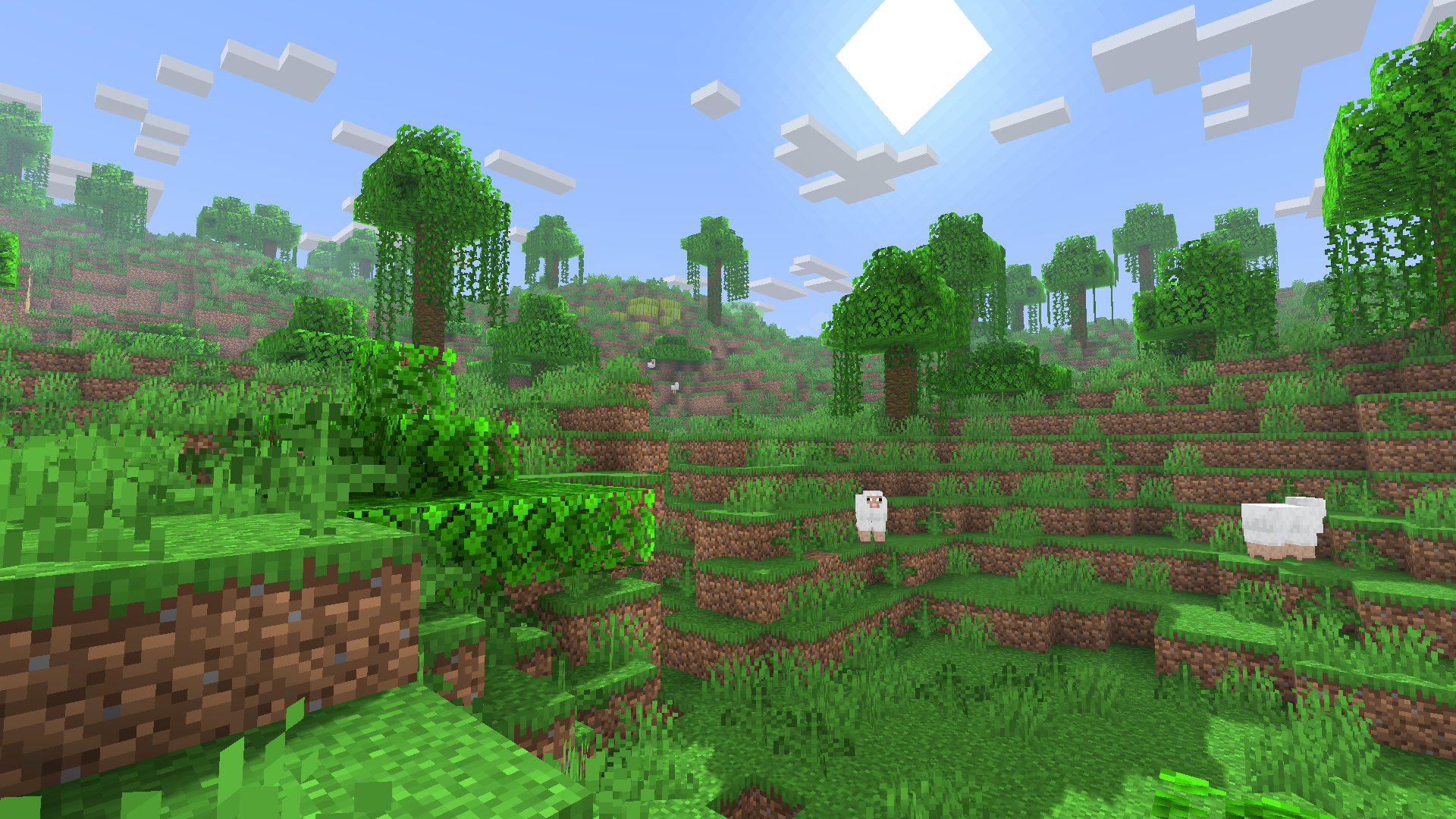
The most striking technical achievement of Just Colored Lighting is how it manages to implement a lightweight Global Illumination solution with virtually no impact on frames per second. It is built to run on hardware that typically struggles with modern renderers, offering a viable alternative for players who want a more modern aesthetic on integrated graphics or older laptops. By keeping the core code extremely fast, the shader allows for the inclusion of optional shadows and texture upscaling without the massive performance dip usually associated with these effects. It even bridges the gap for enthusiasts using technical mods like Voxy or Distant Horizons, ensuring that the enhanced render distance doesn't clash with the lighting model.
Advanced PBR Support and Neon Concrete Styling
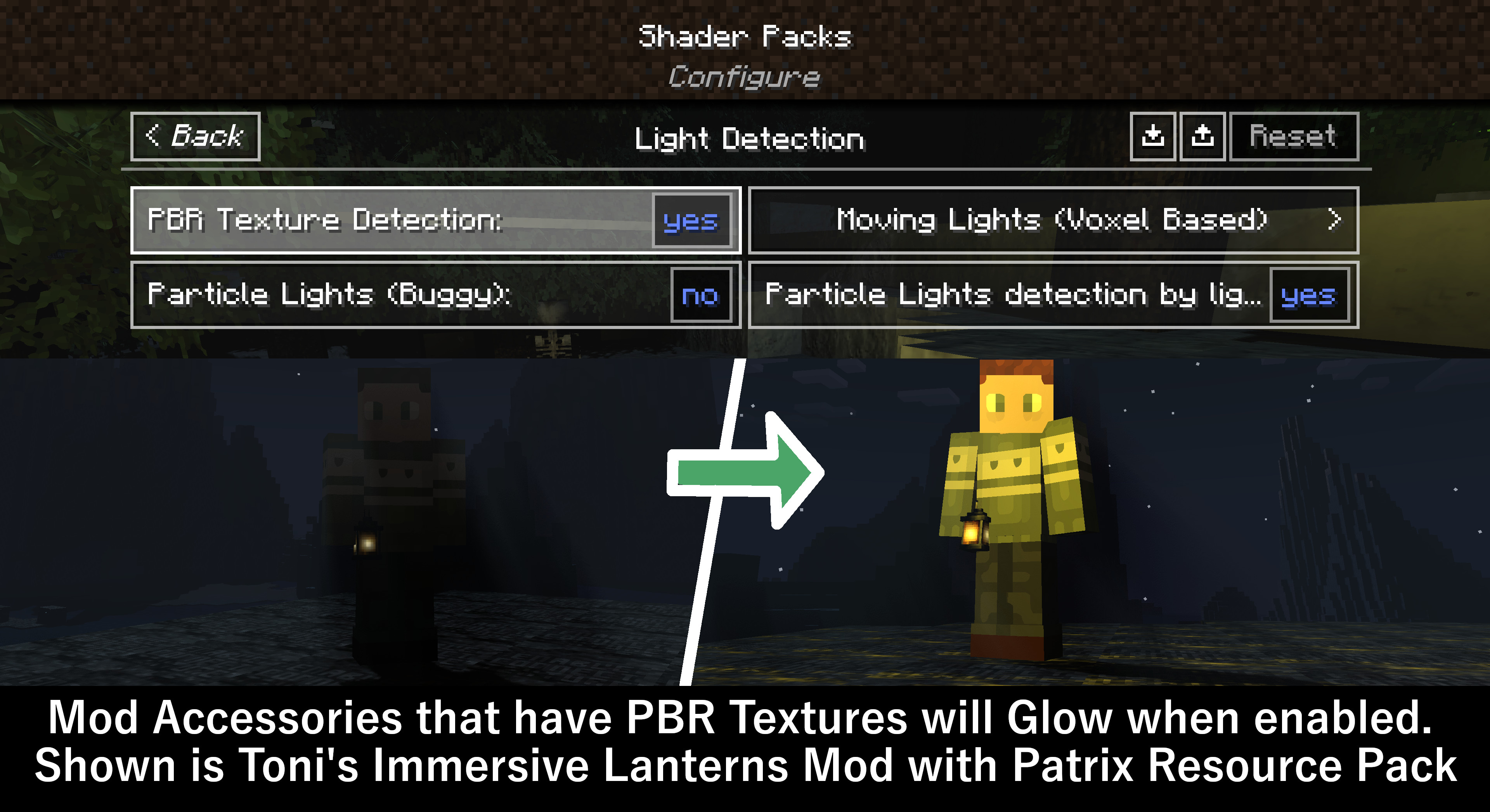
Even though it targets low-end systems, the shader does not cut corners on material depth. It features robust PBR support, allowing blocks to exhibit realistic reflectivity and light emission based on their texture data. Builders will particularly appreciate the optional setting that transforms concrete into actual light sources, creating vibrant neon environments perfect for cinematic shaders enthusiasts who want to record urban or futuristic maps. This emission functionality extends to modded blocks as well, as the shader is designed to automatically detect and apply colored light to any light-source block from external mods. If a specific modded light does not glow as intended, the developer has shown a commitment to adding support through community feedback.
Versatility Across Minecraft Versions
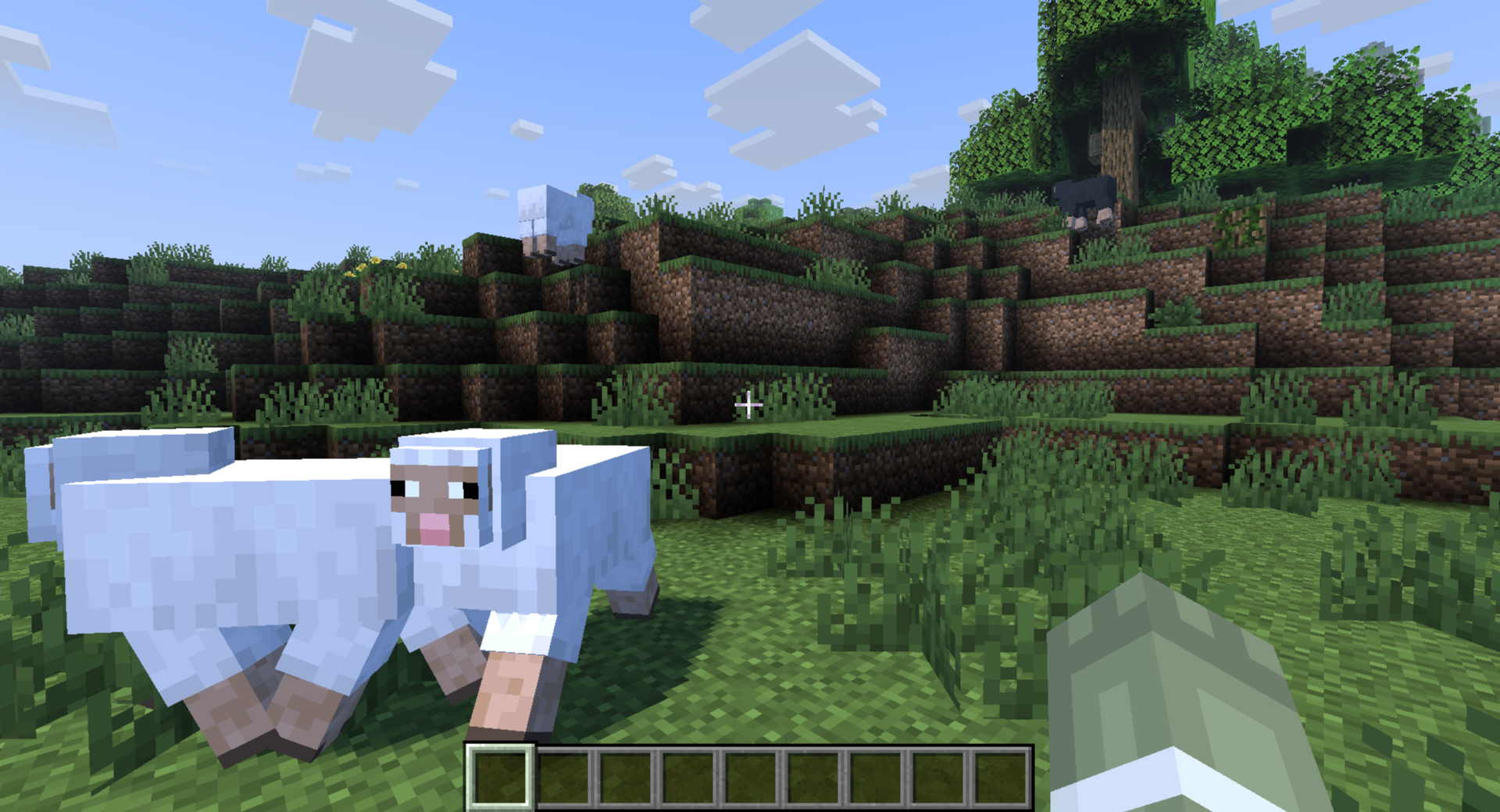
Designed primarily for the Iris loader, Just Colored Lighting feels right at home in modern survival or creative sessions. It manages to balance the utility of dynamic lights which illuminate the surroundings when holding a torch with the aesthetic beauty of colored light filtering through a room. While tested extensively on current versions, its lightweight nature suggests high compatibility with older iterations of the game too. For players who value visibility and performance but are tired of the flat, monochromatic lighting of vanilla Minecraft, this shader provides a sophisticated, colorful upgrade that stays incredibly fast.
Installation
Install Just Colored Lighting as a vanilla-like shader pack for Minecraft 26.1.2 using Iris.
- 01Install Iris for Minecraft 26.1.2 and launch the game once.
- 02Download the ZIP that matches Minecraft 26.1.2 from the versions below.
- 03In Minecraft go to Options → Video Settings → Shader Packs → Open Shaders Folder.
- 04Drop the .zip inside without extracting, click Just Colored Lighting in the list, then press Done.
Downloads
All versions of Just Colored Lighting