Shader Pack // by NoComment1105
YoFPS
A performance-focused Chocapic13 edit designed for high visibility and smooth gameplay on modern Minecraft versions
- Latest
- Minecraft 1.19.3
- Updated
- Dec 15, 2022
- Style
- Vanilla-like
Overview
Modern Optimization and Chocapic13 Foundations
YoFPS is a specialized edit of the classic Chocapic13 engine that prioritizes a high-performance profile without sacrificing the core aesthetic of high-quality lighting. Originally developed by MLGImposter and currently maintained by NoComment, this pack fills a specific niche for players who need an agile solution for modern versions of the game. It functions as a lightweight alternative to more demanding Minecraft shaders by stripping back computational overhead while retaining the crisp, vibrant look that Chocapic-based edits are known for.
Visual Profile and Lighting Dynamics in YoFPS
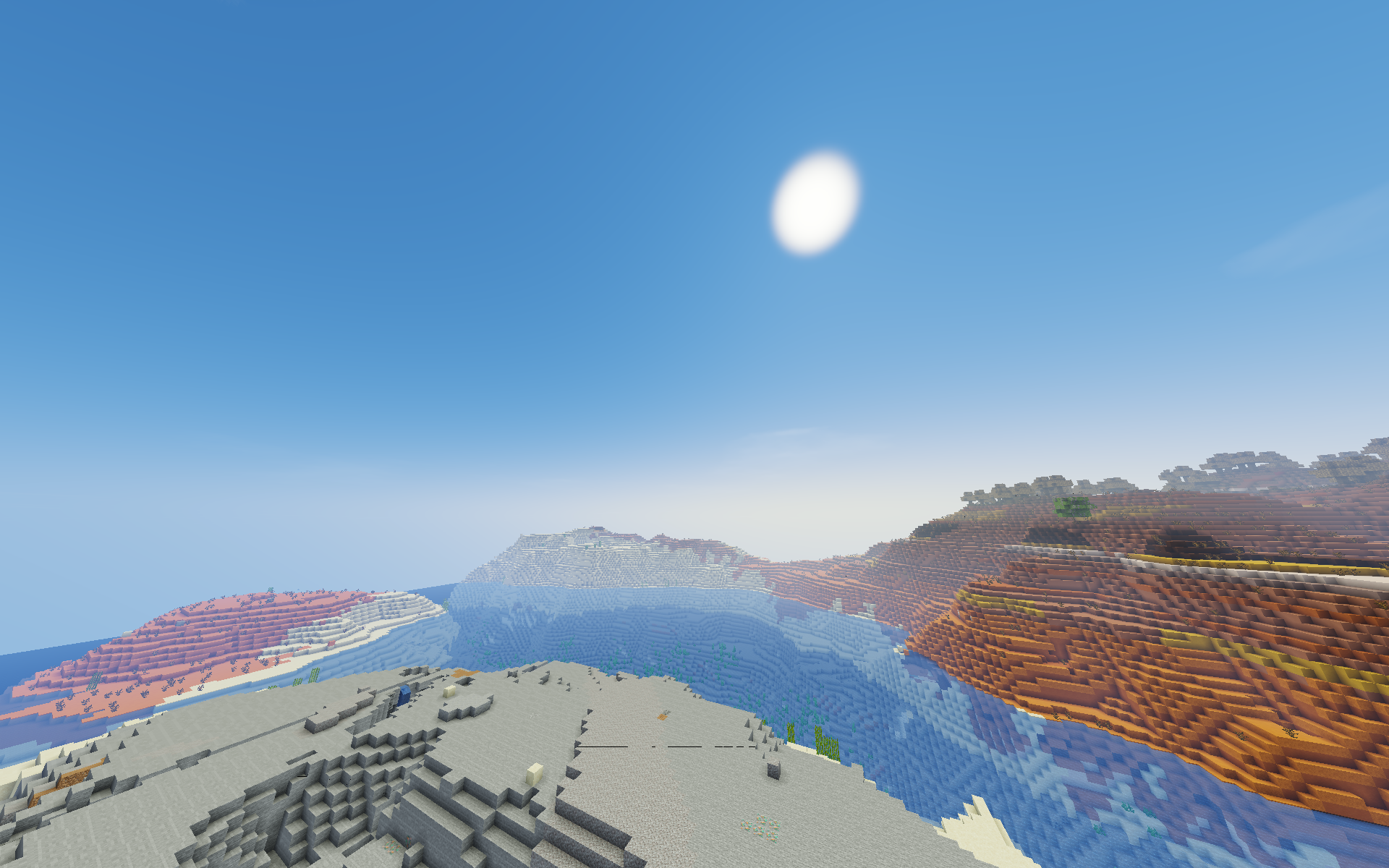
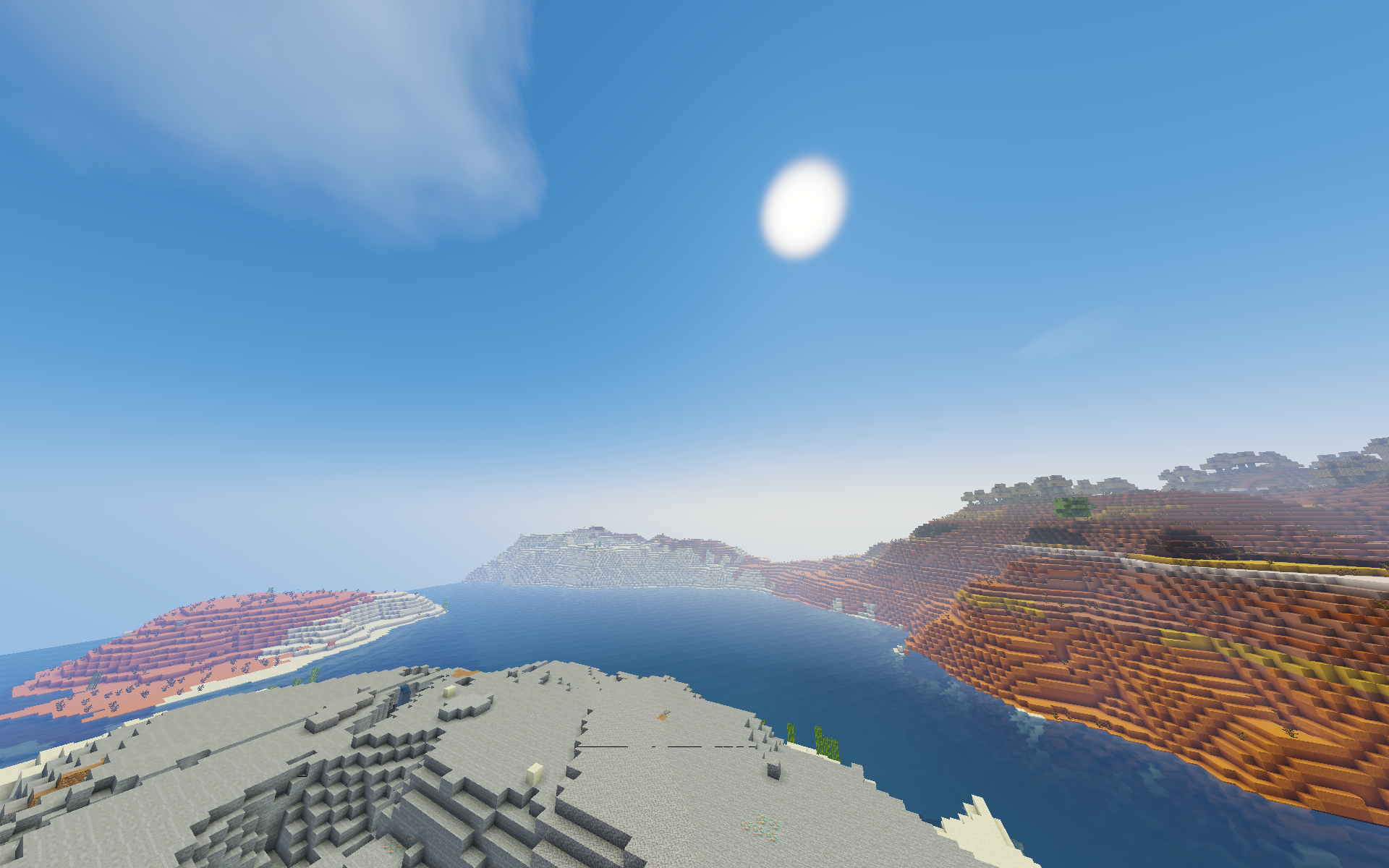
The visual identity of the pack leans heavily into clarity and high visibility, making it a favorite for those who prefer vanilla-like shaders that simply enhance the existing world. You will notice that the lighting is significantly warmer and more dynamic than the base game, yet it avoids the heavy blooming effects that often obscure the horizon or make building difficult. The shadow mapping is surprisingly sharp for a performance-focused pack, providing enough depth to give structures a sense of weight without causing the massive frame rate drops seen in higher-tier cinematic packs.
Performance Engineering and Loader Compatibility
Technically, YoFPS is designed to be accessible. Since it is optimized for both Iris and OptiFine, it integrates seamlessly into modern modded environments. The code focuses on reducing the load on the GPU, making it a viable choice for mid-range systems or laptops that usually struggle with volumetric effects. While it may not feature the heavy ray-traced reflections of top-end packs, it handles water transparency and basic reflections with a clean, semi-realistic style. The skybox remains bright and open, which helps maintain high visibility during survival gameplay or competitive building sessions.
Practical Utility for Survival and Building
Because this pack was built with a focus on quality-to-performance ratios, it excels in everyday gameplay scenarios. It avoids the over-saturated colors found in some other edits, opting instead for a balanced palette that makes exploring different biomes feel fresh yet familiar. For players who find packs like Skylec or basic internal shaders too simple but find high-end shaders too taxing, YoFPS offers a middle ground. It maintains a stable frame rate even in entity-heavy areas, proving itself as a reliable choice for long-term survival worlds where consistency and visual fidelity are equally important.
Installation
Install YoFPS as a vanilla-like shader pack for Minecraft 1.19.3 using Iris or Optifine.
- 01Install Iris or Optifine for Minecraft 1.19.3 and launch the game once.
- 02Download the ZIP that matches Minecraft 1.19.3 from the versions below.
- 03In Minecraft go to Options → Video Settings → Shader Packs → Open Shaders Folder.
- 04Drop the .zip inside without extracting, click YoFPS in the list, then press Done.
Downloads
All versions of YoFPS