Shader Pack // by timetravelbeard
Simply Upscaled
A high performance shader pack featuring live texture upscaling and customizable vanilla-plus lighting
- Latest
- Minecraft 1.21.11
- Updated
- Sep 20, 2025
- Style
- Semi-Realistic
Overview
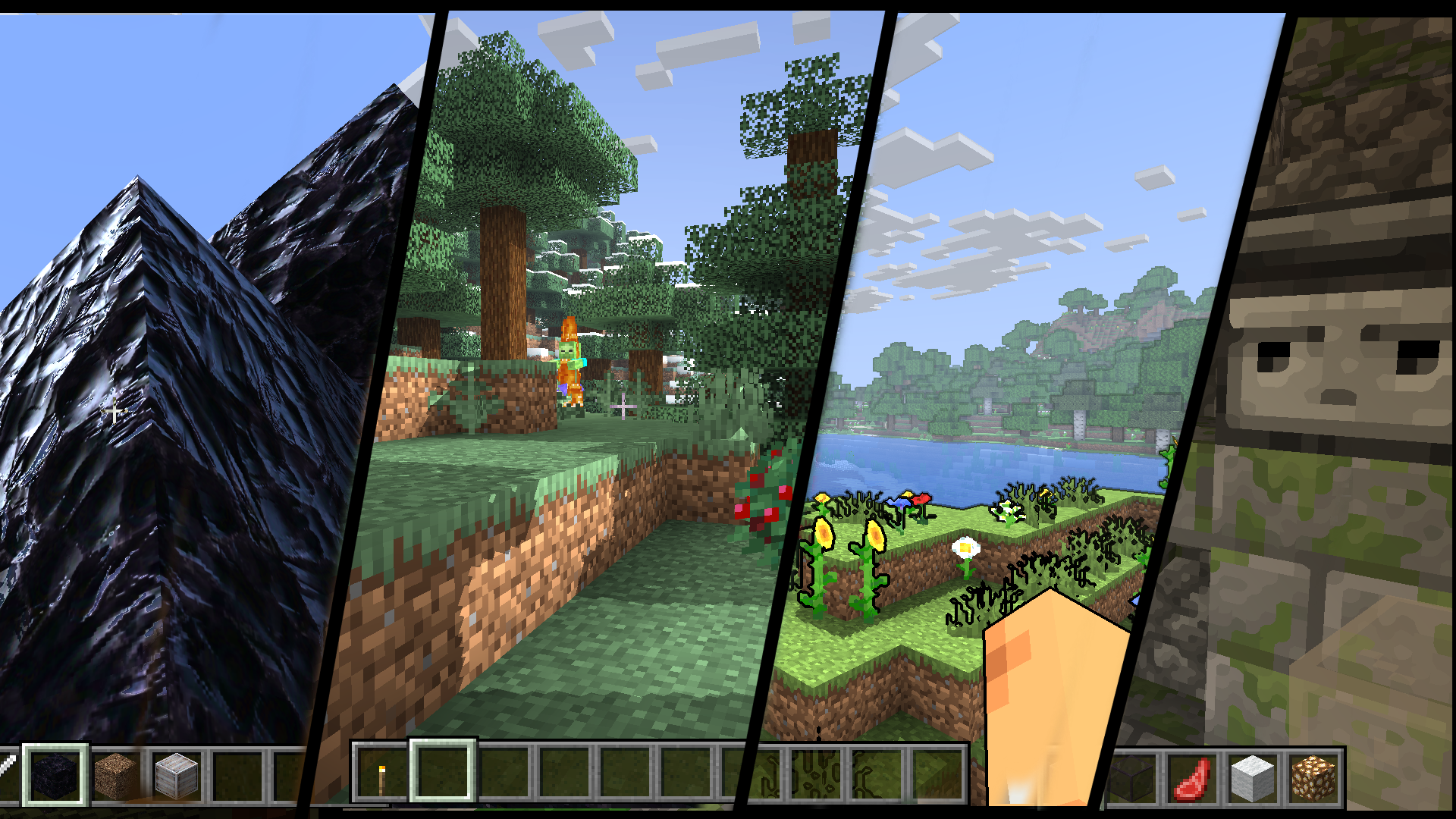
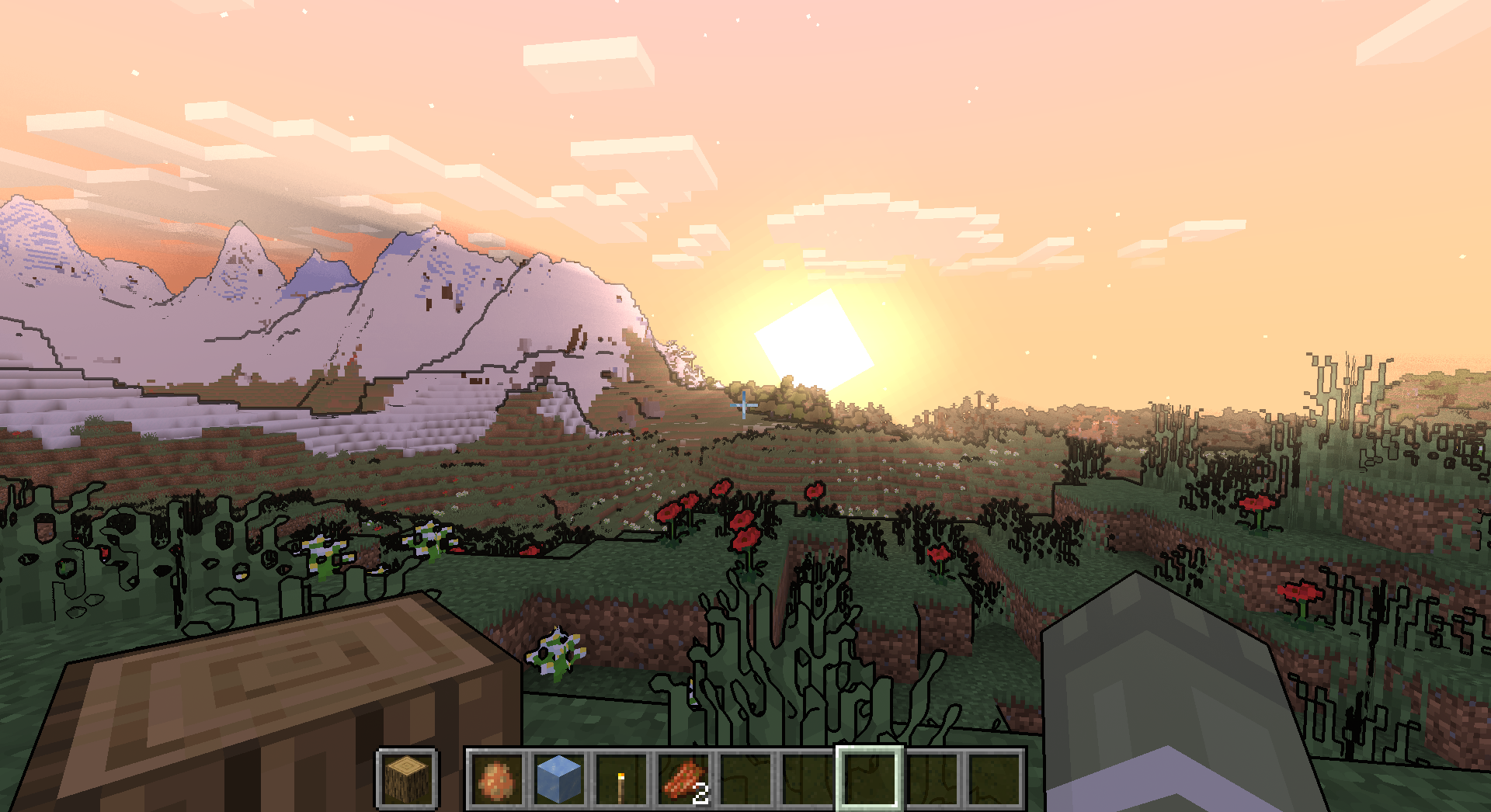
Simply Upscaled is a specialized visual enhancement designed for players who want to preserve the foundational aesthetics of Minecraft while introducing sophisticated texture processing. At its core, the pack focuses on live texture upscaling and filtering, which smooths out the pixelated nature of blocks without obliterating their charm. This approach creates a cleaner and more modern presentation that feels consistent with the game's internal art direction. Unlike many Minecraft shaders that completely overhaul the rendering pipeline to mimic photorealism, this pack prioritizes high-performance stability by refining what is already there.
Real-Time Texture Filtering and Visual Clarity
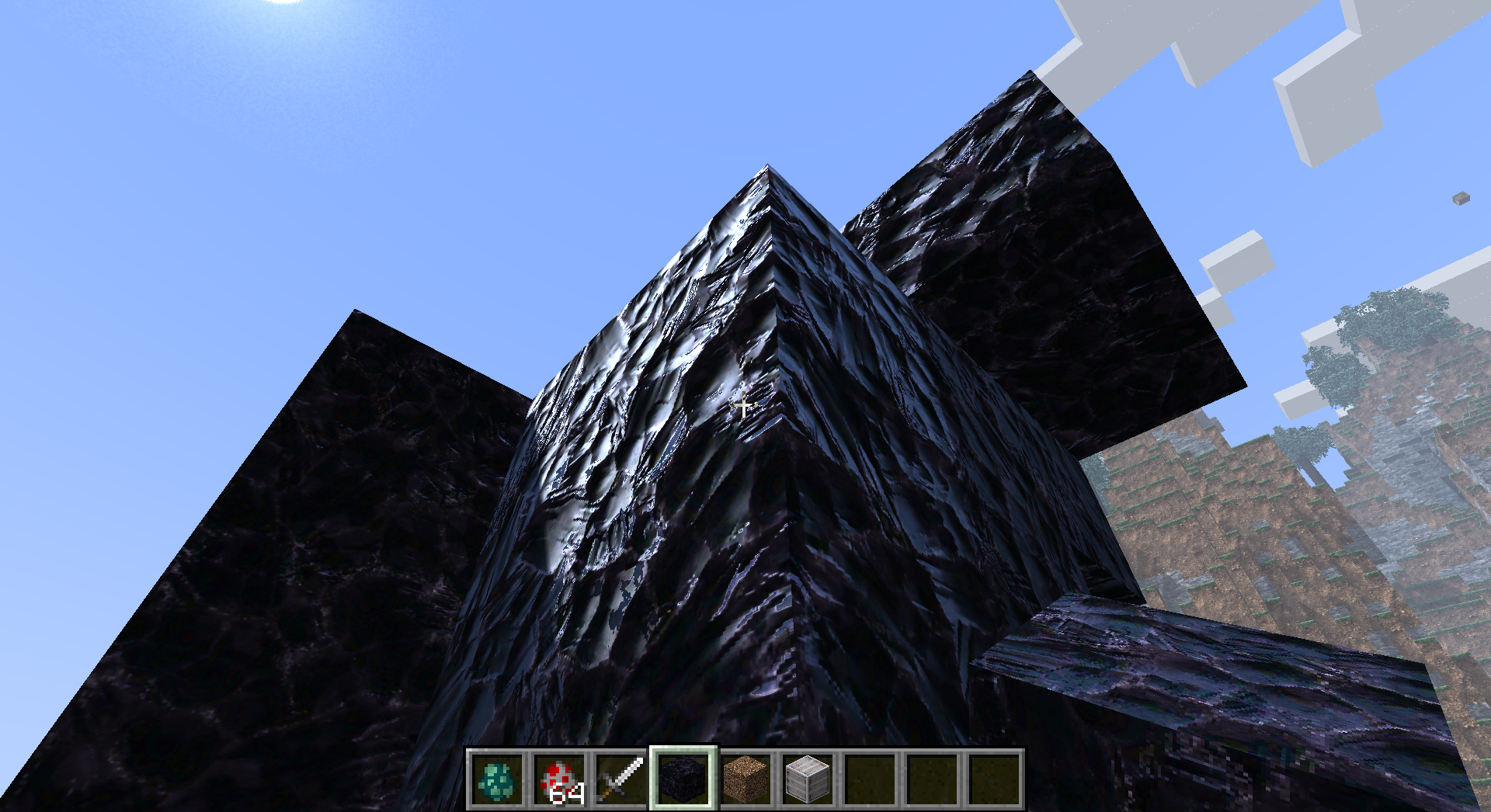
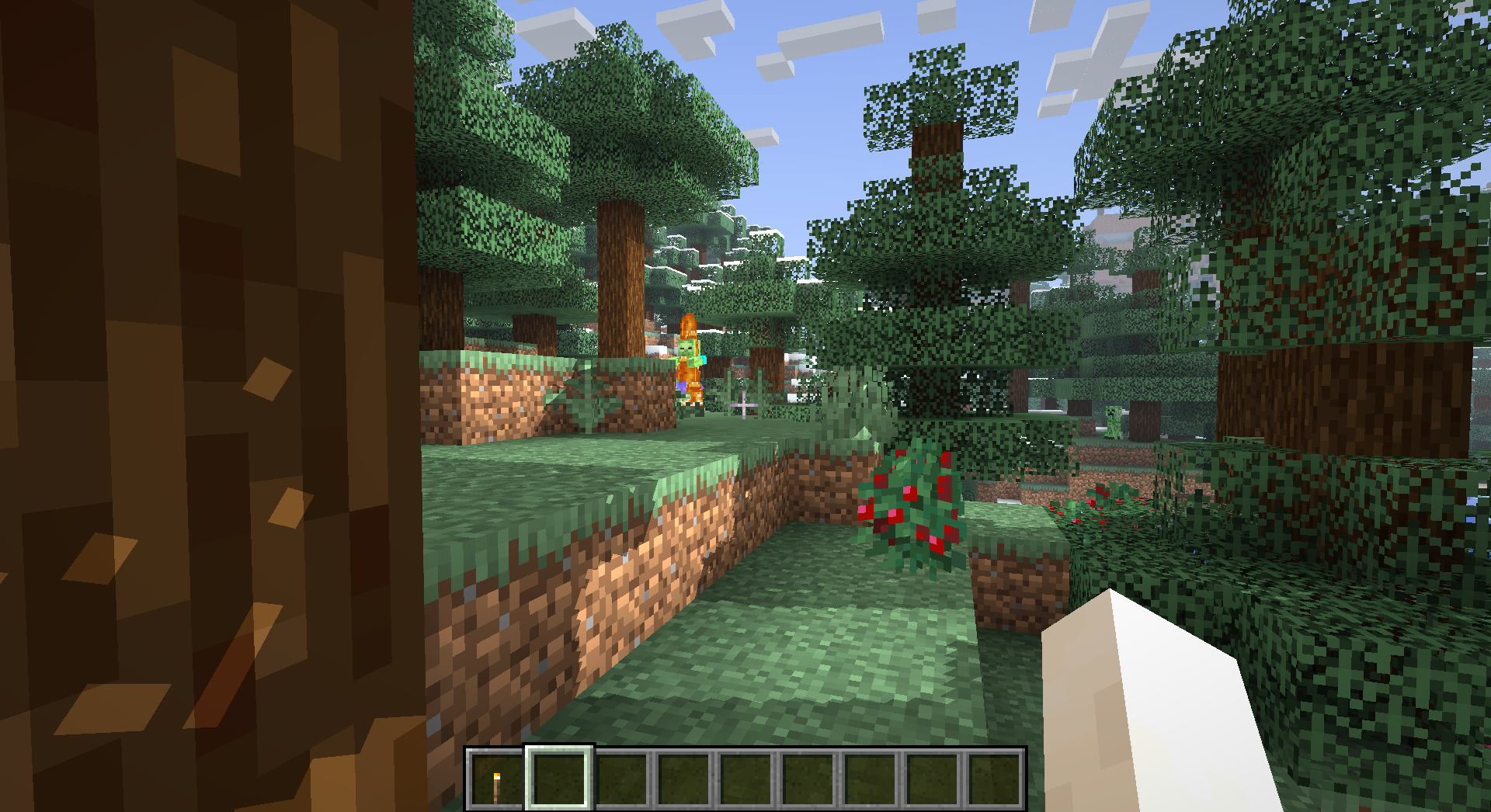
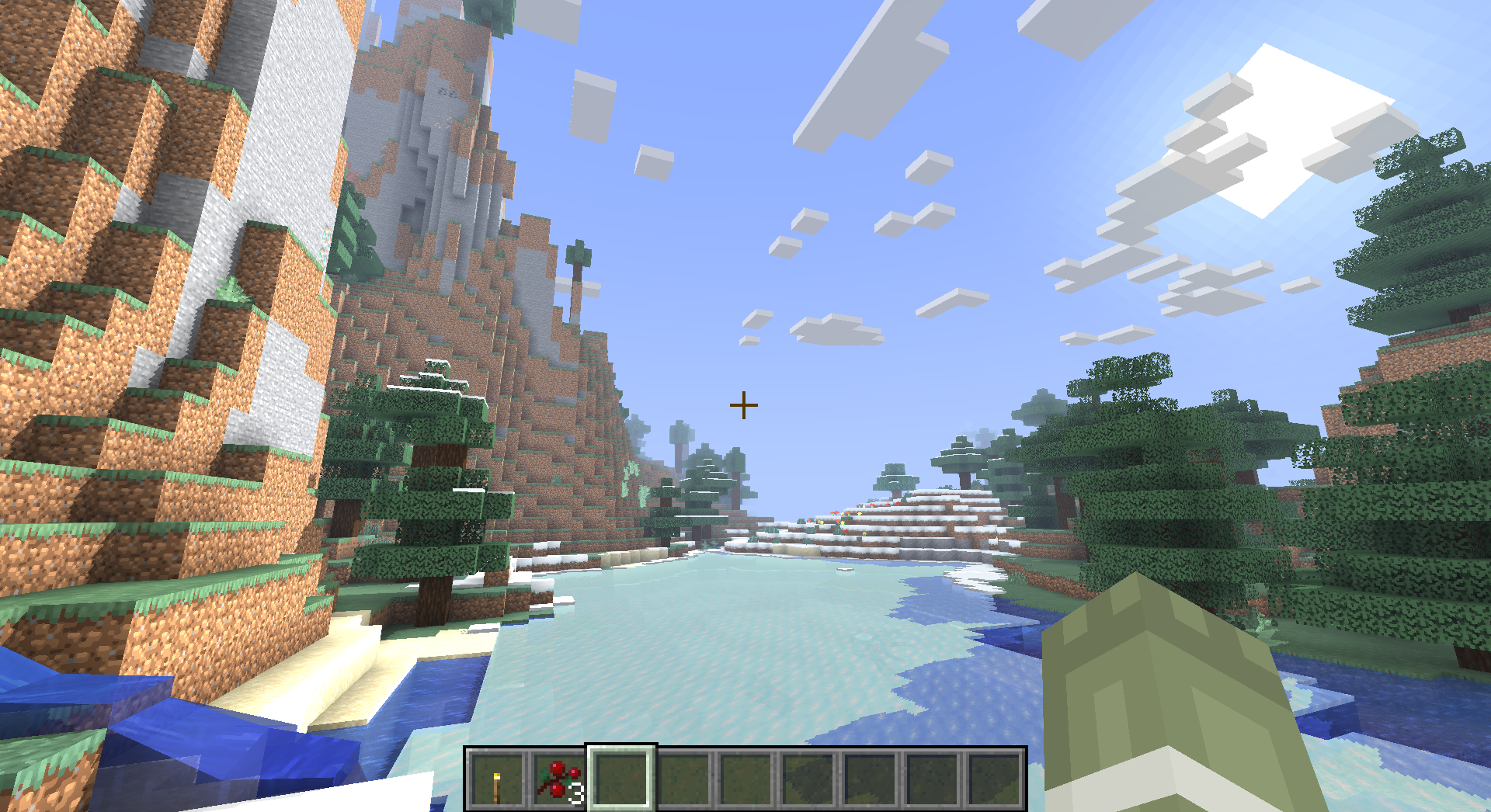
The standout feature of Simply Upscaled is undoubtedly its approach to pixel management. The live upscaling technology works to mitigate the harsh aliasing often found on block edges at a distance, resulting in a significantly smoother image. When combined with the Semi-Realistic shaders settings, the world feels more cohesive. The filtering keeps the game from looking noisy, especially when navigating dense biomes like jungles or forests where varied leaf textures often create a flickering effect. It strikes a rare balance by providing a subtle graphical boost that does not demand a top-tier enthusiast GPU to run effectively.
Configurable Shadows and Lighting Control
While the upscaling is the primary draw, the lighting system is equally flexible. The shader includes optional shadows that can be toggled or tuned based on your hardware capabilities. Users can dive into the configuration menus to adjust fog density and interior lighting, which helps in fine-tuning the atmosphere of caves and nighttime exploration. There is even a dedicated flashlight template available for resource pack creators, showing the author’s commitment to utility-driven features. The fog effects are particularly noteworthy for being unobtrusive, adding depth to the horizon without obscuring the player's vision during critical survival gameplay.
Performance Optimization and Loader Support
Because Simply Upscaled is built for efficiency, it is an excellent choice for mid-range systems or players who prioritize high frame rates for competitive gameplay. It maintains full compatibility with both Iris and OptiFine, ensuring that most Java Edition users can integrate it into their existing setups. Since the pack is currently in an alpha state, users might encounter hardware-specific edge cases, but the core experience is already quite stable across modern versions of the game. It is a fantastic option for builders and survivalists who want a crisp, refined look that stays true to the vanilla spirit.
Installation
Install Simply Upscaled as a semi-realistic shader pack for Minecraft 1.21.11 using Iris or Optifine.
- 01Install Iris or Optifine for Minecraft 1.21.11 and launch the game once.
- 02Download the ZIP that matches Minecraft 1.21.11 from the versions below.
- 03In Minecraft go to Options → Video Settings → Shader Packs → Open Shaders Folder.
- 04Drop the .zip inside without extracting, click Simply Upscaled in the list, then press Done.
Downloads
All versions of Simply Upscaled