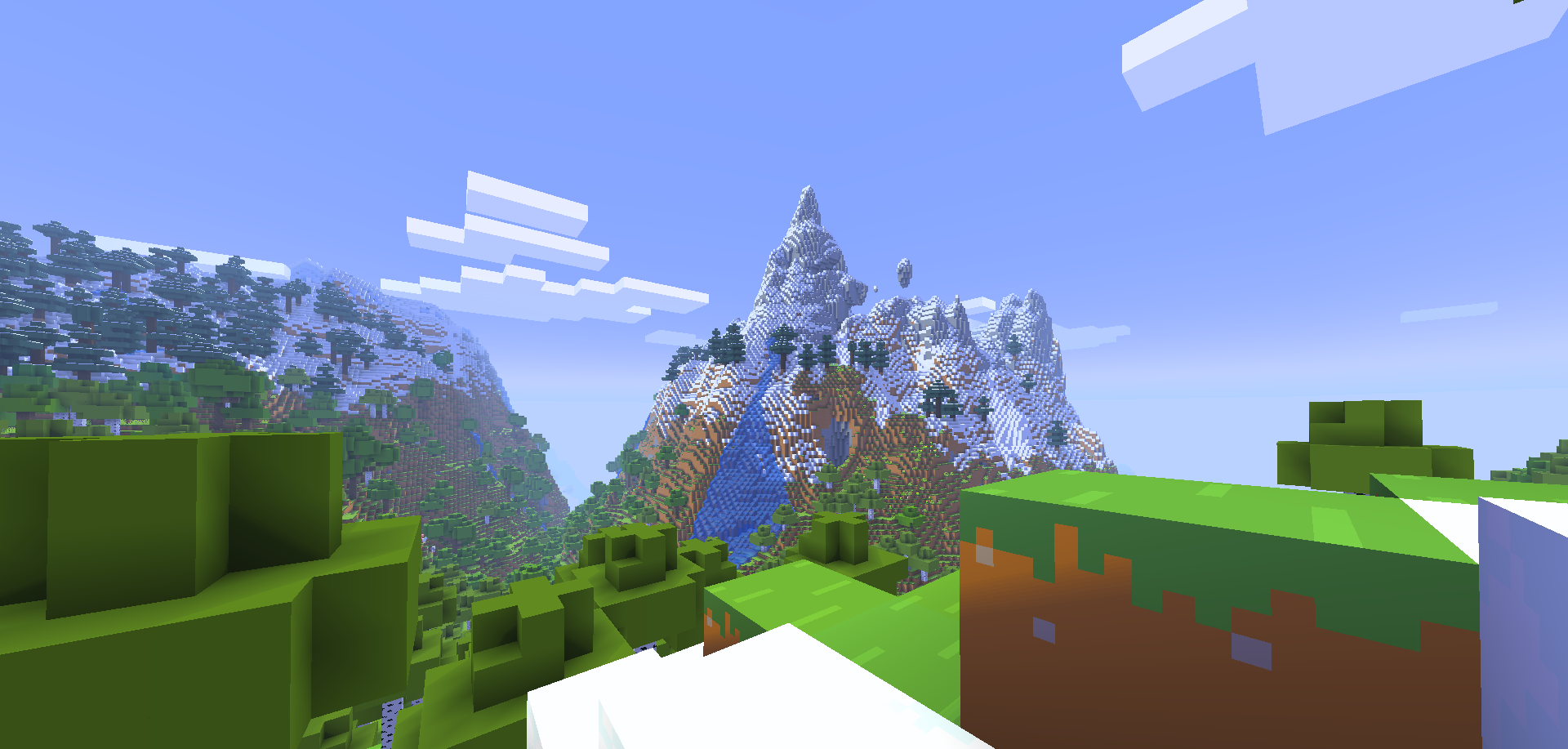
Shader Pack // by DR7
ReShaded
A performance-focused shader pack that adds deep shadows and realistic lighting through core shader modifications without dropping FPS
- Latest
- Minecraft 26.2
- Updated
- Apr 4, 2026
- Style
- Realistic
Overview
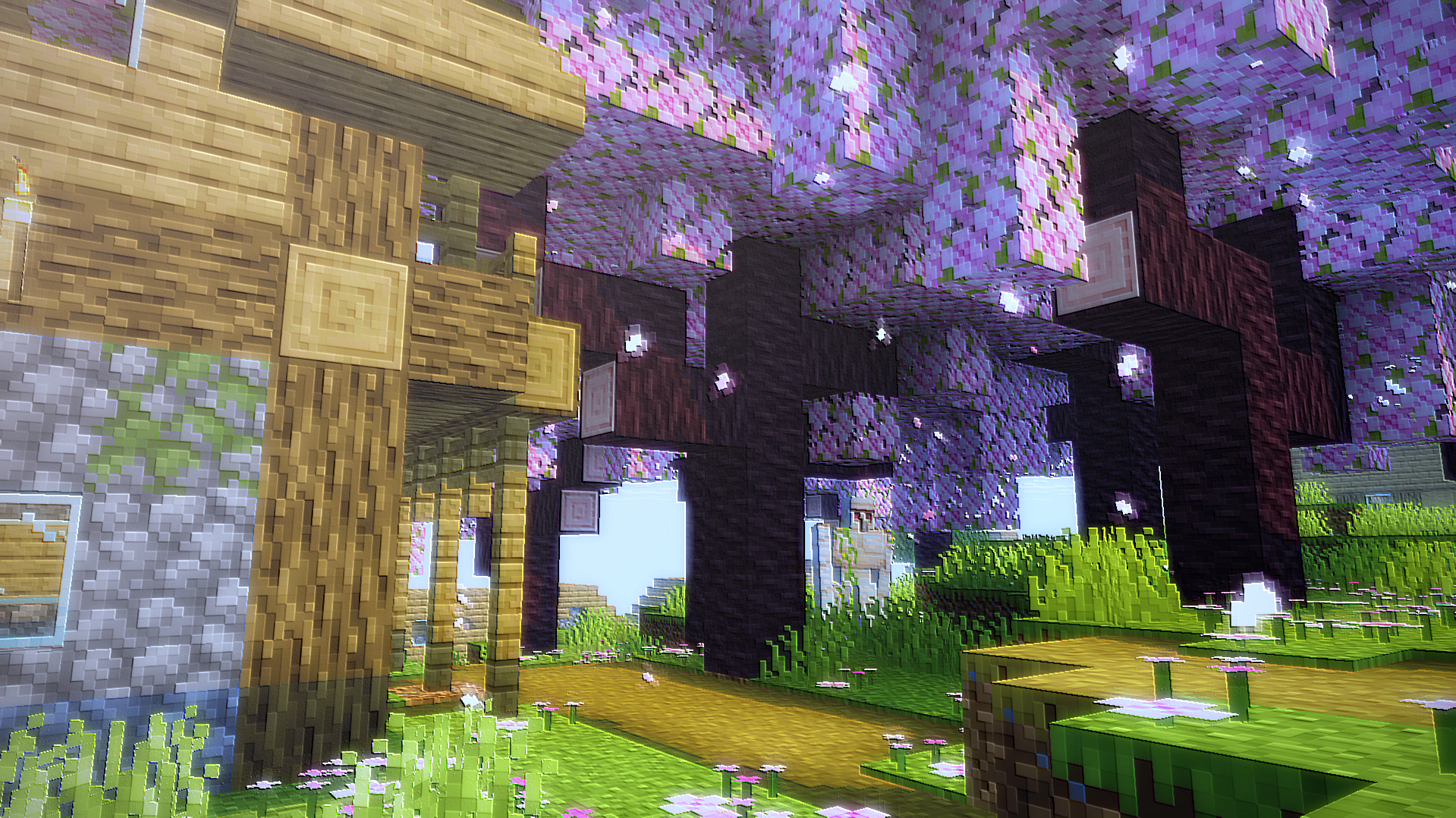
ReShaded is a unique approach to visual enhancement that prioritizes frame rates by avoiding the heavy overhead of traditional rendering engines. Instead of relying on external injection software, it operates as a sophisticated resource pack that modifies core shaders within the game. This technique allows DR7 to introduce shadow map-like effects and refined block shading directly into the vanilla client, ensuring that players with low-end hardware can still enjoy a polished look. Because it targets files like terrain.fsh and entity.fsh, the modification bypasses the massive performance tax usually associated with heavy Minecraft shaders, making it nearly invisible to the FPS counter.
Core Shader Logic and Sodium Integration
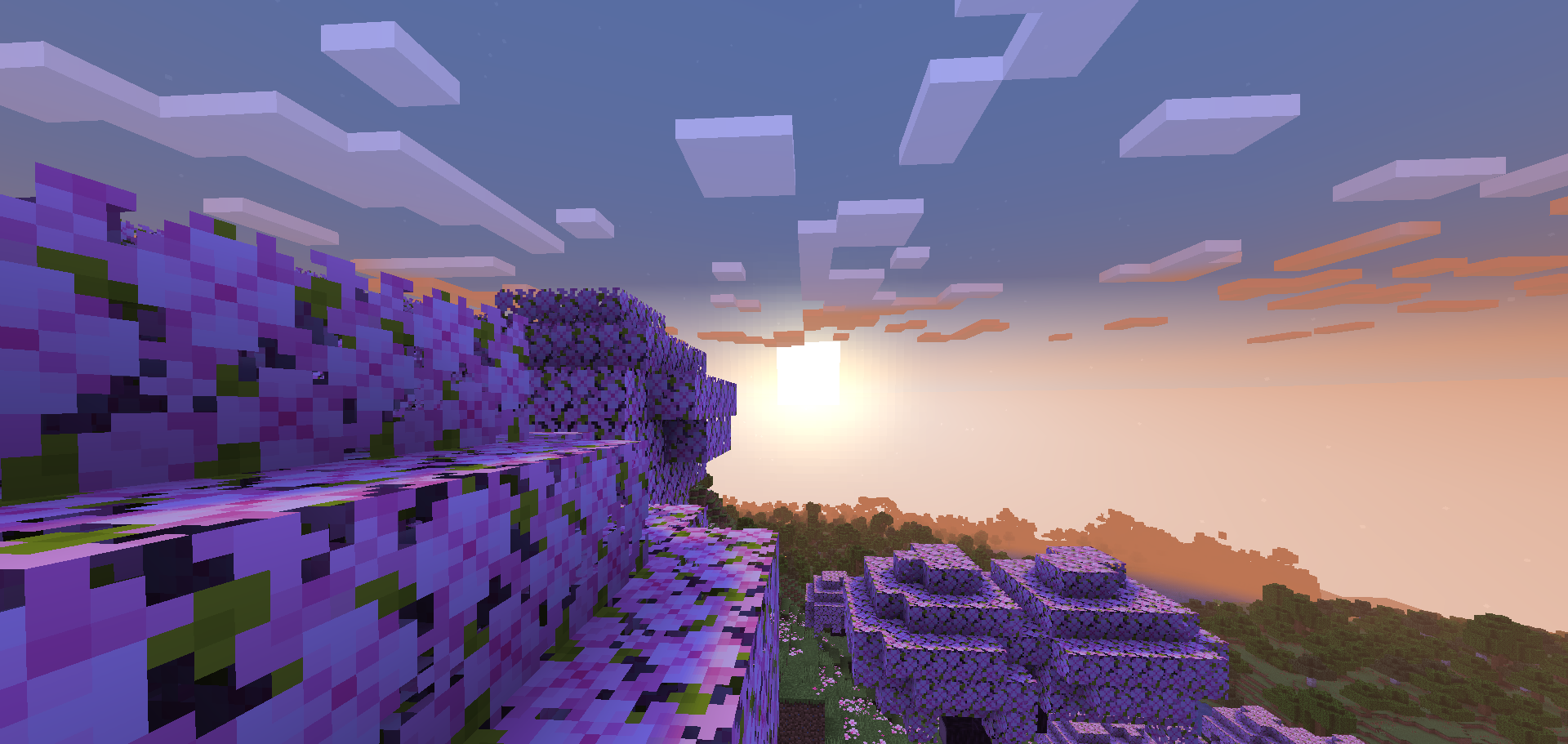
The technical foundation of ReShaded is built on internal vertex and fragment modifications. While it works flawlessly in vanilla environments, modern performance setups using Sodium require a specific bridge mod for core shader support. Once active, the pack introduces strategic shadowing across block faces and entities, mimicking the depth typically found in high-end realistic shaders without the need for complex ray tracing or path tracing. The way it handles lighting balance is particularly noteworthy; caves remain dark yet navigable, and the overworld avoids the overexposure often seen in more aggressive lighting overhauls.
Visual Stability and Gameplay Clarity
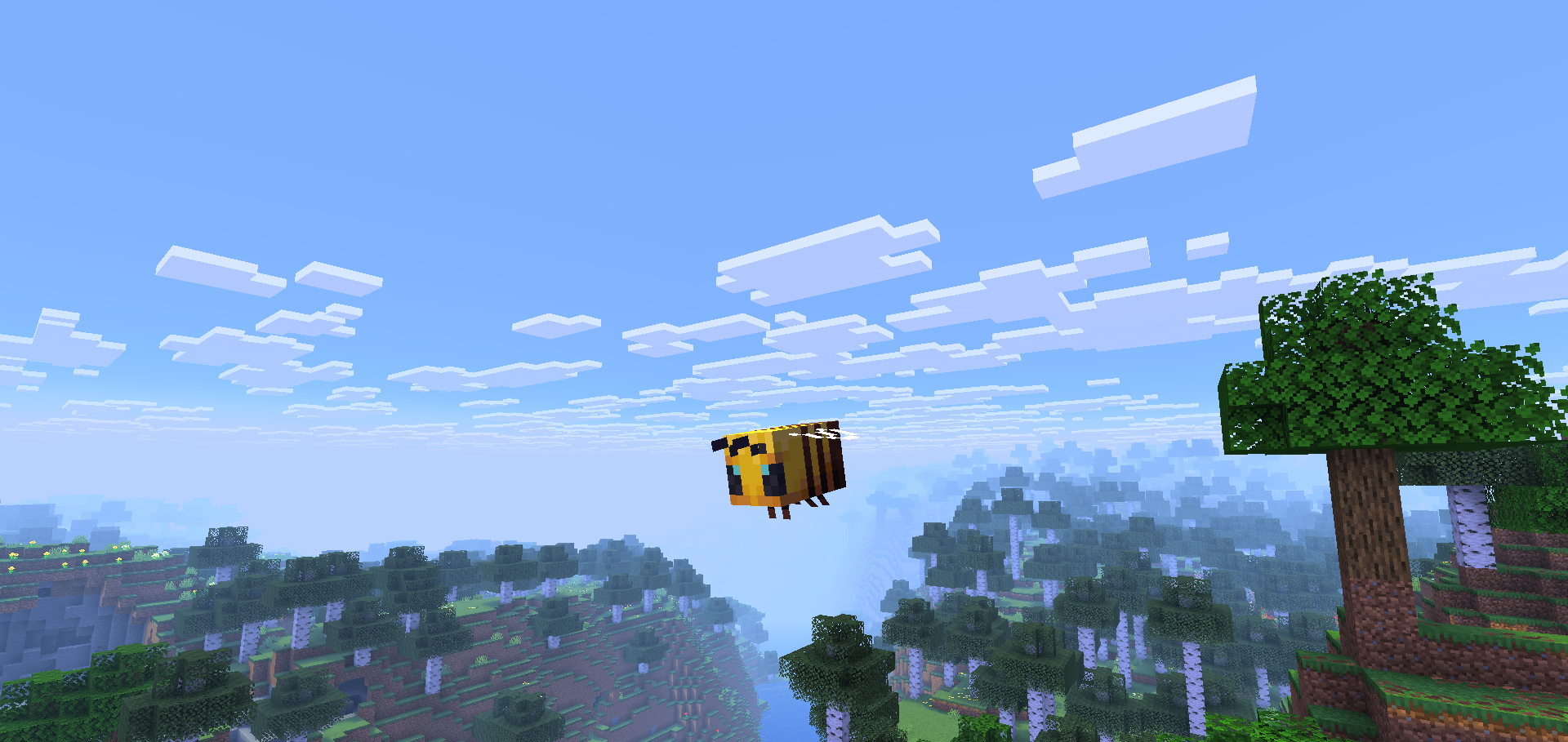
Unlike many stylized projects that drastically shift the color palette, ReShaded maintains the integrity of the original textures while adding a layer of visual depth. The shading system focuses on soft ambient occlusion and directional light placement that feels natural during a standard survival playthrough. It creates a subtle contrast between illuminated surfaces and shaded corners that makes building shapes pop. This makes it an ideal choice for players who find traditional packs too distracting or visually noisy. The pack offers a consistent experience across versions ranging from 1.20.5 up to the latest 1.21 releases, providing a stable aesthetic that feels like a modern update to the base game engine rather than a complete replacement of its identity.
Installation
Install ReShaded as a realistic shader pack for Minecraft 26.2 using Minecraft Vanilla.
- 01Install Minecraft Vanilla for Minecraft 26.2 and launch the game once.
- 02Download the ZIP that matches Minecraft 26.2 from the versions below.
- 03In Minecraft go to Options → Video Settings → Shader Packs → Open Shaders Folder.
- 04Drop the .zip inside without extracting, click ReShaded in the list, then press Done.
Downloads
All versions of ReShaded