Shader Pack // by timetravelbeard
Pegasus Shaders
A versatile performance-focused shader blending voxelized colored lighting with physics mod support and expansive style presets
Download v0.3.9a (323 KB)Overview
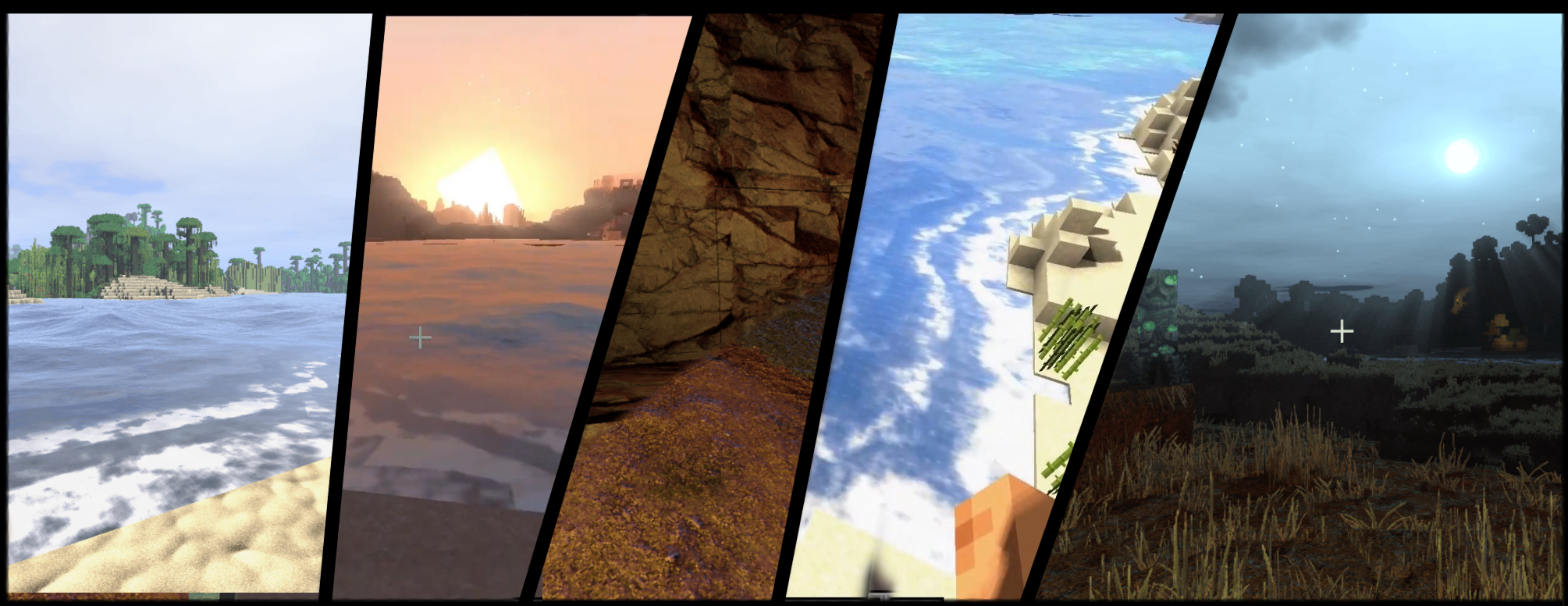
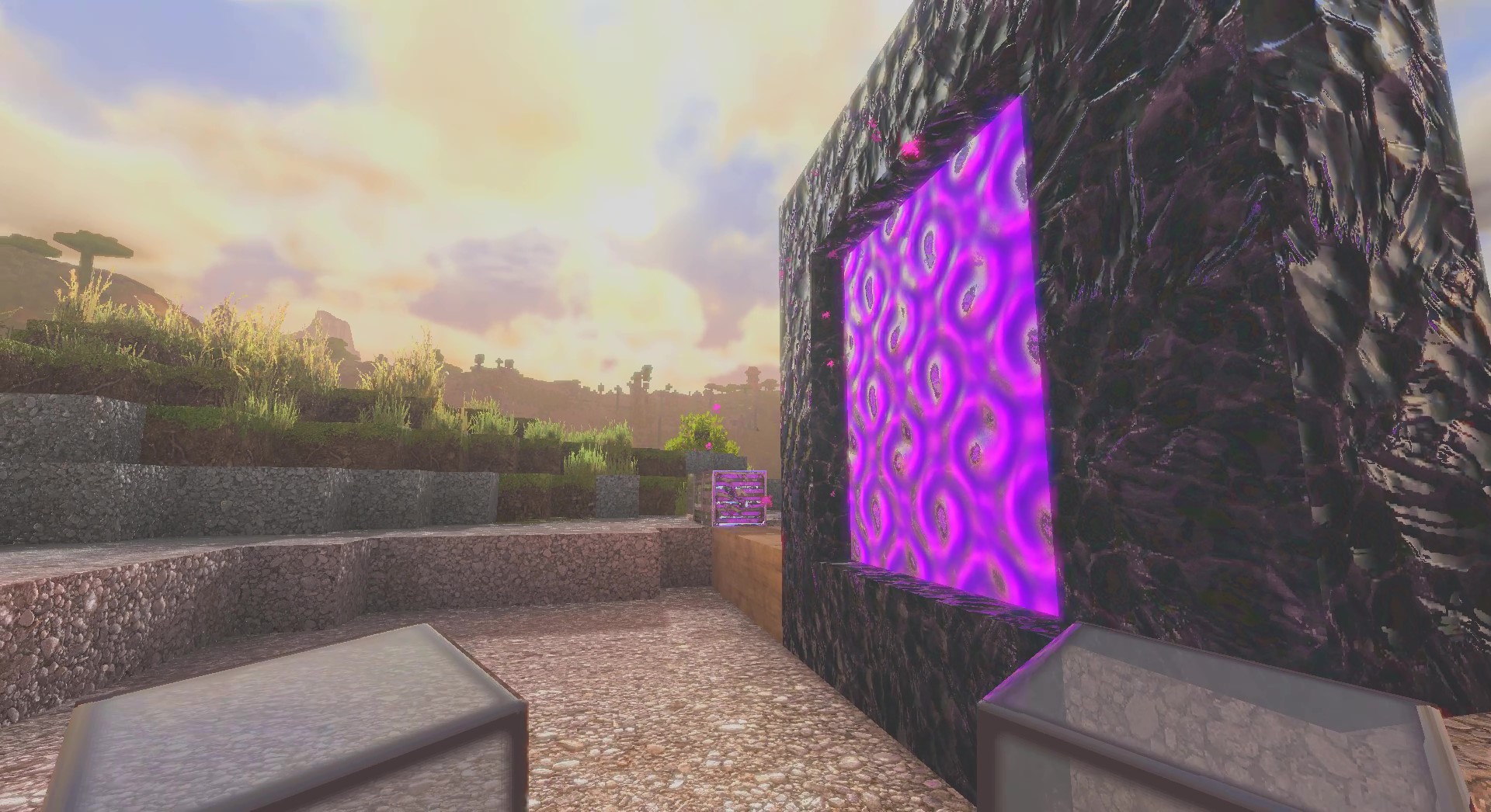
Pegasus Shaders enters the Minecraft scene as a versatile project by creator timetravelbeard, designed to bridge the gap between high-end technical experimentation and accessible gameplay performance. Rather than sticking to a single visual identity, it offers a broad stylistic range that allows players to toggle between vanilla-plus, cel-shaded cartoon, and high-fidelity fantasy looks. It effectively takes some of the most advanced rendering techniques from the author's heavier projects, such as Icarus, and optimizes them into a package that can scale across different hardware configurations. This makes it an interesting option for those who want to see modern features without necessarily sacrificing every frame to a heavy path-tracing engine.
Advanced Mod Integration and Lighting Features
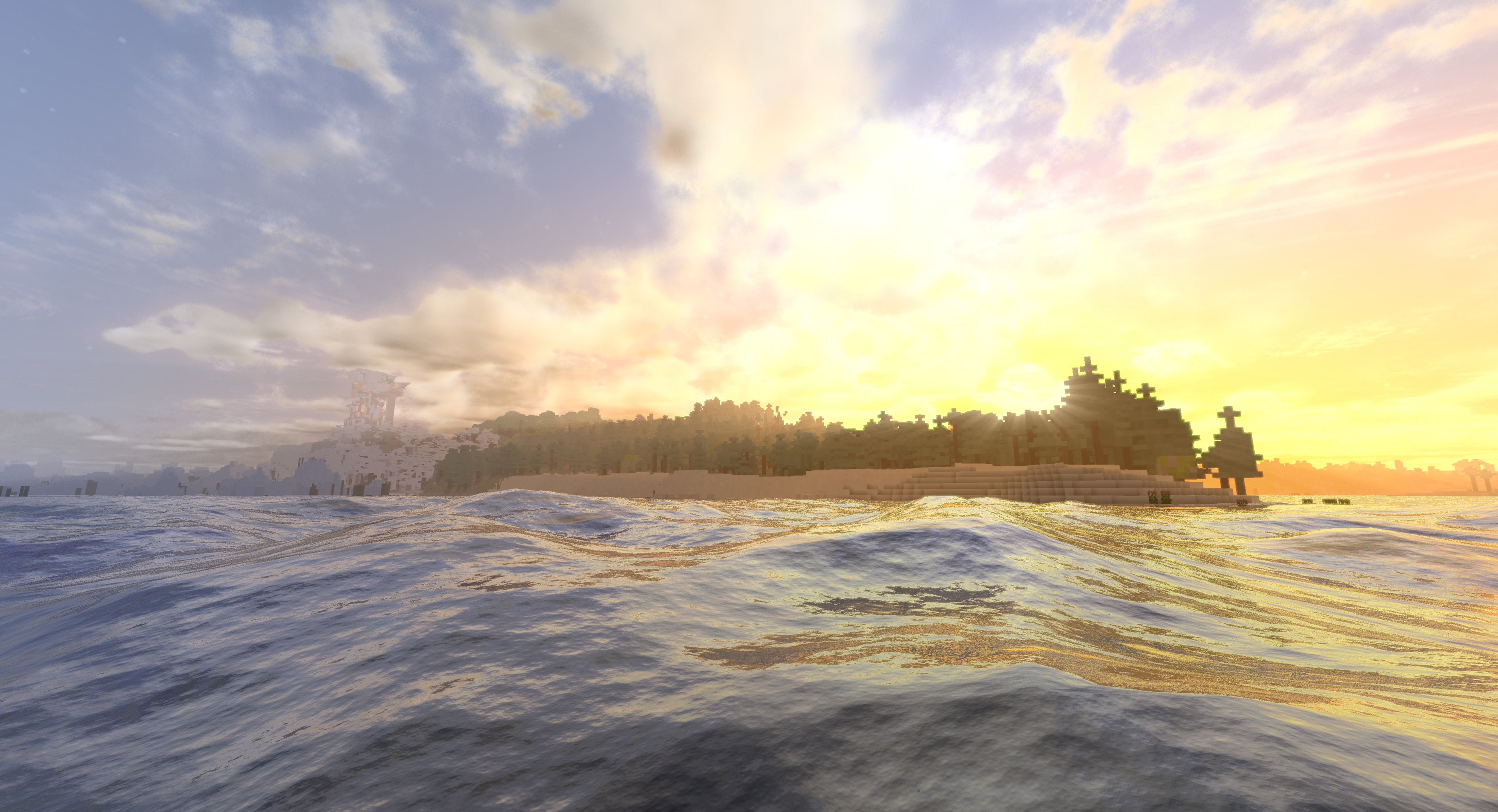
One of the standout aspects of Pegasus Shaders is its deep integration with modern utility mods. It features native support for Distant Horizons, allowing for expansive lod-based rendering that pairs beautifully with its atmospheric fog and lighting systems. For players focused on environmental interaction, the physics mod support enables unique visual effects like crashing beach waves when running on Iris 1.20.1 or higher. The lighting model has also seen a significant upgrade in the 'Vx' versions, which utilize voxelization to provide colored lighting. While this specific feature demands more from your GPU, the visual payoff of having light sources cast accurate tinted glows onto the surrounding geometry is a major step forward for realistic shaders in this performance bracket.
Material Fidelity and Stylistic Flexibility
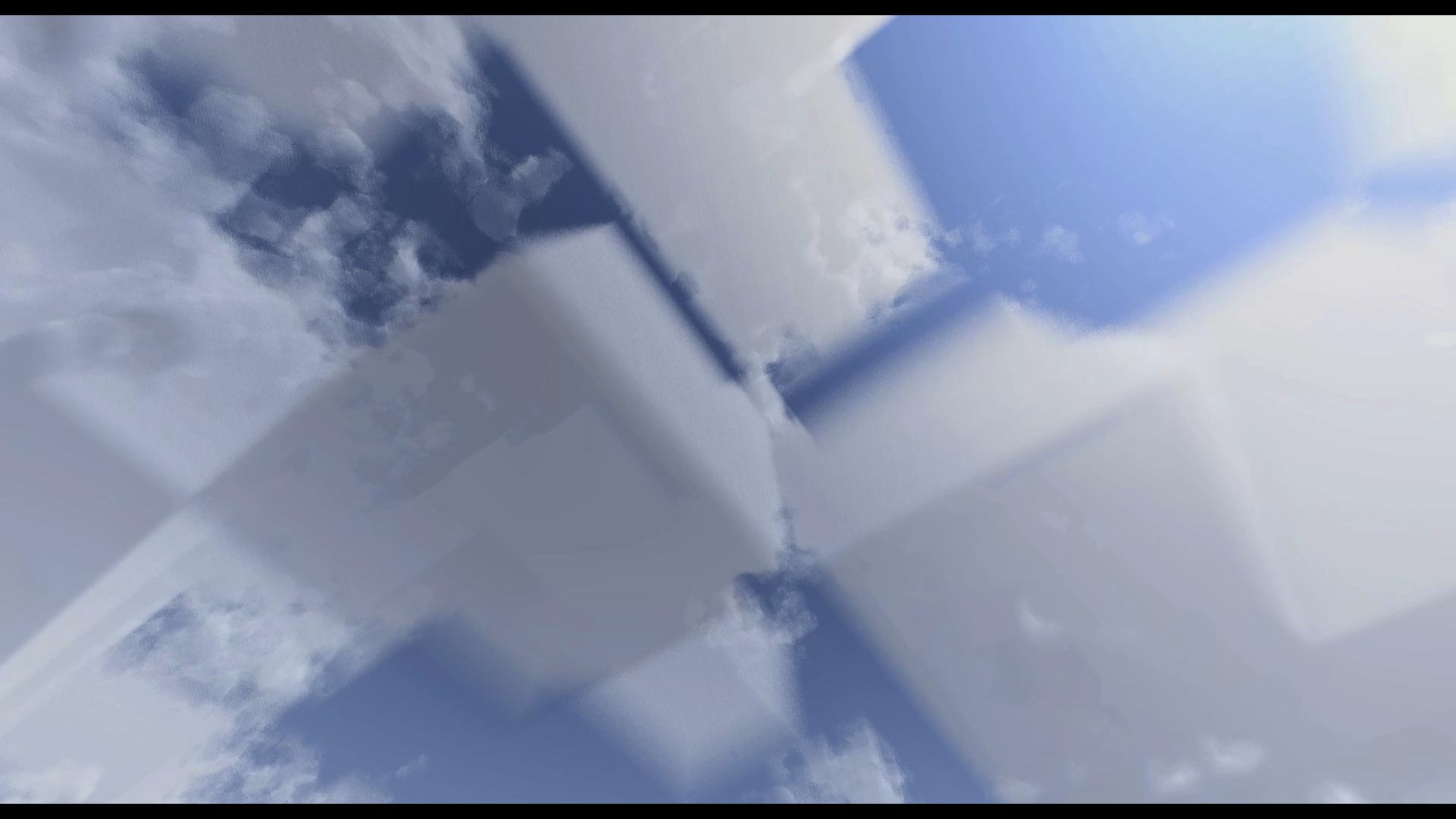
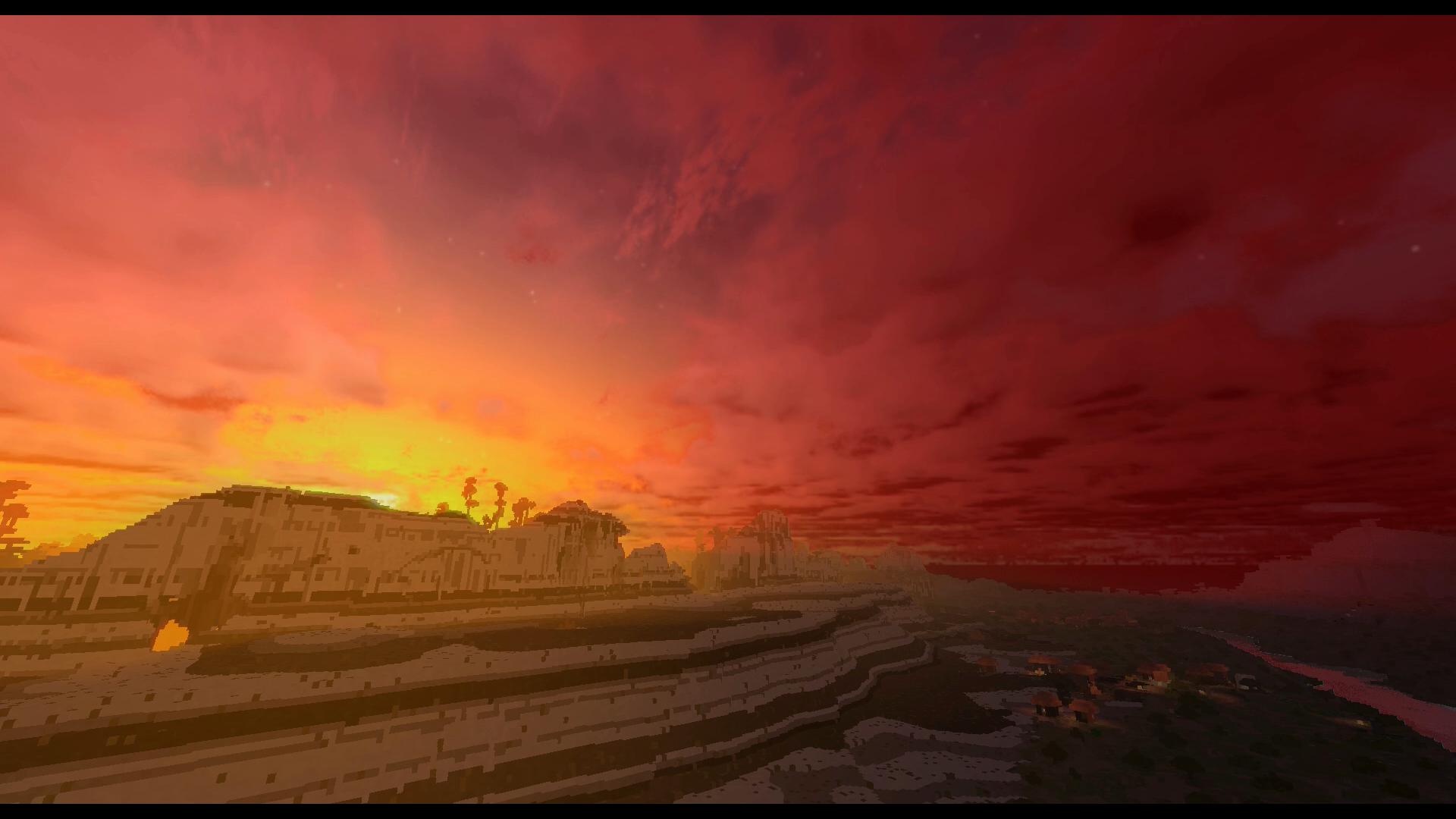
Despite being relatively early in its development cycle, the shader pack includes robust support for PBR (Physically Based Rendering), ensuring that block surfaces react naturally to light and shadow. The optional texture upscaling feature is a clever addition for those who want a sharper look without manually installing high-resolution resource packs. When browsing various shader packs, it is rare to find one that allows such a seamless shift between a vibrant, saturated fantasy world and a more muted, cinematic look. This adaptability is the core strength of Pegasus Shaders, as it caters to screenshots and survival gameplay alike. By using lower presets, users on mid-range hardware can still enjoy the fluid water and dynamic shadows, while high-end enthusiasts can push the voxel-based features to their limit for a truly next-gen aesthetic.
Installation
Install Pegasus Shaders as a realistic shader pack for Minecraft 1.21.11 using Iris.
- 01Install Iris for Minecraft 1.21.11 and launch the game once.
- 02Download the ZIP that matches Minecraft 1.21.11 from the versions below.
- 03In Minecraft go to Options → Video Settings → Shader Packs → Open Shaders Folder.
- 04Drop the .zip inside without extracting, click Pegasus Shaders in the list, then press Done.
Downloads
All versions of Pegasus Shaders