Shader Pack // by LoLip_p
Body Camera
Transform Minecraft into a realistic found-footage simulation with fisheye distortion and thermal vision
- Latest
- Minecraft 26.2
- Updated
- Jul 4, 2026
- Style
- Realistic
Overview
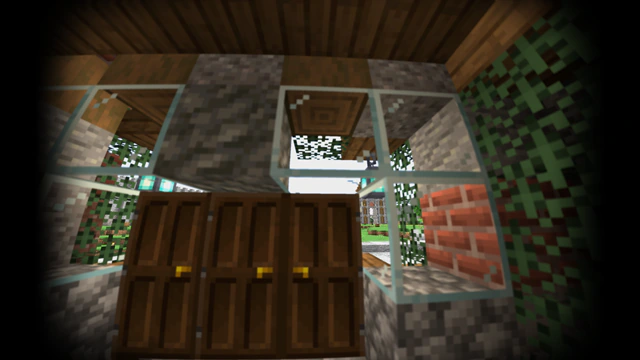
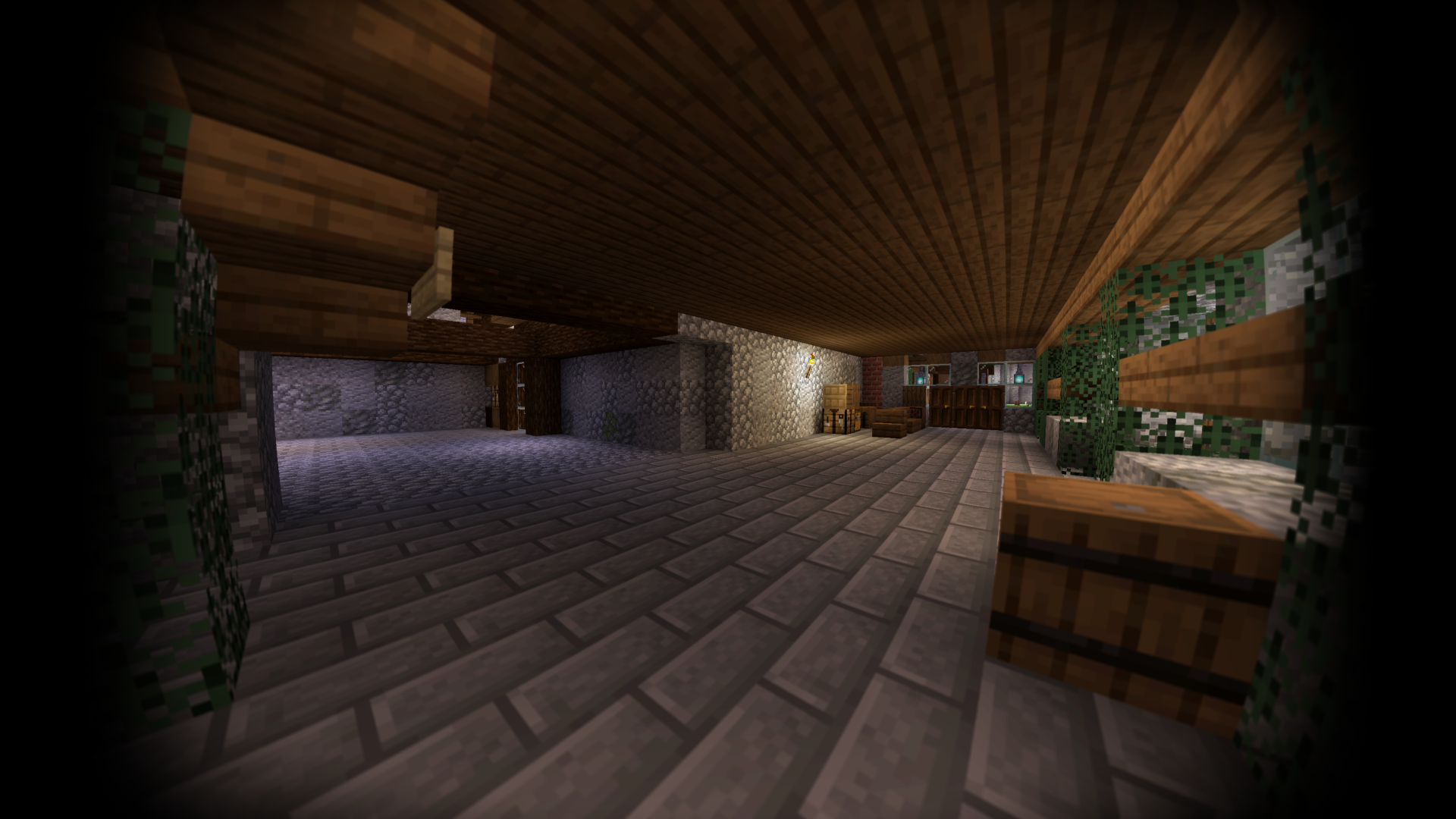
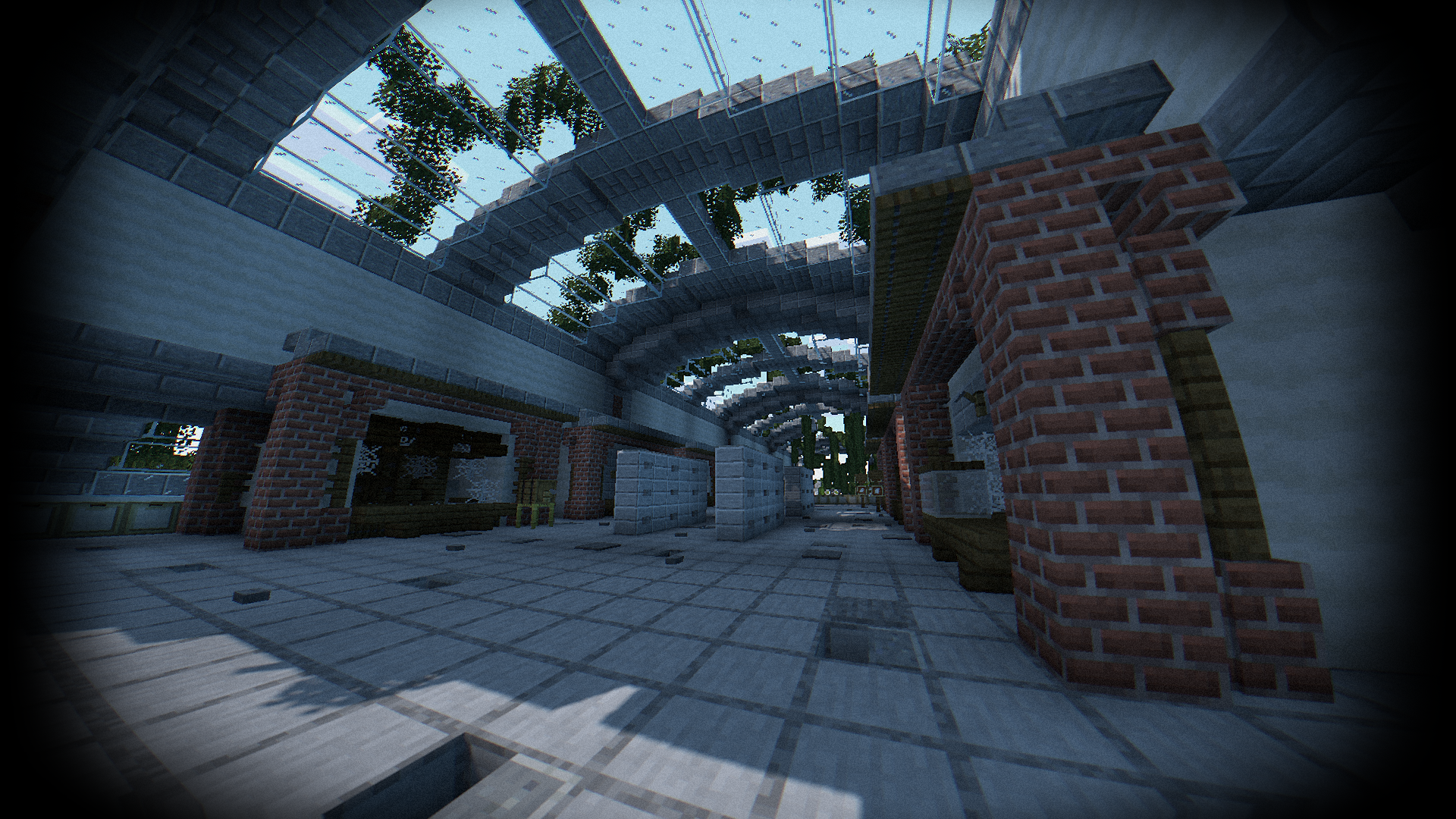
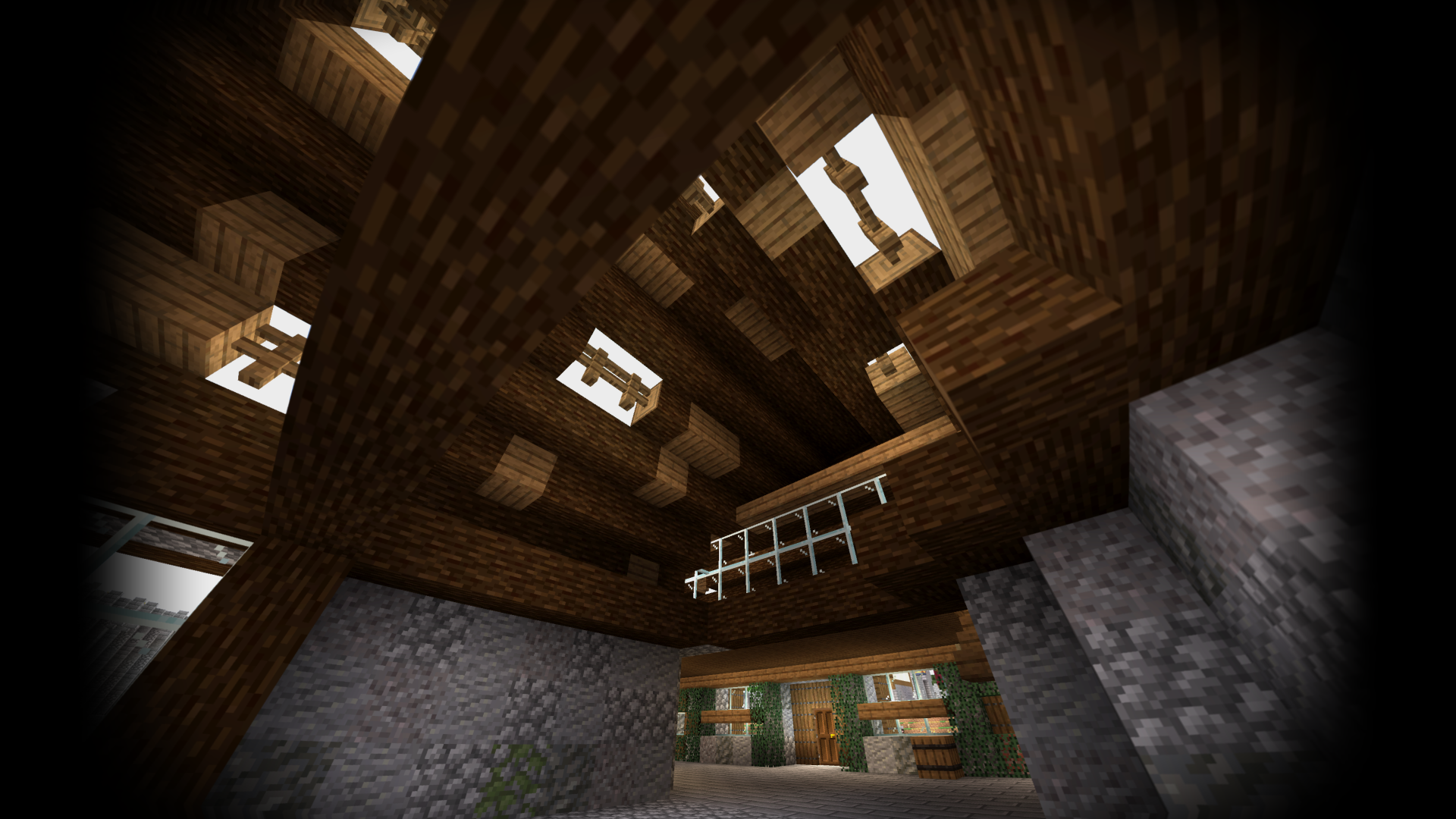
Body Camera by LoLip_p is a unique visual overhaul that breaks away from traditional enhancements to prioritize a specific, found-footage aesthetic. Instead of simply aiming for higher resolution textures or typical sunbeams, it focuses on mimicking the technological artifacts and lens geometry of wearable hardware. This creates a gritty, observational feel that fundamentally alters how one perceives the Minecraft world, making standard survival feel like a tactical simulation recorded on a digital device.
Distorting the Digital Lens
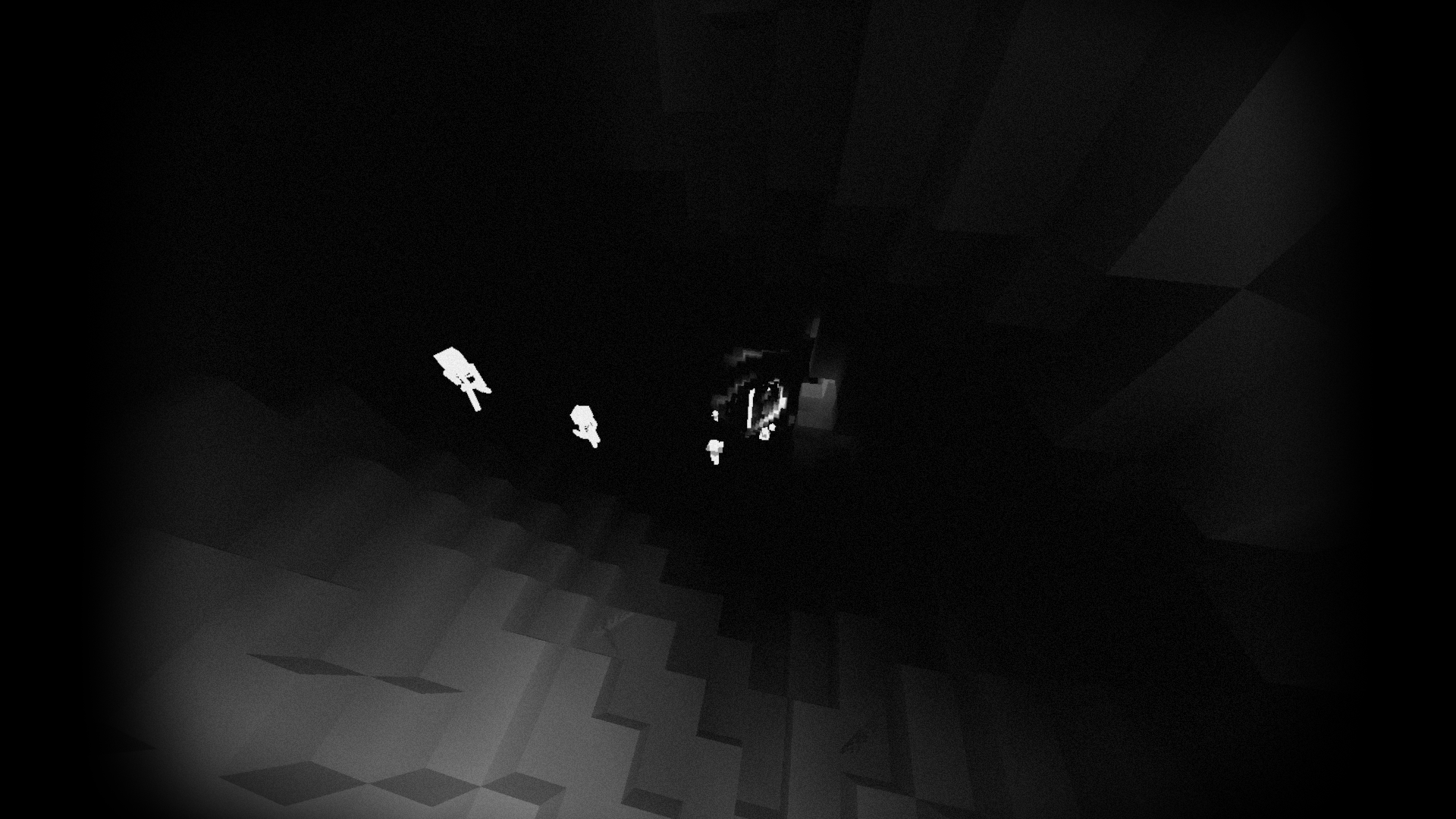
At the core of this project is a heavy fisheye distortion that mimics a wide-angle lens, providing a peripheral bulge that makes the environment feel more claustrophobic and intense. This stylistic choice is complemented by a sophisticated auto-exposure system that reacts to light levels much like a real camera sensor would, adjusting the brightness dynamically as you move between dark caves and bright meadows. The inclusion of chromatic aberration adds a subtle color fringing at the screen edges, which, combined with the fisheye effect, creates a highly realistic shaders experience focused on mechanical immersion.
Beyond basic lens effects, the pack introduces specialized utility modes that are rarely seen in other shader packs. It features a dedicated thermal imager and night vision goggles, providing functional tools for low-light navigation that align with the bodycam theme. For technical users, the support for LabPBR ensures that surfaces retain their material properties, while compatibility with mods like Distant Horizons and Better Clouds allows the camera effect to stretch across vast distances without breaking the immersion.
Performance is surprisingly stable despite the heavy post-processing. Even on mid-range hardware like an RX 580, the shader manages to maintain high frame rates at 1440p resolutions. While the author has developed a premium Next-Gen version based on Rethinking Voxels for RTX-style lighting, this base version offers a solid entry point for players using either Iris or OptiFine. It is best suited for content creators, horror enthusiasts, or tactical roleplayers who want to view their world through a grainier, more mechanical perspective. The trade-off is high distortion at the edges, which might be disorienting for some during fast-paced PvP, but for exploration and atmosphere, it provides a distinctive look that few other packs attempt.
Installation
Install Body Camera as a realistic shader pack for Minecraft 26.2 using Iris or Optifine.
- 01Install Iris or Optifine for Minecraft 26.2 and launch the game once.
- 02Download the ZIP that matches Minecraft 26.2 from the versions below.
- 03In Minecraft go to Options → Video Settings → Shader Packs → Open Shaders Folder.
- 04Drop the .zip inside without extracting, click Body Camera in the list, then press Done.
Downloads
All versions of Body Camera