Shader Pack // by Null
Arc
A performance-focused shader for Iris and Optifine featuring HDR lighting and full PBR support
- Latest
- Minecraft 1.19.4
- Updated
- Mar 1, 2023
- Style
- Realistic
Overview
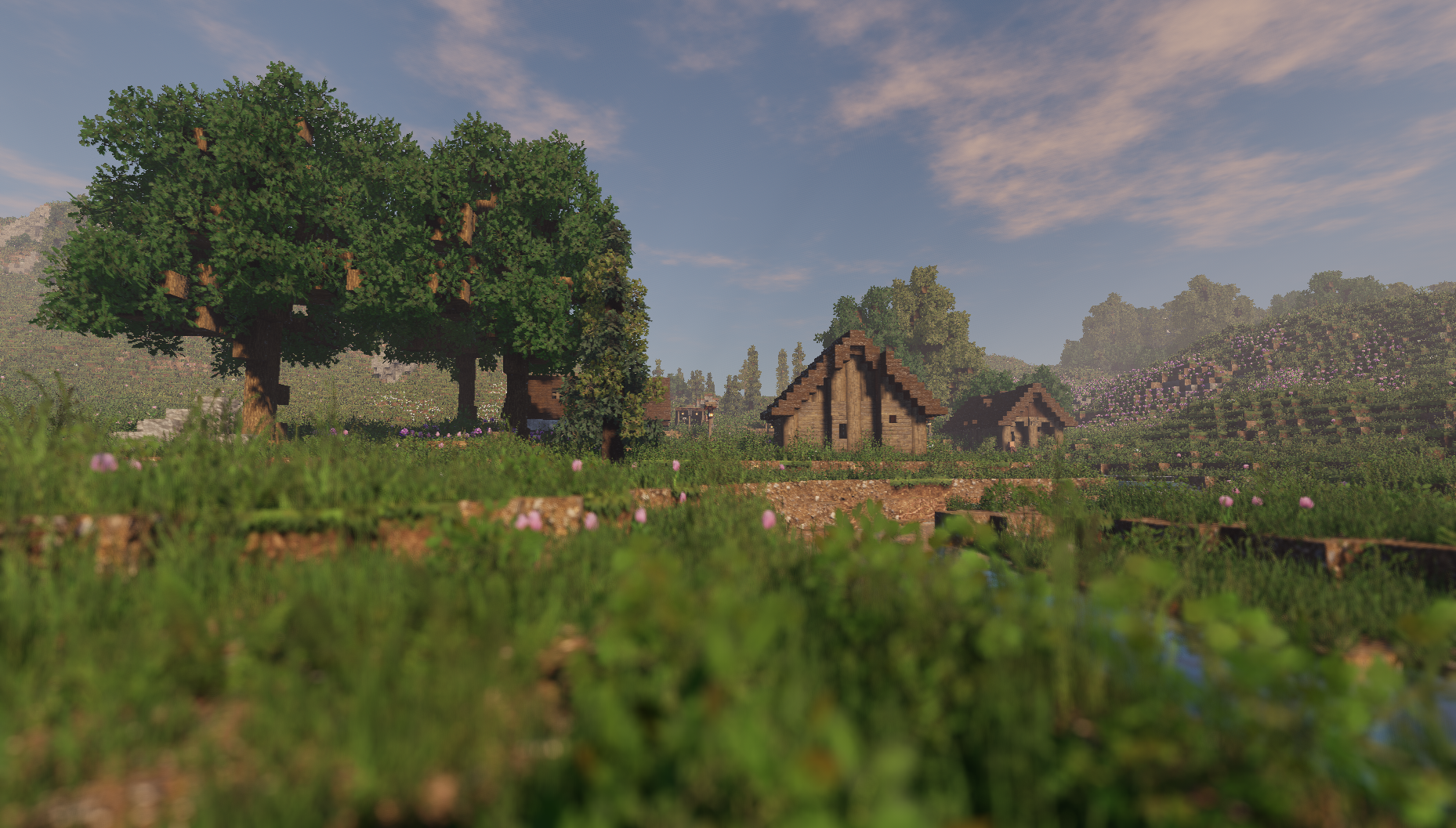
Arc is a shader pack designed for the Java Edition that prioritizes high-fidelity, realistic lighting while maintaining a surprisingly lightweight footprint. Developed by Null, this pack is built to function seamlessly on both Iris and Optifine, offering a visual overhaul that remains grounded in the game's core aesthetics. Unlike many heavy-duty shaders that require enthusiast-grade hardware, this project focuses on optimization, allowing players to dial in specific settings to find a perfect equilibrium between frame rates and visual quality. It is currently in a polished beta state, bringing advanced rendering techniques to everyday gameplay.
Lighting Dynamics and Volumetric Fog in Arc
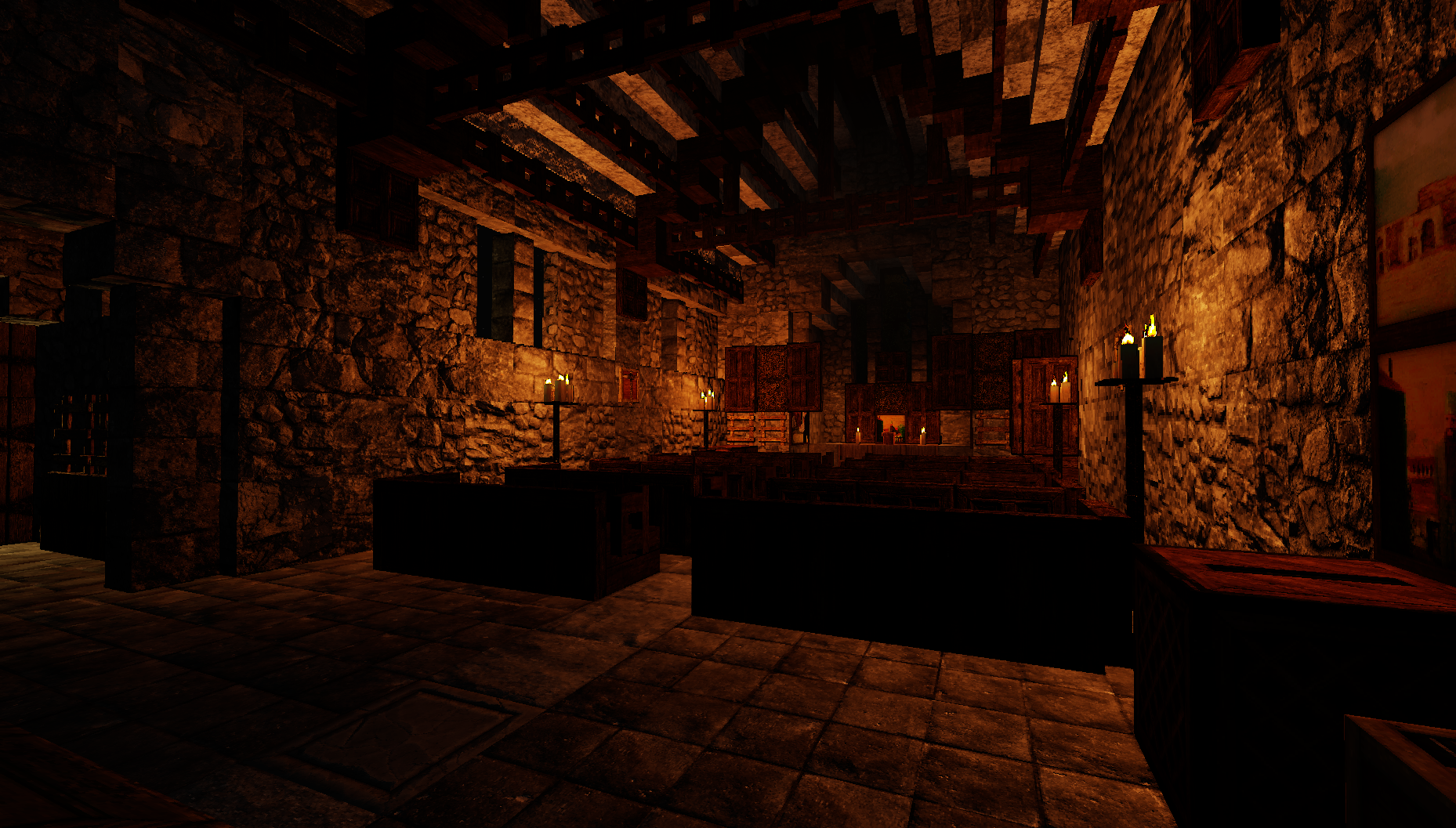
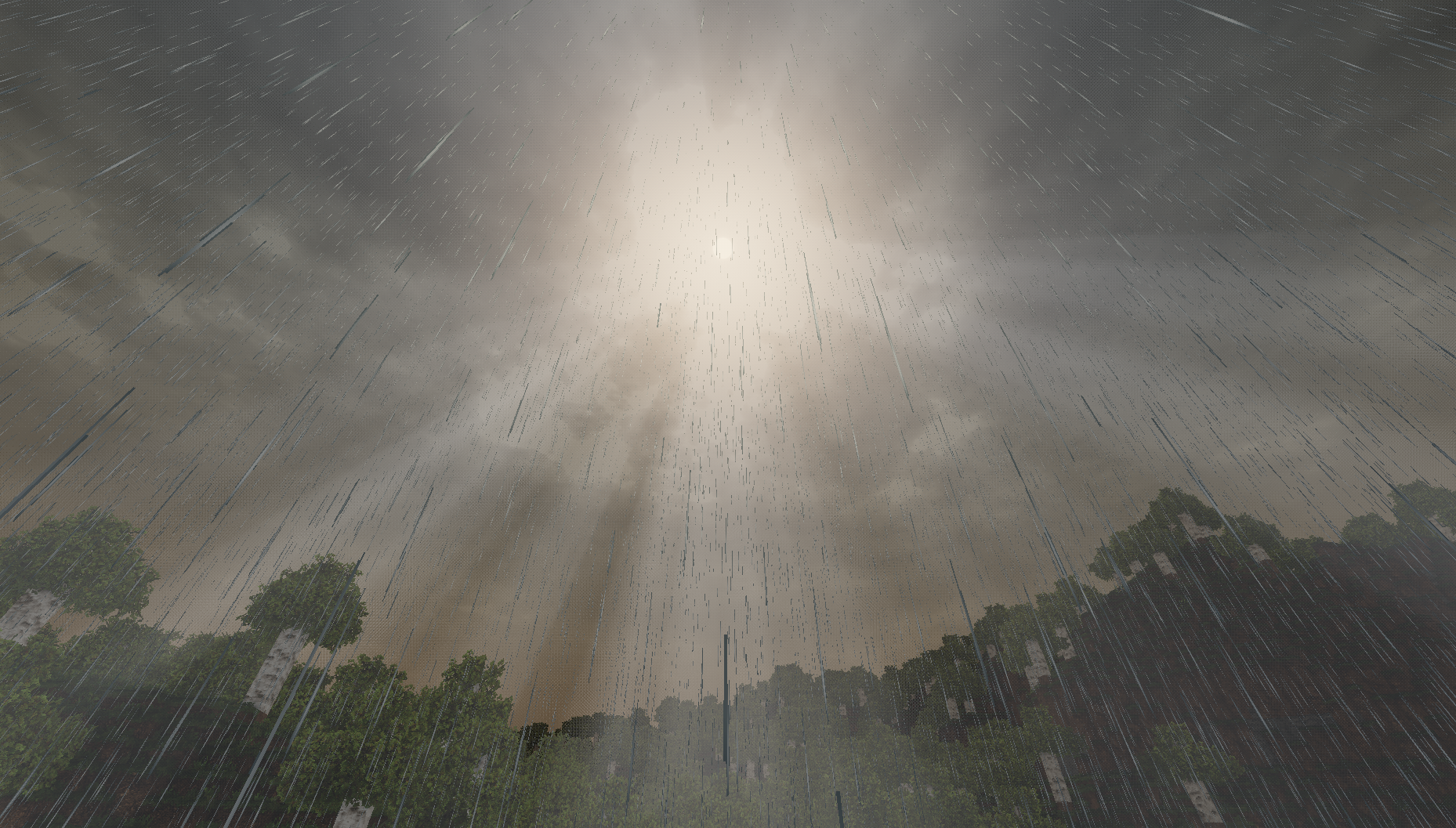
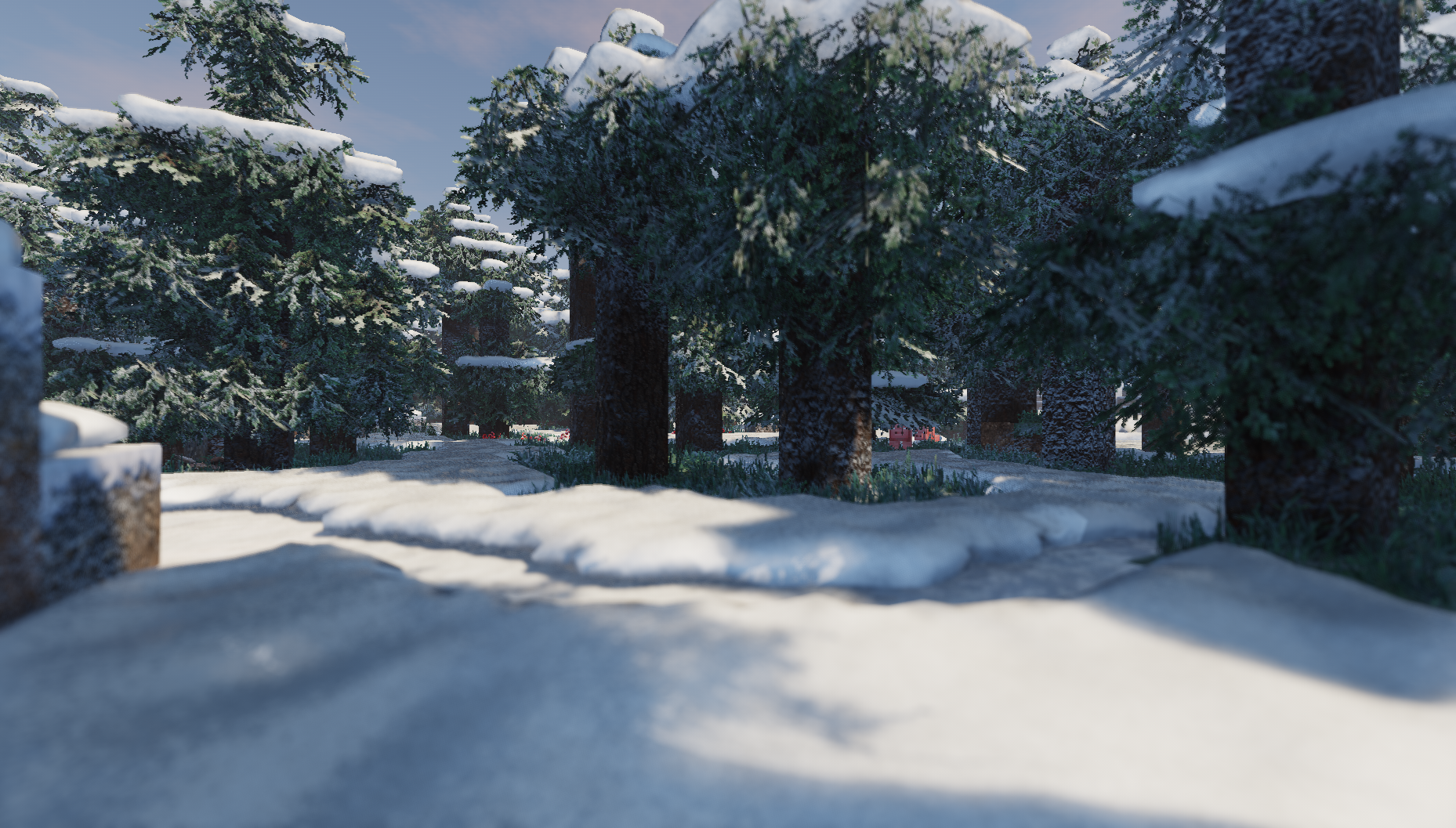
The primary draw of the pack is its sophisticated lighting system. Arc incorporates High Dynamic Range (HDR) rendering and automatic exposure, ensuring that transitions between dark caves and sun-drenched plains feel natural rather than jarring. The volumetric fog and lighting work in tandem to create soft, atmospheric god rays that filter through tree canopies without the grainy artifacts often seen in lower-end shader packs. Direct colored block lighting adds a layer of depth to builds, as glowing blocks cast subtle hues on their surroundings, making interior design and night-time exploration feel significantly more vibrant.
PBR Materials and Water Simulation in Arc
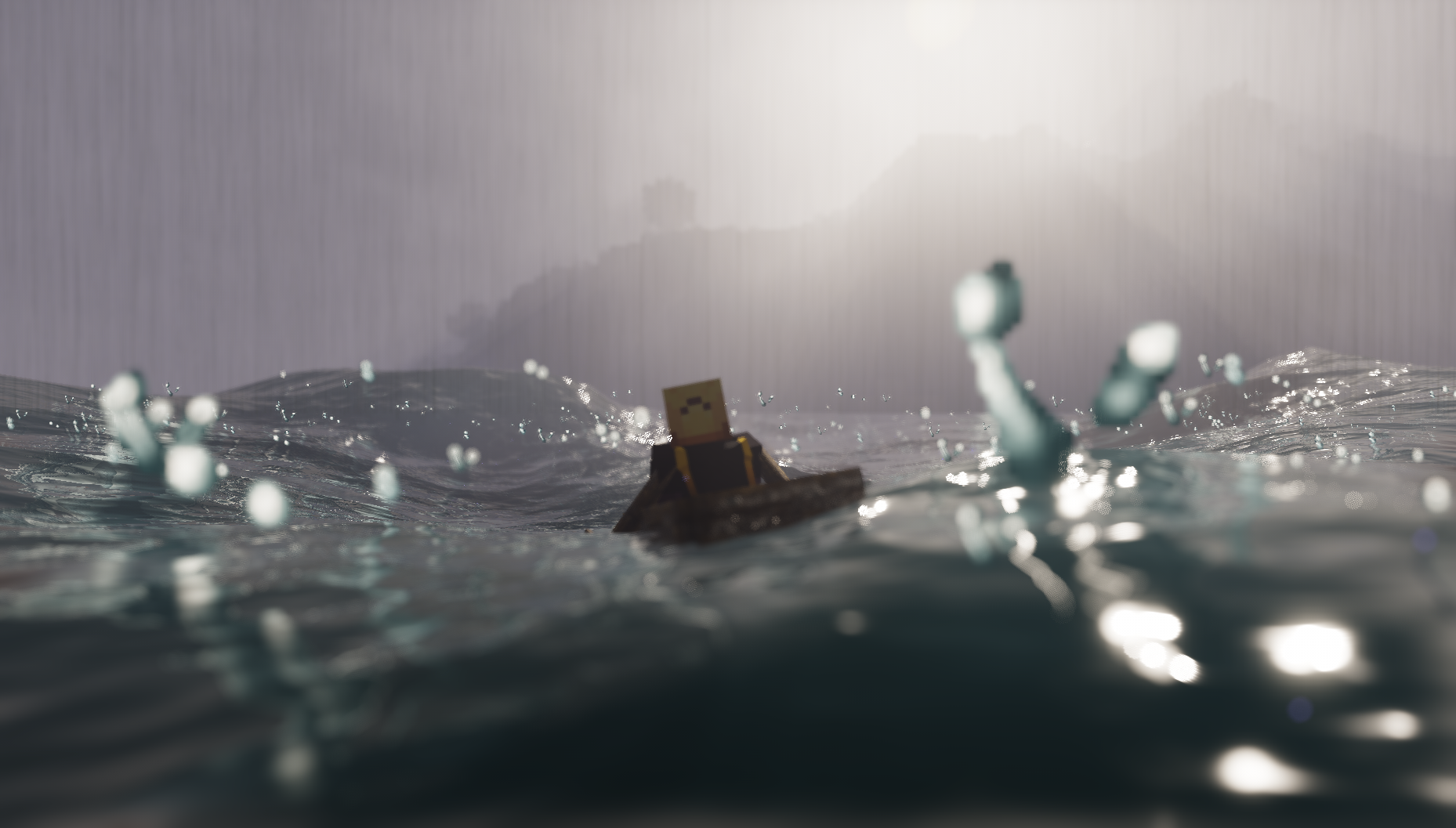
For those who enjoy texture detail, this shader provides comprehensive support for LabPBR and OldPBR standards. While it includes a vanilla mode that applies hard-coded material values to default textures, it truly shines when paired with high-resolution packs like Patrix. This integration allows for realistic surface reflections and depth. The water rendering is equally impressive, featuring refraction and wave physics that integrate with the PhysicsMod for those using the Pro version. These Semi-Realistic shaders handle reflections using screen-space calculations, which provides a glossy, wet look to surfaces during rain or near rivers without the massive performance tax of path-traced solutions.
Performance Scalability and Compatibility
Arc is remarkably flexible when it comes to hardware requirements. It supports both distorted and cascaded shadow mapping, allowing users to choose how shadows are filtered and rendered based on their GPU capabilities. Features like Depth-of-Field and Bloom are highly customizable, so you can strip back the post-processing if you prefer a sharper, more performance-oriented look for survival play. It performs best on Iris 1.6 or later, which is the recommended loader for modern versions of Minecraft. Because of its granular settings menu, it is an excellent choice for players who want a premium visual experience but need to squeeze every bit of performance out of a mid-range system.
Installation
Install Arc as a realistic shader pack for Minecraft 1.19.4 using Iris or Optifine.
- 01Install Iris or Optifine for Minecraft 1.19.4 and launch the game once.
- 02Download the ZIP that matches Minecraft 1.19.4 from the versions below.
- 03In Minecraft go to Options → Video Settings → Shader Packs → Open Shaders Folder.
- 04Drop the .zip inside without extracting, click Arc in the list, then press Done.
Downloads
All versions of Arc