Shader Pack // by 6ix7even
Voyager Shader
A sophisticated realism-focused shader pack featuring extensive mod compatibility and refined atmospheric lighting
- Latest
- Minecraft 1.21
- Updated
- Jul 8, 2026
- Style
- Realistic
Overview
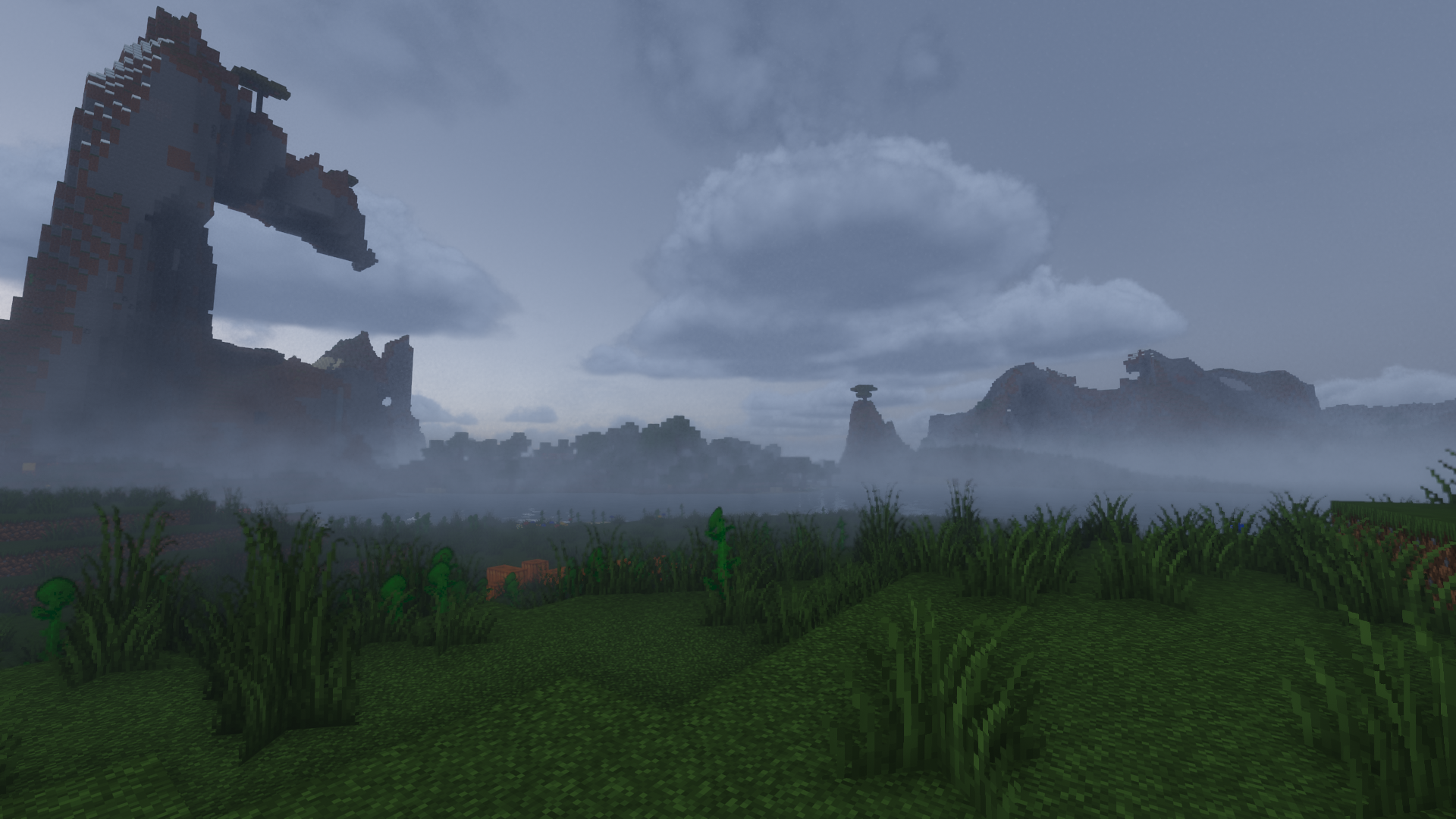
The Voyager shader 2.0 represents a significant technical leap over its predecessor, focusing on a high-fidelity visual overhaul developed by 6ix7even. It aims to transform the blocky world into a more grounded environment by utilizing advanced lighting and atmosphere techniques. This pack is particularly interesting for those who find standard Minecraft shaders a bit too vibrant or saturated, as it leans into a more neutral, balanced color palette that feels professional and refined.
Lighting and Atmospheric Depth in Voyager shader 2.0
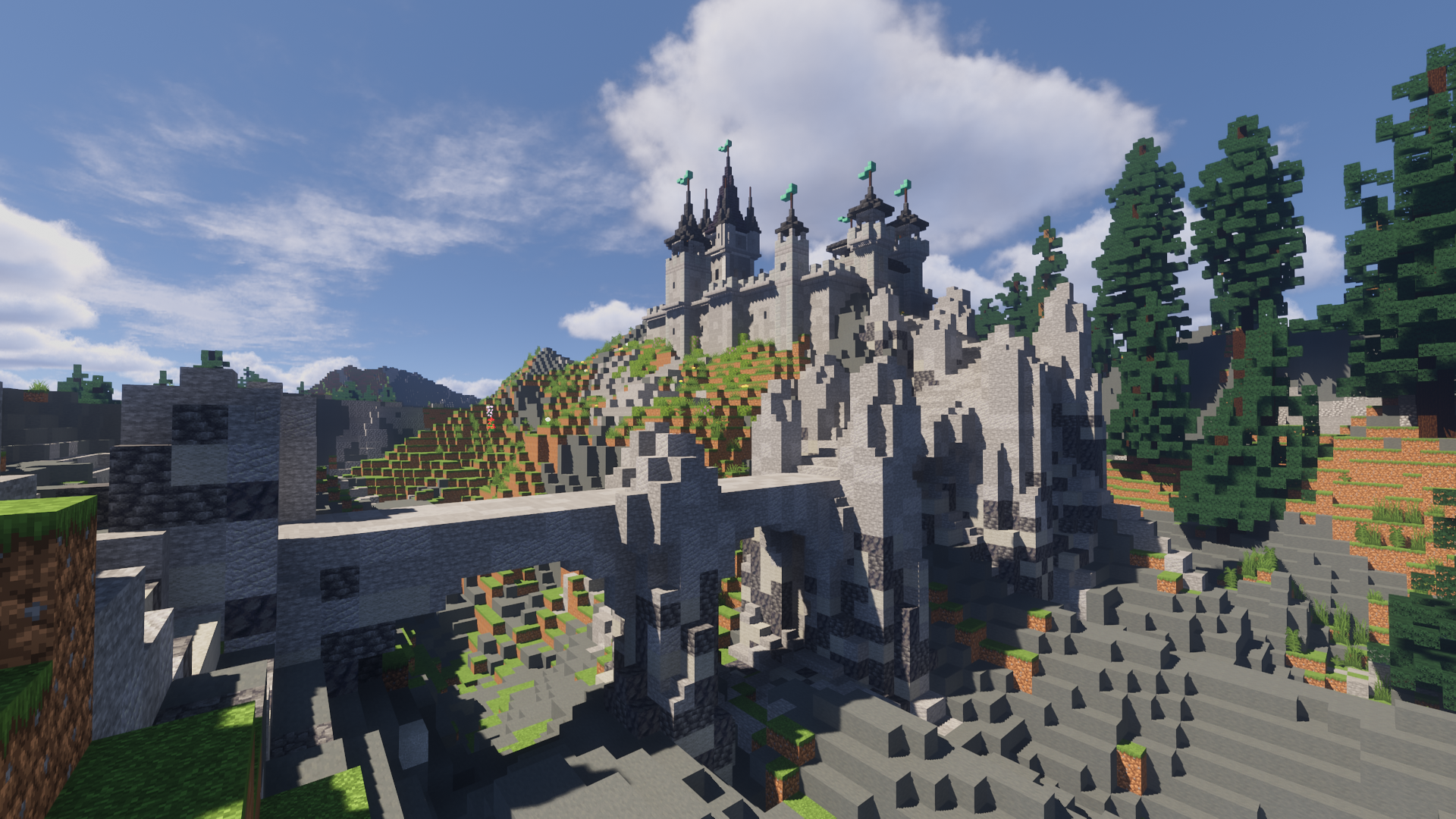
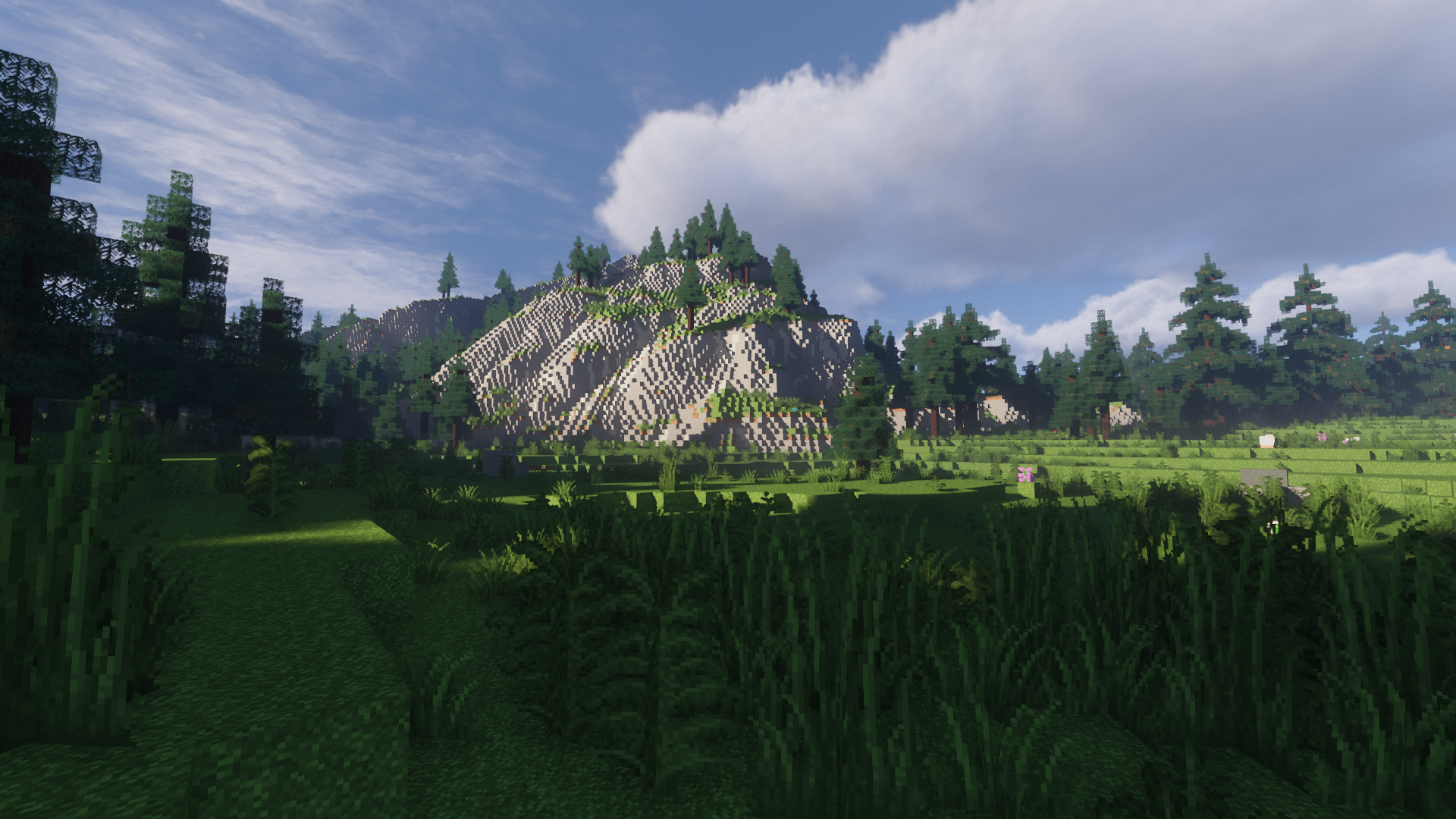
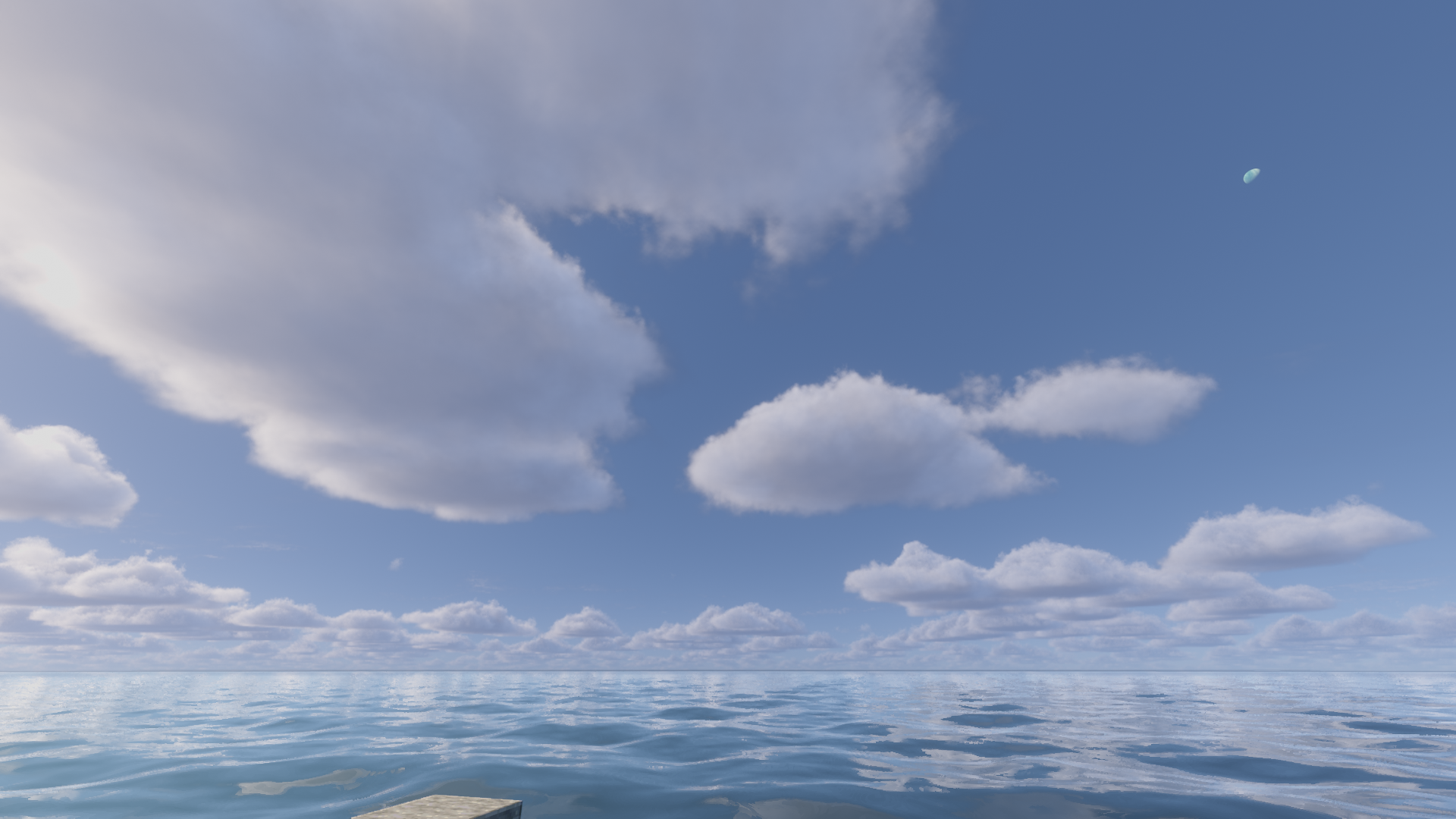
One of the most impressive aspects of the Voyager shader 2.0 is how it handles global illumination and shadows. The light distribution feels natural, avoiding the overly sharp contrasts often found in early shader projects. The skybox and fog systems have been reworked to create a cohesive horizon that blends seamlessly with the terrain. When moving through forests or mountainous biomes, the volumetric effects provide a sense of scale and humidity that makes the world feel alive rather than static. This focus on environmental realism makes it a strong contender among modern realistic shaders available today.
Broad Mod Support and Technical Compatibility
Beyond simple visual upgrades, Voyager shader 2.0 stands out for its extensive compatibility with popular world-generation and magic mods. It offers native support for mods like Biomes O' Plenty, Botania, and the Abnormals series, ensuring that custom foliage and magical particles don't break the lighting engine. This level of polish is rare and makes it a reliable choice for heavy modpacks where visual consistency is usually hard to maintain. The shader runs best on modern versions of the game, specifically optimized for Iris 1.4 and above, though Optifine users on specific versions like 1.18.2 or 1.19.3 will also find it stable.
Performance Realities and Practical Use
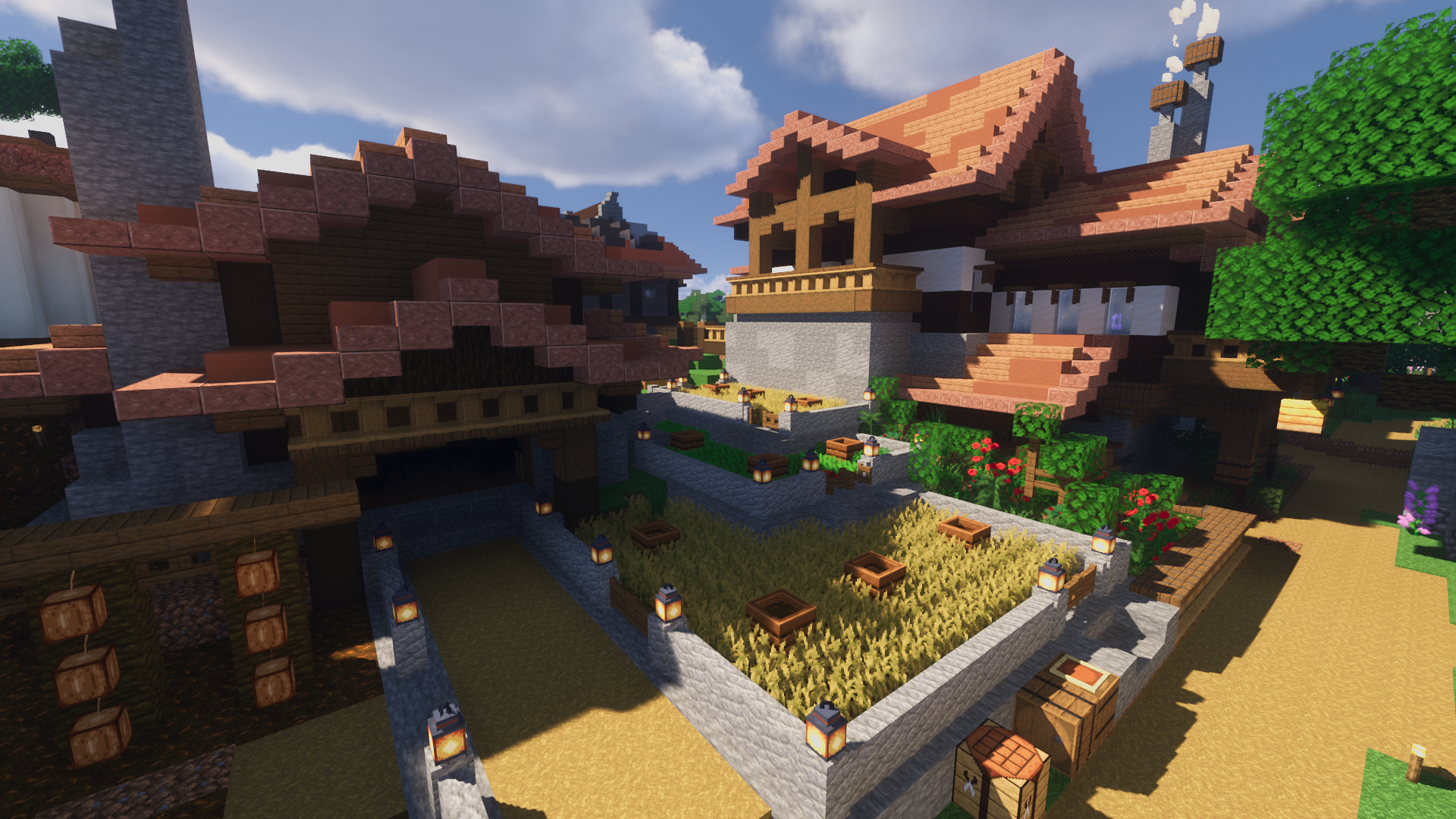
While the results are visually striking, Voyager shader 2.0 is built for mid-to-high-end hardware. The complexity of its reflections and the density of its fog systems require a modern GPU to maintain a smooth framerate during active gameplay. It is a fantastic tool for creators who focus on cinematic captures or those who enjoy slow-paced survival in a highly detailed world. For builders, the neutral color grading ensures that block textures look exactly as they should, without the heavy tinting that often masks subtle building details in other packs.
Installation
Install Voyager Shader as a realistic shader pack for Minecraft 1.21 using Iris or Optifine.
- 01Install Iris or Optifine for Minecraft 1.21 and launch the game once.
- 02Download the ZIP that matches Minecraft 1.21 from the versions below.
- 03In Minecraft go to Options → Video Settings → Shader Packs → Open Shaders Folder.
- 04Drop the .zip inside without extracting, click Voyager Shader in the list, then press Done.
Downloads
All versions of Voyager Shader