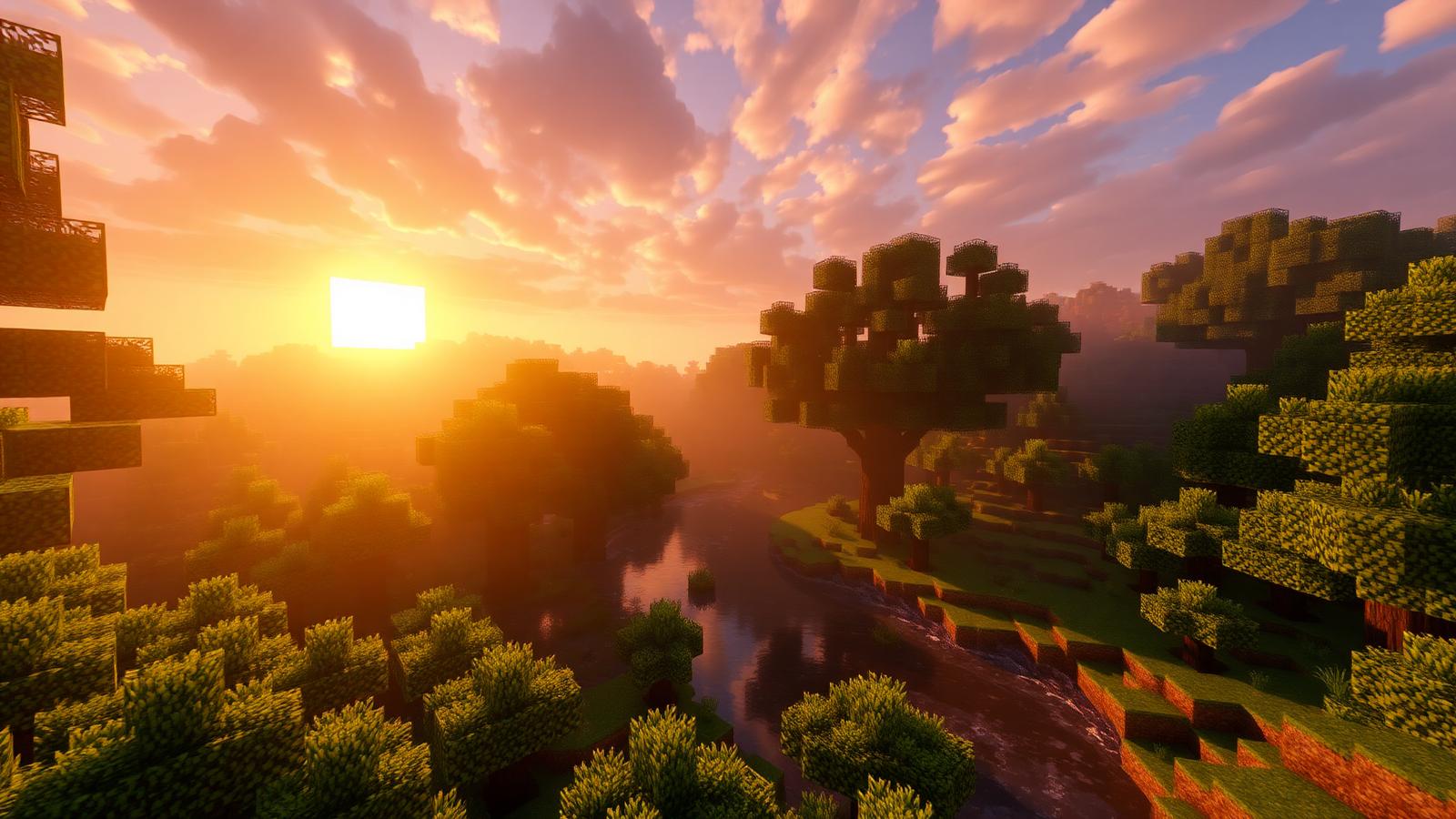
Shader Pack // by Sonic Ether
SEUS Shaders
Sonic Ether's Unbelievable Shaders — the cinematic classic that put Minecraft ray-traced lighting on the map.
- Latest
- Minecraft 26.2
- Updated
- Jul 12, 2026
- Style
- Realistic
Overview
What SEUS Shaders Bring to Minecraft
SEUS Shaders 26.2 sonic Ether''s Unbelievable Shaders — better known as SEUS — is one of the most influential shader packs ever made for Minecraft. Created by Cody Darr (Sonic Ether), it pioneered many of the cinematic effects that modern packs now take for granted: volumetric god rays, realistic water with reflections and refractions, dynamic shadows that follow the sun, and physically-inspired sky and cloud rendering.
SEUS Renewed v1.0.1 — the free rewrite
SEUS Renewed is a ground-up rewrite of the classic pack, focused on rendering fidelity and stability. It runs great on mid-range GPUs with Iris or OptiFine and delivers the signature "SEUS look" that made the pack famous: warm golden sunlight, deep atmospheric shadows, and glassy reflective water.
- Volumetric light shafts through leaves and windows
- Realistic water with reflections, waves and caustics
- Dynamic per-object shadows
- Physically-based sky, sun and moon
- Torch and lava bloom with warm color grading
SEUS PTGI — path-traced global illumination
SEUS PTGI (Path-Traced Global Illumination) is Sonic Ether''s experimental line that brings real ray-traced-style GI to vanilla Minecraft. PTGI HRR 3 is available to Sonic Ether''s Patreon supporters. If you want the free, publicly available build, SEUS Renewed v1.0.1 is the one to grab below.
Installation, in short
Install Iris (recommended, best FPS) or OptiFine for your Minecraft version, download the SEUS ZIP below, and drop it into your shaderpacks folder. In-game: Options → Video Settings → Shader Packs → select SEUS Renewed v1.0.1 → Done.
Installation
Install SEUS Shaders as a realistic shader pack for Minecraft 26.2 using Iris or Optifine.
- 01Install Iris or Optifine for Minecraft 26.2 and launch the game once.
- 02Download the ZIP that matches Minecraft 26.2 from the versions below.
- 03In Minecraft go to Options → Video Settings → Shader Packs → Open Shaders Folder.
- 04Drop the .zip inside without extracting, click SEUS Shaders in the list, then press Done.
Downloads
All versions of SEUS Shaders