Shader Pack // by Luracasmus
RenderPearl
A high-performance shader leveraging modern Iris features for a sharp and responsive semi-realistic experience
Download v2.8.0-beta.3 (655 KB)Overview
RenderPearl is a sophisticated, lightweight shader pack designed to push the boundaries of modern Minecraft rendering without sacrificing performance. Developed by Luracasmus as a spiritual successor to earlier legacy projects, this pack is built from the ground up to leverage the latest technical capabilities of the Iris loader. It avoids the heavy overhead common in many Minecraft shaders by utilizing advanced compute shaders and modern GLSL standards. The result is a clean, sharp visual style that feels significantly more responsive than traditional shader options.
Technical Mastery and Visual Fidelity
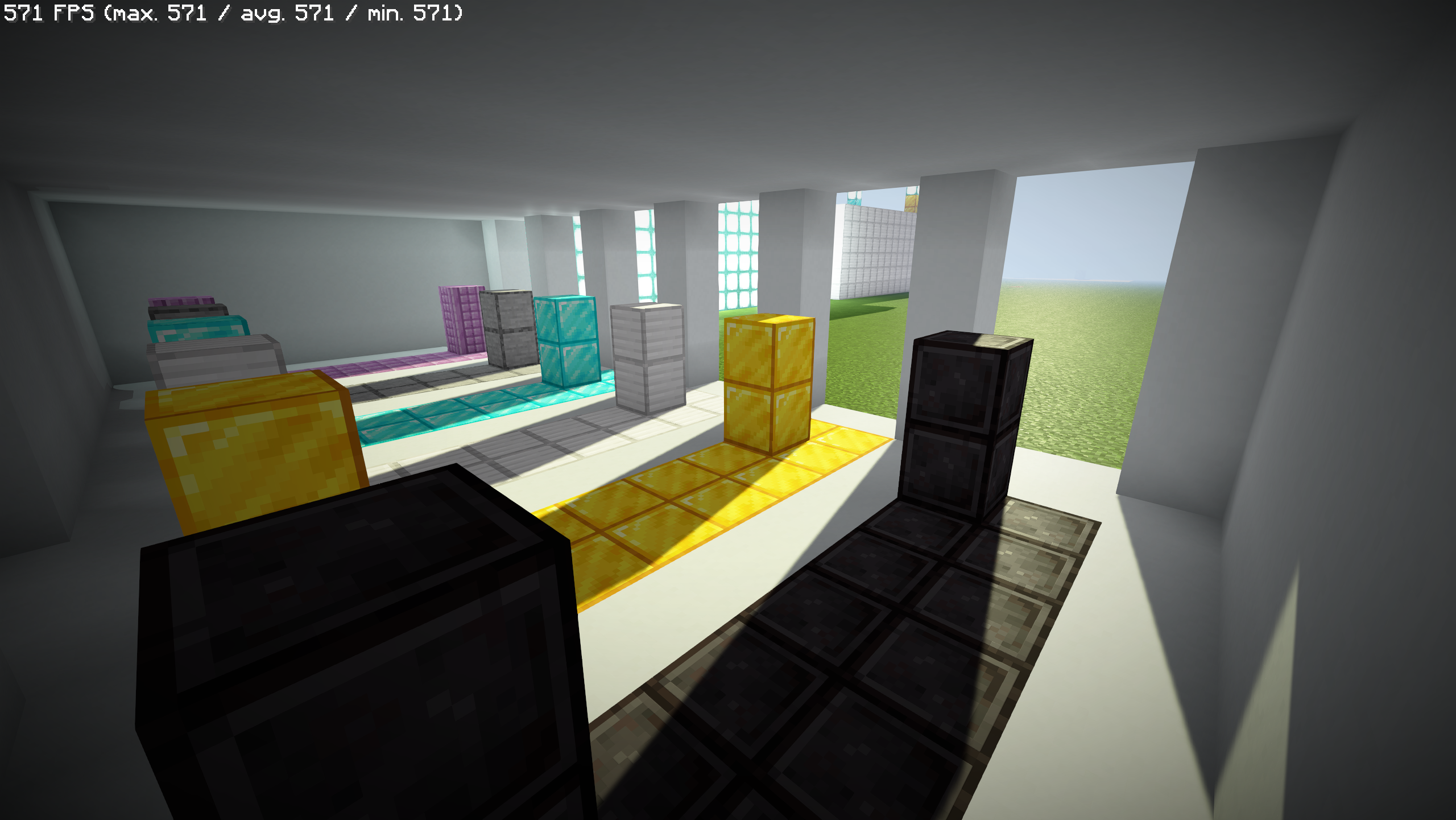
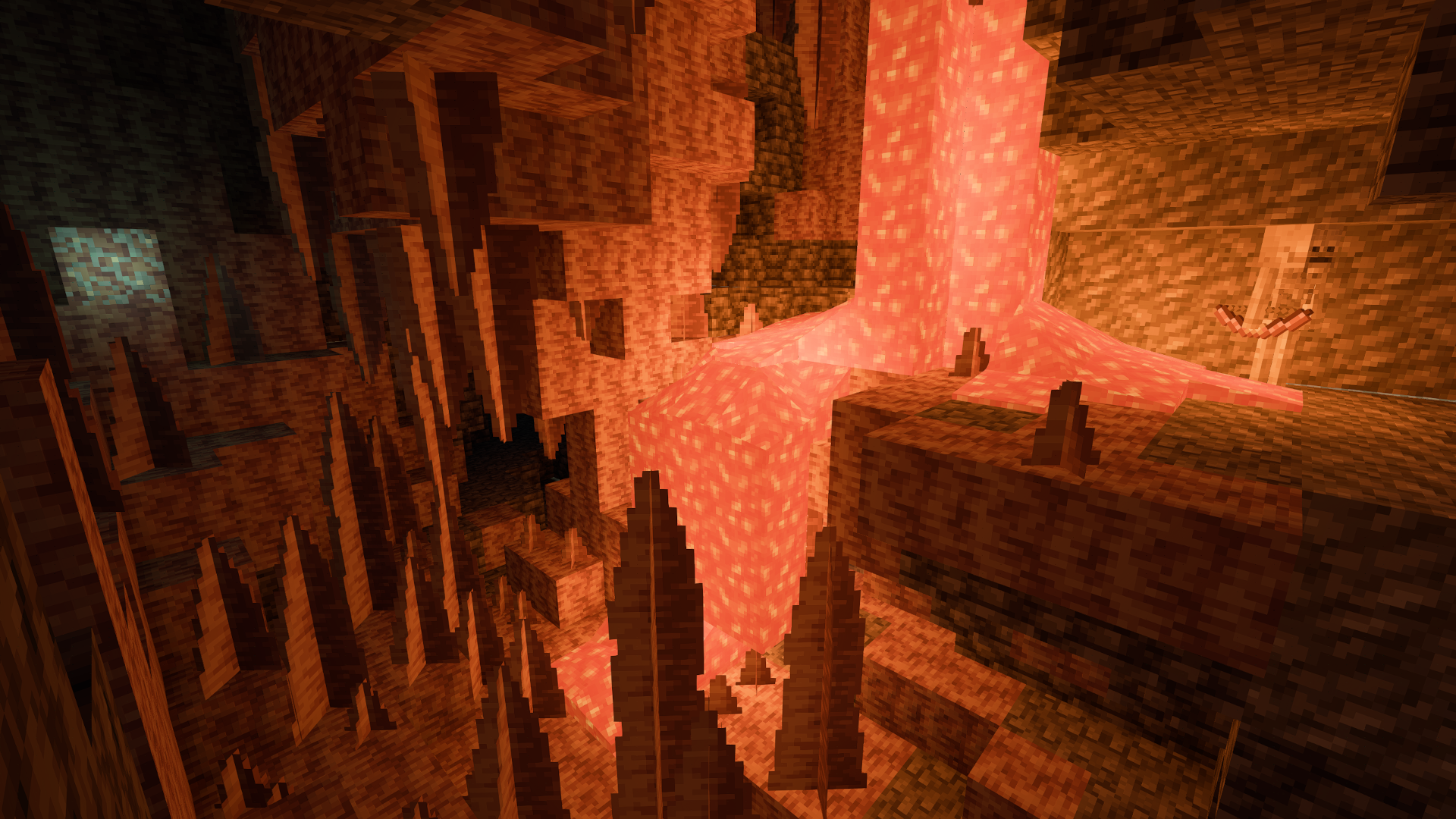
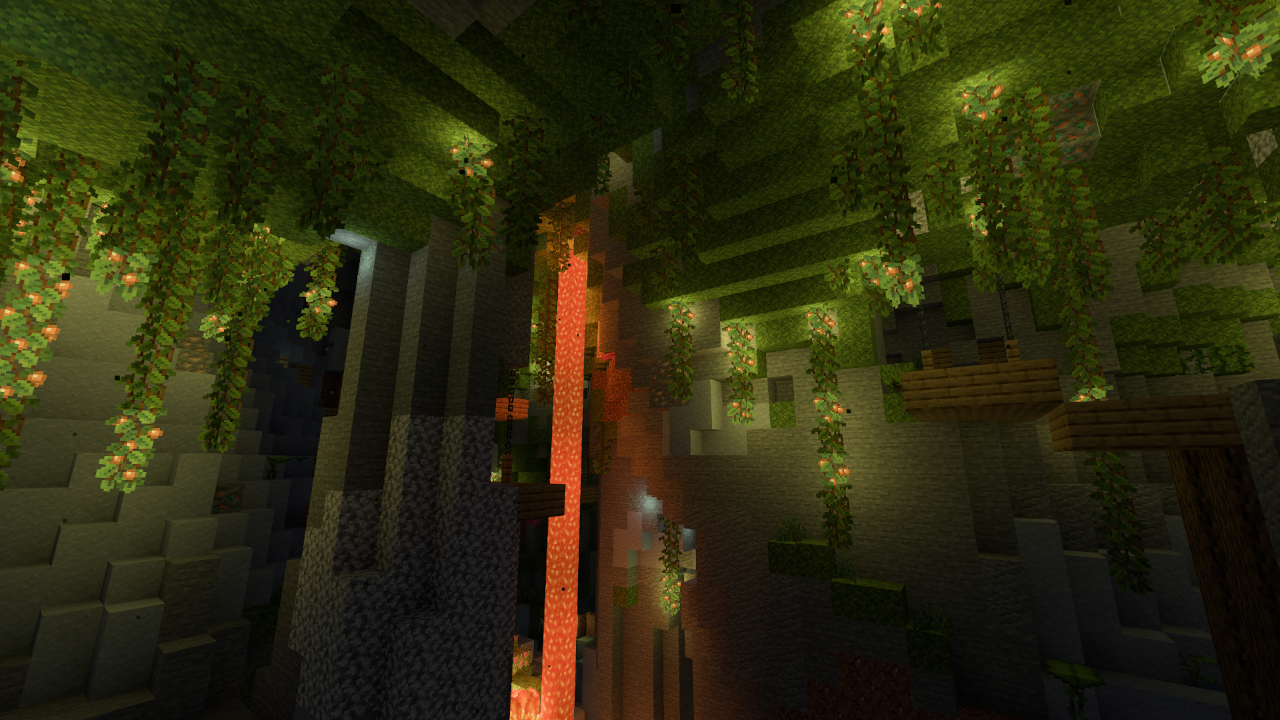
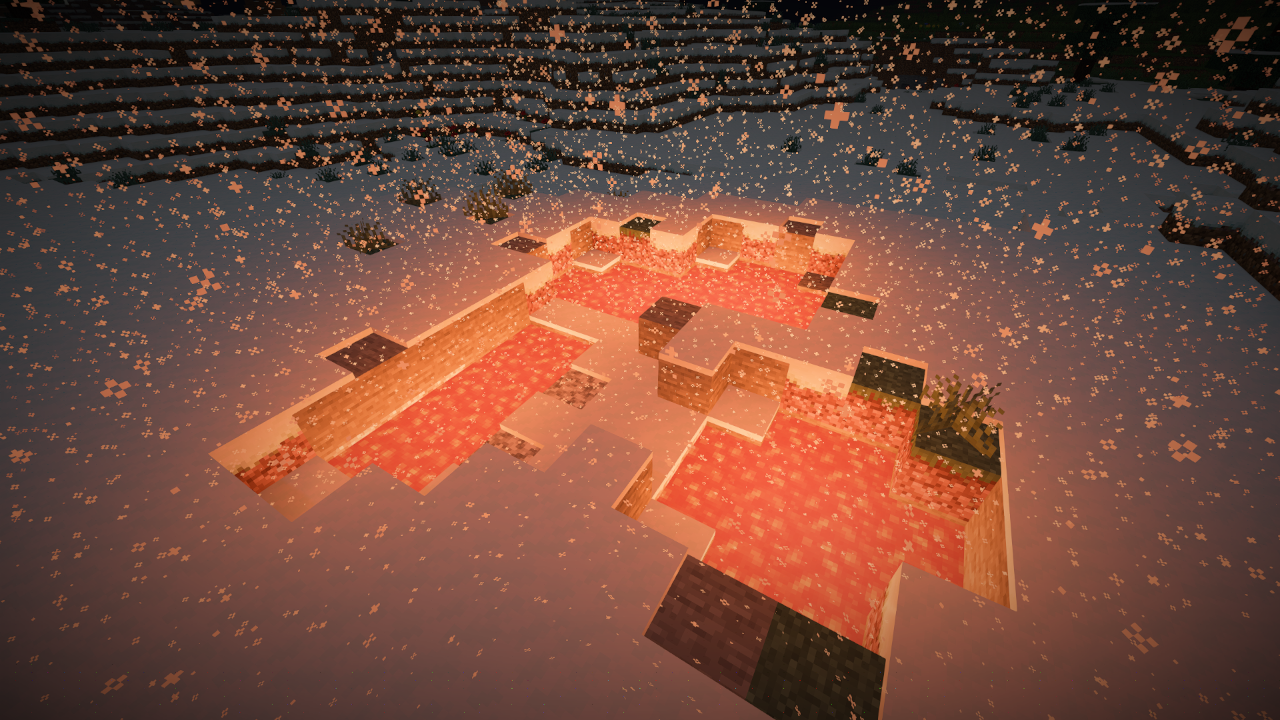
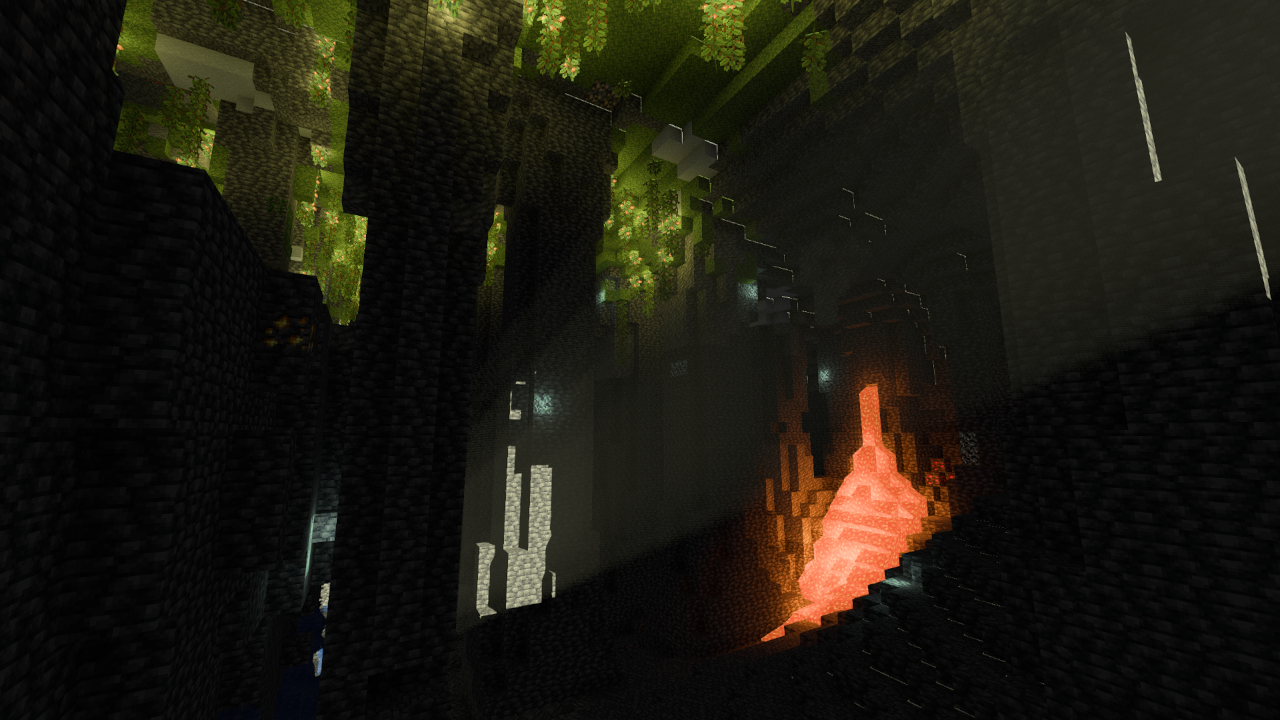
The visual identity of this pack centers on a refined, semi-realistic shaders approach. Instead of overwhelming the screen with high-saturation filters or blurry depth effects, it focuses on high-quality real-time shadows and volumetric light through distorted shadow mapping. The implementation of FidelityFX Contrast Adaptive Sharpening ensures that textures remain crisp even when post-processing effects are active. One of the standout features is the physics-based lighting system, which uses a light list and average texture colors to produce natural reflections and colored block light. This is particularly noticeable in dark environments where hand-held items or glowing blocks cast accurate, ray-traced light onto the surroundings.
Performance is at the forefront of the design philosophy here. By offering trinary min/max operations and 16/8-bit data types, the shader communicates efficiently with modern graphics drivers, especially on Linux and Windows platforms using Nvidia or AMD hardware. While it includes complex features like SMAA and customizable water opacity, it remains accessible for mid-range systems that might struggle with heavier cinematic packs. It even includes experimental support for Distant Horizons, making it a viable choice for players who want to maintain massive render distances without a complete FPS collapse.
Compatibility is primarily geared toward the Java Edition using Iris, taking advantage of specific pipeline attributes like block emission and SSBO support. For survival players who need utility alongside aesthetics, it provides practical tools such as light level visualization and integrated compass overlays. Because most PBR data is procedurally generated, it allows for a consistent material look across various resource packs. Overall, it is an excellent choice for players who prioritize a modern, efficient engine that enhances the atmosphere of the game without compromising competitive frame rates.
Installation
Install RenderPearl as a realistic shader pack for Minecraft 26.2 using Iris.
- 01Install Iris for Minecraft 26.2 and launch the game once.
- 02Download the ZIP that matches Minecraft 26.2 from the versions below.
- 03In Minecraft go to Options → Video Settings → Shader Packs → Open Shaders Folder.
- 04Drop the .zip inside without extracting, click RenderPearl in the list, then press Done.
Downloads
All versions of RenderPearl