Shader Pack // by RRe36
FastPBR
A high-performance realistic shaderpack featuring volumetric clouds and advanced PBR atmospherics optimized for the Iris loader
Download v2.0 (1.1 MB)Overview
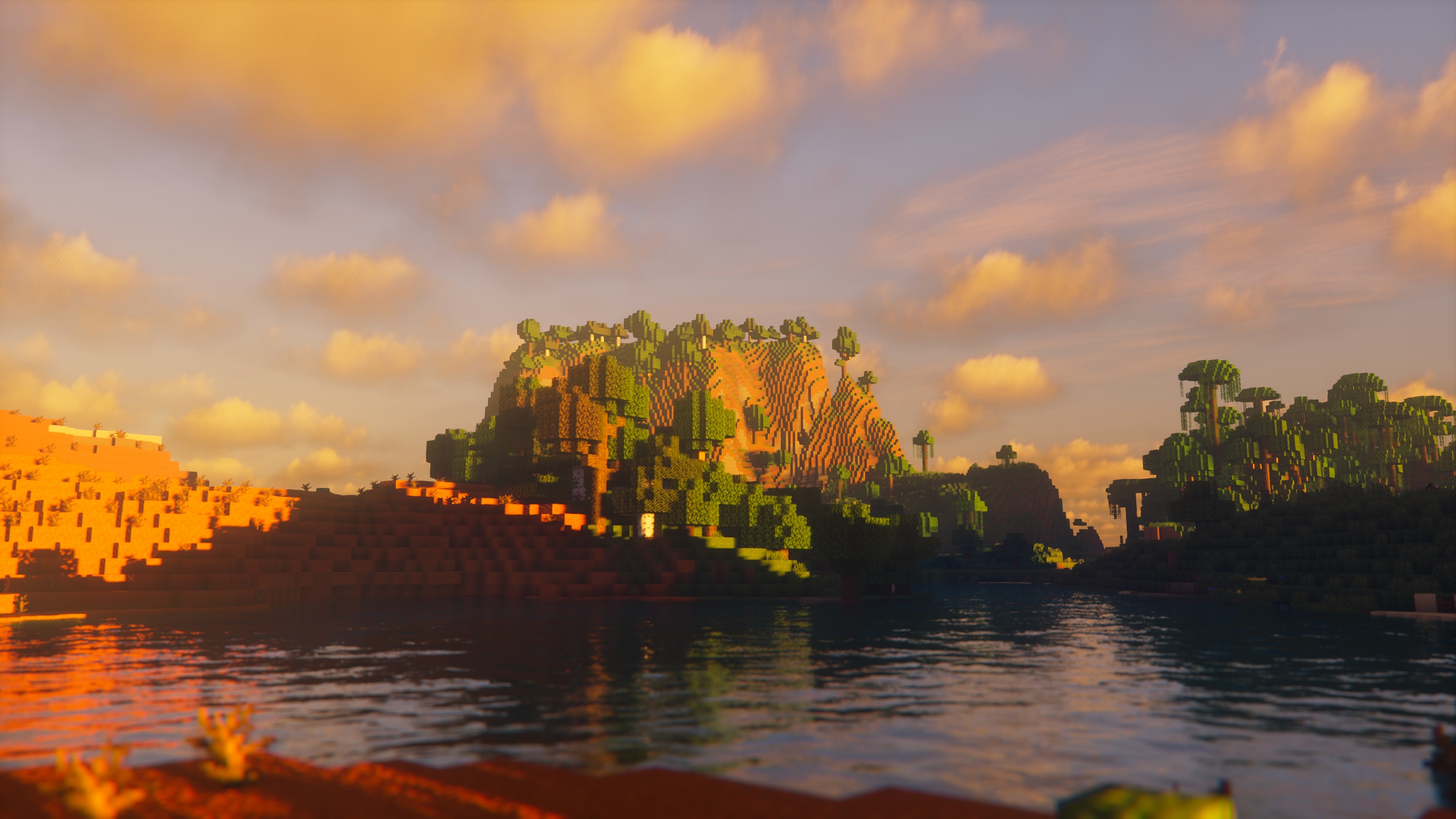
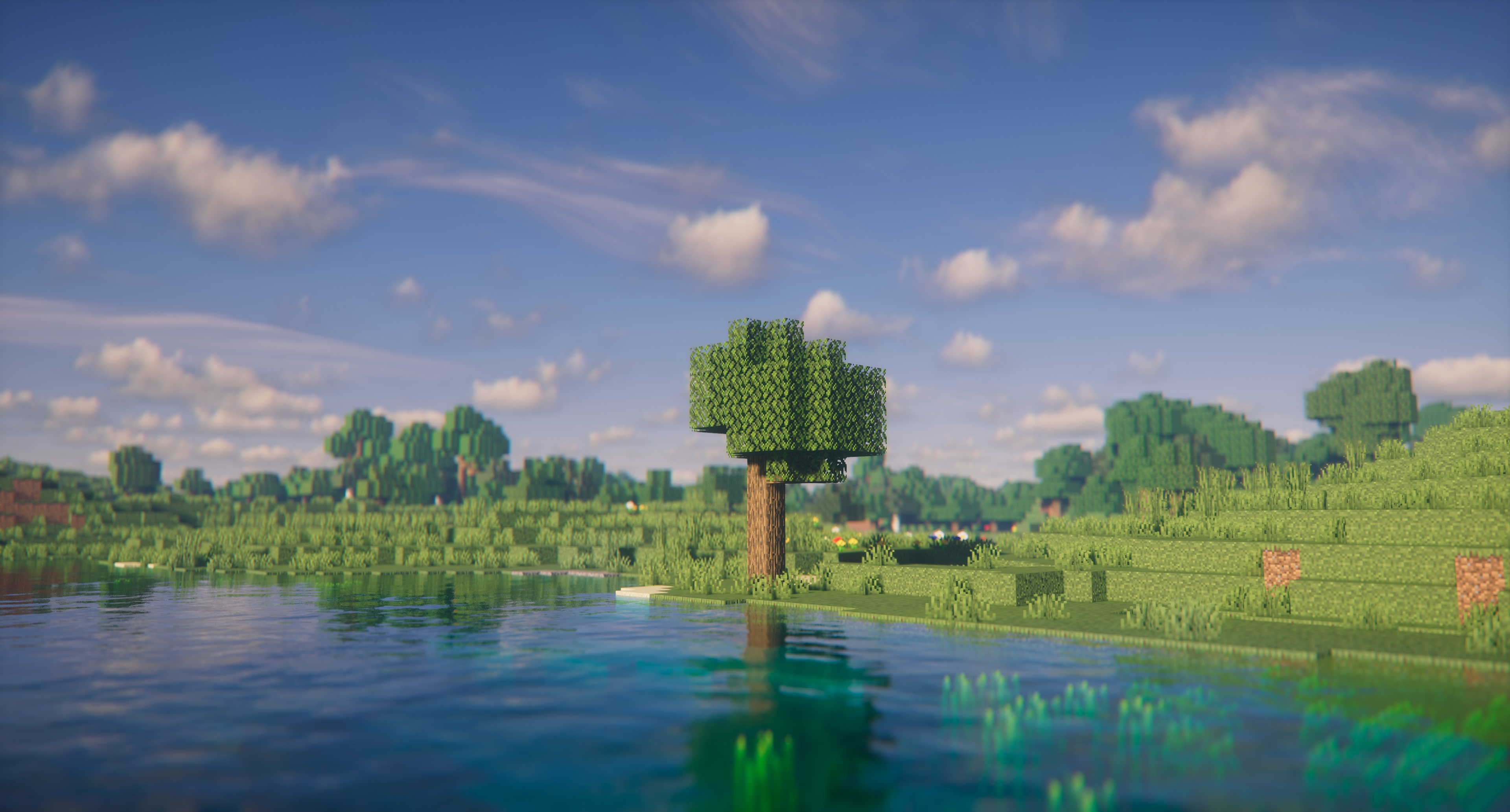
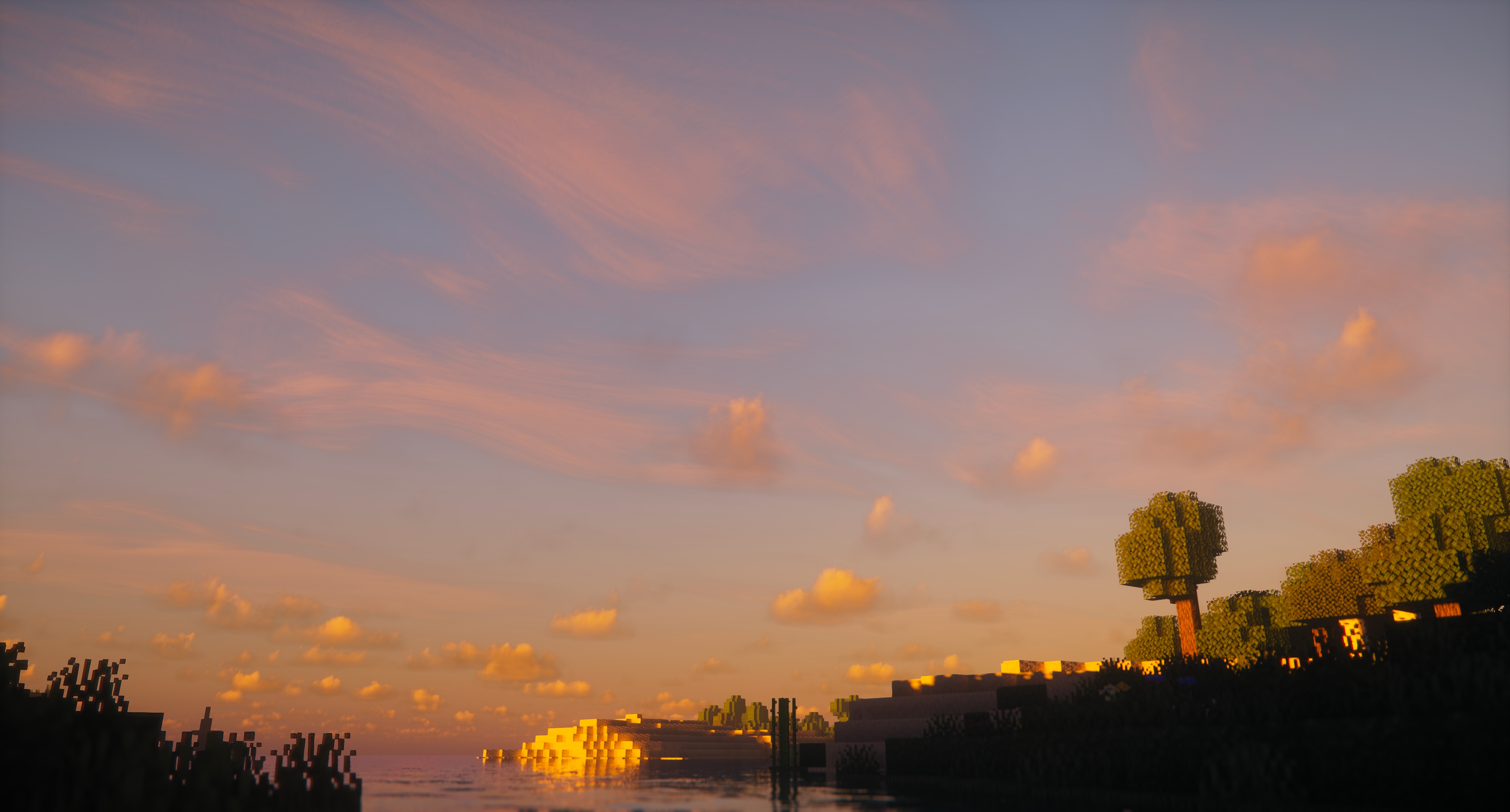
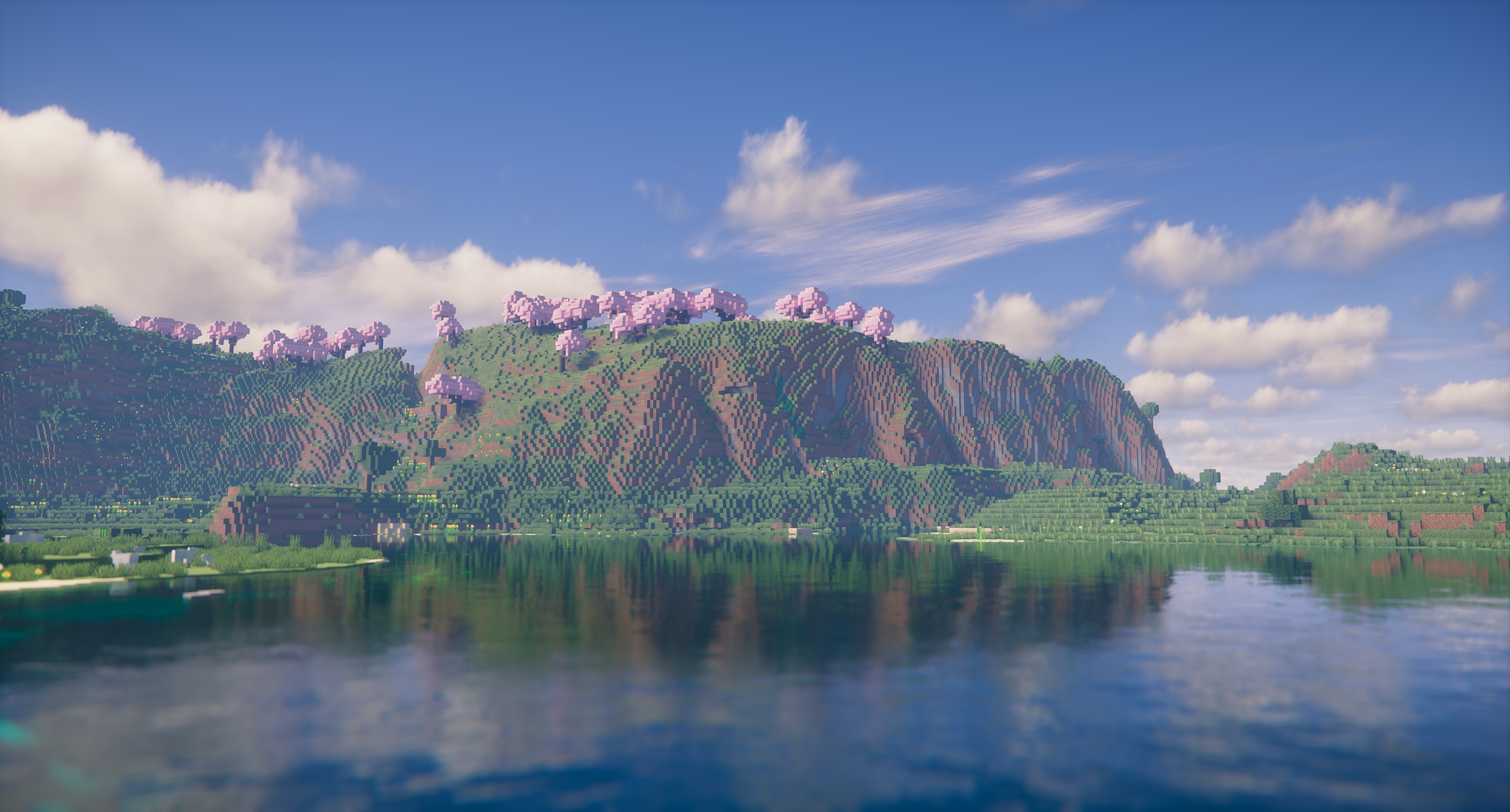
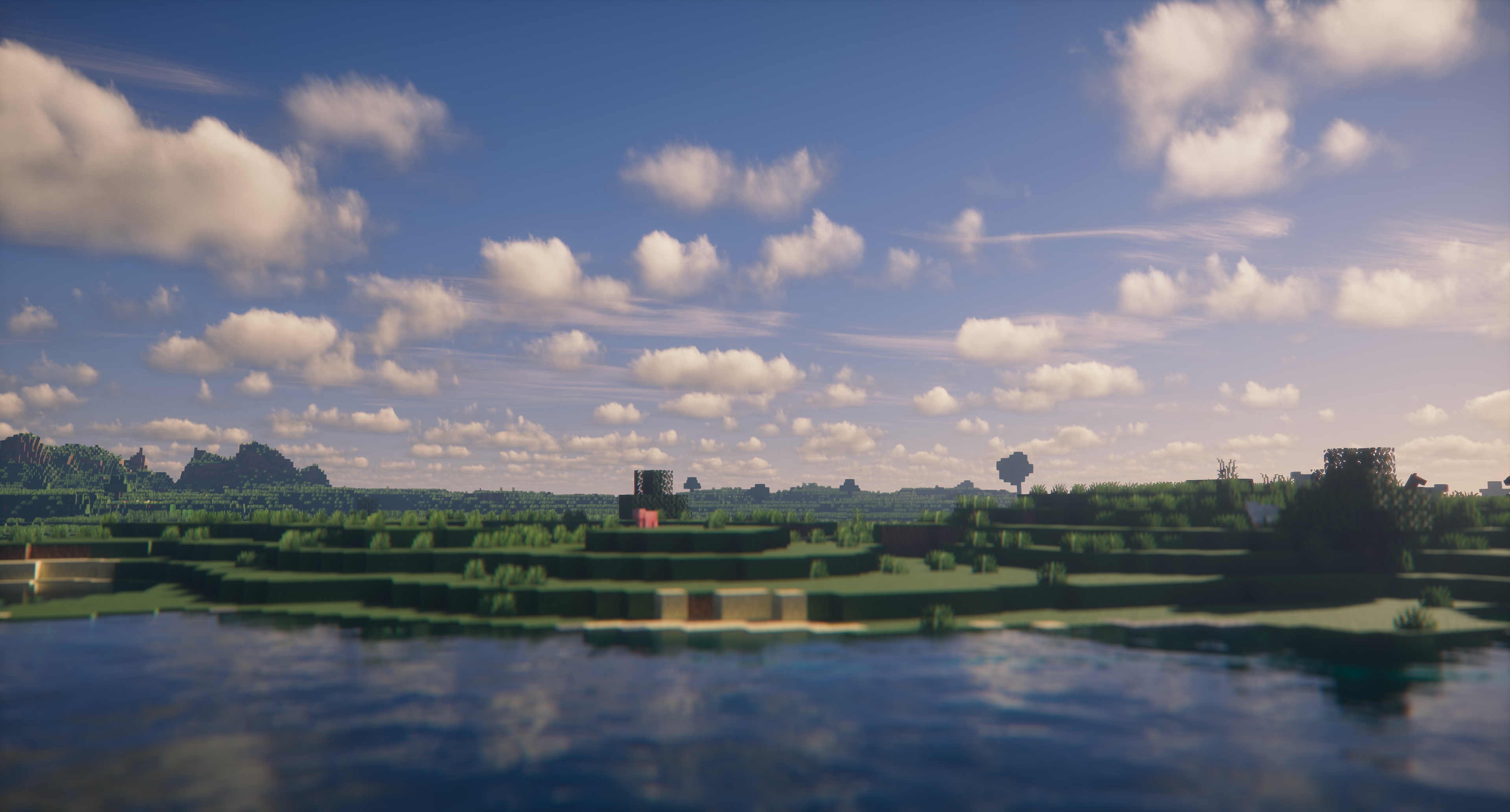
FastPBR focuses on delivering a sophisticated balance between high-end atmospheric rendering and gameplay performance. Developed by RRe36, this pack is designed to provide a natural visual profile without the heavy performance taxes typically associated with high-fidelity realistic shaders. It utilizes physically based rendering for its atmospherics, creating a cohesive sense of depth and lighting that feels grounded in reality. One of its standout features is how it handles the interaction between light and air, using a procedural skybox and volumetric fog to simulate weather patterns and time-of-day transitions with remarkable accuracy.
Advanced Lighting and Modern Compatibility
Technically, FastPBR is a modern powerhouse that leverages the latest advancements in the Minecraft shaders ecosystem. It includes dynamic soft shadows and optional screen-space indirect lighting through HBIL, which adds significant contact shadowing and bounce lighting to blocks and terrain. To keep the image clean, it employs Temporal Anti-Aliasing and Upscaling (TAAU), effectively smoothing out jagged edges while preserving frame rates. The addition of volumetric clouds and lens effects like depth of field and lens flares provides a cinematic quality that makes exploration feel rewarding. Since version 2.0, it also offers compatibility with the Distant Horizons mod, allowing for stunning vistas that stretch far beyond the standard render distance.
Regarding technical requirements, this pack is strictly built for the Iris loader. The developer has moved away from OptiFine to utilize the more advanced feature set found in Iris 1.6.0 and newer versions. You will need a graphics card supporting OpenGL 4.3, which covers most modern hardware, though it is primarily optimized for Windows and Linux environments. While the PBR atmospherics are a core draw, it is important for users to note that PBR here refers to the atmospheric calculations rather than out-of-the-box specular map support for blocks. For players who value a clean, high-performance visual upgrade that maintains a serious aesthetic, FastPBR serves as an excellent middle ground. It manages to deliver complex effects like volumetric lighting and procedural skies without the typical stuttering found in unoptimized packs, making it a reliable choice for long-term survival worlds and technical builders alike.
Installation
Install FastPBR as a realistic shader pack for Minecraft 1.21.4 using Iris.
- 01Install Iris for Minecraft 1.21.4 and launch the game once.
- 02Download the ZIP that matches Minecraft 1.21.4 from the versions below.
- 03In Minecraft go to Options → Video Settings → Shader Packs → Open Shaders Folder.
- 04Drop the .zip inside without extracting, click FastPBR in the list, then press Done.
Downloads
All versions of FastPBR